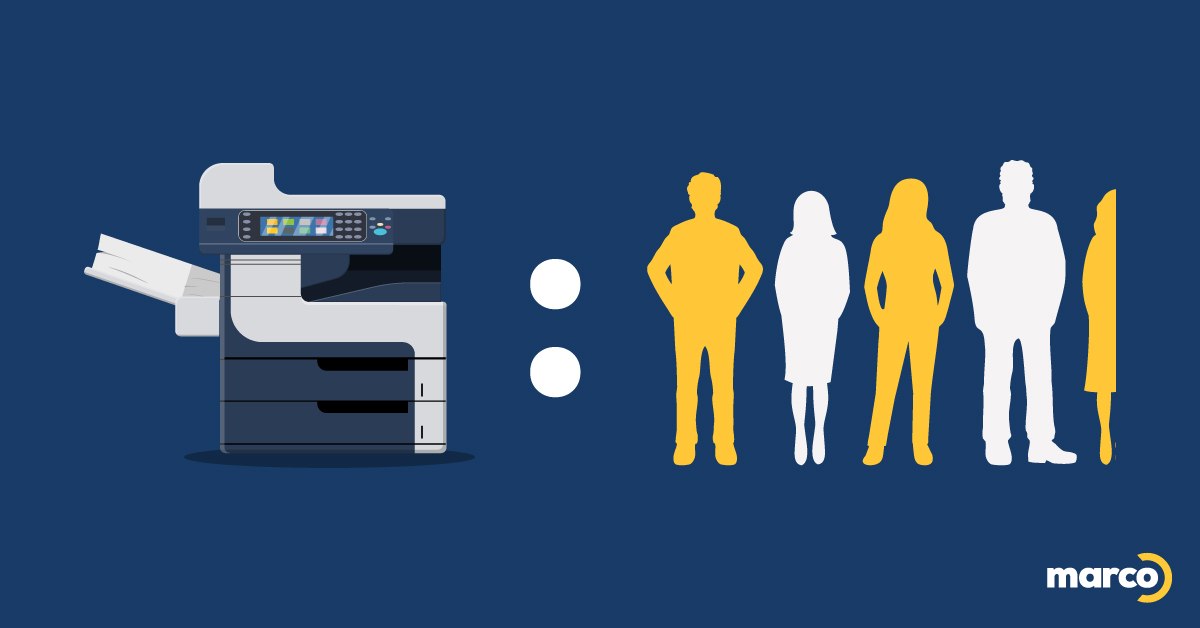
Have personal printers become just the new workplace status symbol?
You’re probably not going to like my answer, but yes.
For information security or productivity purposes, it makes sense for some workers to have their very own printer. And there’s definitely a sweet spot that balances convenience and productivity with cost reduction. But most workplaces I visit use far too many printers, and it’s costing them a fortune in supplies, energy, and maintenance. Plus, their IT team doesn’t like it — not one bit.
The Ideal Ratio of Printers to Employees
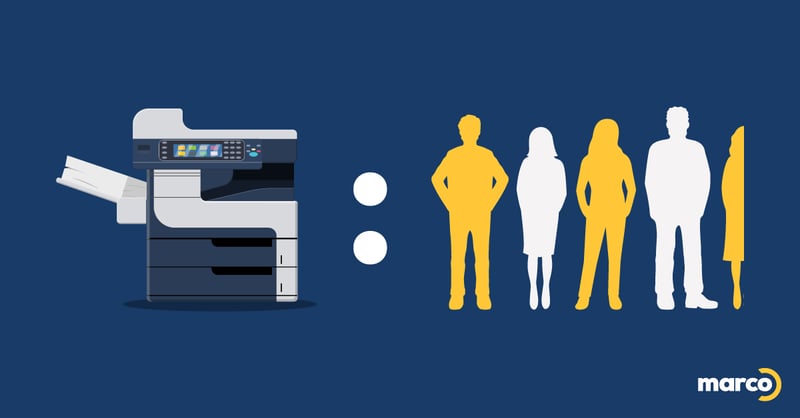
In our industry, we tend to say that the ideal ratio is 1 printer for every 4.4 employees. If that’s about where you’re sitting, or your print needs are already being served by having fewer printers, good for you! If not, you might want to reevaluate the number of machines you have.
But before you start chucking out a few printers (securely, please), it’s not always that simple.
Every workplace is different, and different departments within the same organization may have entirely different printing needs. So let’s walk through how that might affect the math.
How To Pinpoint How Many Office Copiers and Printers You Should You Have

To find your printer/employee sweet spot, you’ll need to keep a few things in mind. I can’t anticipate every workplace layout and scenario, but here are the considerations most businesses should take into account.
Consider How Many In-Office Employees You Have
Okay, this seems basic. But if your company is anticipating adding more staff in the next few years — or if you intend to downsize — your print needs will change.
However, be cautious about hanging on to aging equipment. We frequently tell clients to expect that the average workplace printer has an equipment lifecycle of about seven years. After that, an outdated printer is likely to cost you more than it’s worth. So if you aren’t expecting to grow within the next few years, you can probably eliminate quite a few devices that won’t serve you well in the future.
Identify Departments or Individuals With Special Print Needs
Some individuals at your organization will need to print more than others and should have easy access to the type of printer they’ll need most. And if you have these departments within your organization, they’re likely to have specialized print needs:
- Legal/Regulatory Compliance
- Human Resources
- Accounting & Finance
- Administration
- Marketing
- Engineering
Pay Attention to Location and Layout
It’s probably too much to expect employees to travel to an entirely different floor just to print something. Printers should be relatively convenient for employees to access, especially employees who need to print frequently throughout the day.
I say “relatively convenient,” because as I mentioned in the intro, we tend to discourage personal printers at Marco for a few reasons. Many members of your staff may associate personal printers with better data privacy, but it’s a little more complicated than that. You probably don’t (or can’t) lock your office door every time you leave your desk, and there are much better ways to improve print security these days, even with a decentralized printer.
And then there’s this — personal printers can encourage wasteful print habits, which can dramatically affect print costs throughout your organization. If the closest printer is down the hallway, employees tend to cut down on unnecessary printing, all by themselves.
Don’t Ignore Print Speed
Organizations should consider print speed when assessing printer numbers for four key reasons:
- Slower print speeds can create bottlenecks for some departments
- Print volumes may vary, but during times of high demand, slow printers can mess with tight deadlines
- Printers that produce beautiful images tend to be slower, so departments that frequently print in full color or require advanced finishing may need an additional printer to maintain productivity
- One faster printer may end up giving you the same productivity as multiple slower devices
Do the Math on Costs per Print
Your cost per print is probably more complicated than you think. We’ve simplified it as best we can, but beyond ink and toner costs, each additional printer adds to your energy bill, repair and maintenance costs, and takes up space. They can also take up a tremendous amount of your IT team’s time.
And if you’re not in the habit of securing your printers, each printer can also be an entry point for hackers to launch ransomware attacks and more.
Build In Redundancy
Printers get a bad rap, but they’re not often handled with the same care as other sensitive technology, and many offices don’t maintain their printers properly. Well-maintained printers tend to cause fewer disruptions than their neglected counterparts, but every now and then, you’re still likely to experience the dreaded paper jam or error message.
If you only have one workplace printer and your printing capabilities are directly tied to productivity, you might want to consider having an additional printer just in case.
Get Pro Help Determining How Many Printers per Employees You Should Have
If you have a complex print environment, and all of these considerations I outlined are feeling like a lot, that’s fair. Your time may very well be better spent doing other things. But if you’re still hoping to slash print costs without impacting productivity, this is something you can get help with…typically for free.
Many managed print services providers — like Marco — offer complimentary print assessments to help you optimize your environment. Determining the ideal number of printing devices you should have and what they should be, is just one portion of this assessment. But as you might expect, not all providers are the same. The thoroughness of your assessment and just how helpful it will be depends on who you’re asking.
You’re welcome to ask us for this type of help, but if you already suspect you need to replace a few devices with a faster or more advanced model, we’ve designed an interactive checklist to help you determine the best device for your environment in 2 short minutes.
Click the link below to access it!