Go with me here: you know how most people have a fear of sharks, but not hippos, even though hippos are far deadlier?
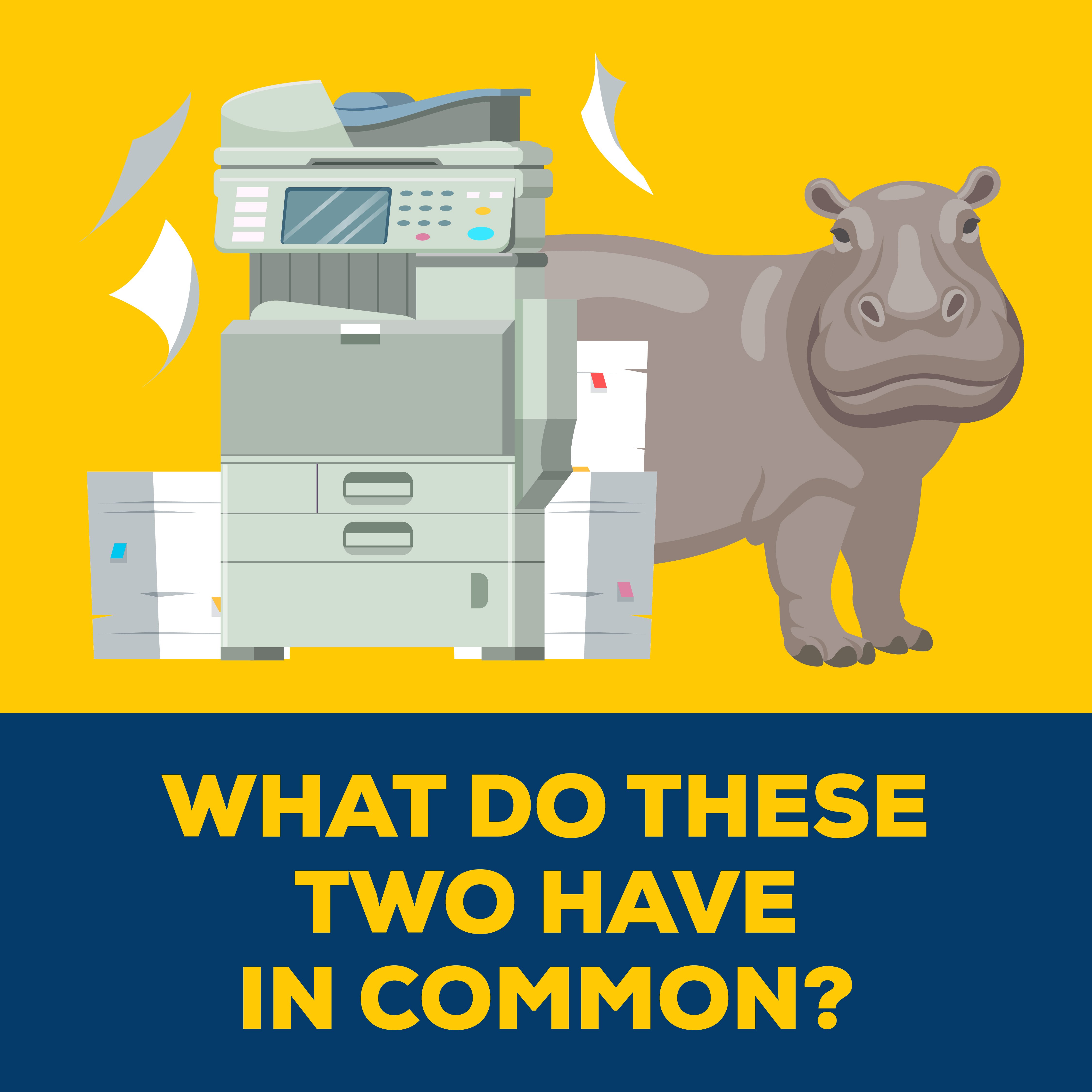
Printers are kind of like the “hippos” of cybersecurity. They look all innocent and hardy — maybe a little cute in an ugly kinda way — and yet, unless they’re properly secured, they may be secretly helping cybercriminals compromise your network. After all, printers are computers, even if we don’t often think of them that way.
If your office hasn’t yet taken steps to secure its print fleet, the best time to do it was ten years ago, but the second best is today. Let’s talk about how.
Statistics That Show the Importance of Print Security
Print security matters. But rather than lecturing you on the whys and wherefores, these statistics from HP paint a clear picture:
- In the past 12 months, 68% of organizations have experienced data losses due to unsecure printing practices
- 73% of those operating a mixed fleet of printers reported data breaches
- The average print-related data loss costs US organizations over $700,000
- 30% of organizations report that a past data loss has led to lost customers
What Exactly Is Print Security
Print security is an all-encompassing term that includes the risks relating to the data that flows through these devices (print, copy, fax, scan) and the risk the devices themselves present to your environment by simply existing (IoT risk).
How print security is implemented depends on the who, what, when, where, and how these devices are used, but common examples include the following: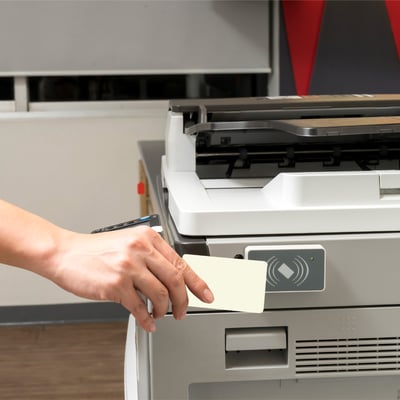
- Encrypting stored data on printer hard drives and NVRAM
- Maintaining secure policies and best practices related to all printing devices, such as replacing default passwords
- Hardening devices according to established procedure
- Applying security-related patches and updates in a timely fashion
- Securing related network protocols and ports
- Employing secure print software that requires user authentication before a printer will release a print job — also called pull-printing or follow-me printing
- Using print monitoring software to analyze how devices are being used, and by whom
- At disposal, sanitizing devices of all sensitive data
Securing Your Fleet With a Print Security Assessment
A print security assessment is similar to a regular print assessment in many ways. If you’ve conducted one recently, some of these steps overlap. A print security assessment is designed to expose any print-related vulnerabilities in your organization, so you can address them.
Our Five-Step Method
- Complete a current, detailed inventory of all of your print devices, including device type, brand, capabilities, age, and location
- Evaluate the security of each device, including its firmware and passwords; you should also note any unused protocols, interfaces, services, and ports
- Develop recommendations to address any risks, like how your office will manage firmware and other security updates in a timely fashion going forward
- Consider eliminating older printing devices that aren’t equipped with modern security features or that have reached their end-of-support date
- Review current decommissioning practices to ensure sensitive information is triaged according to your organization’s standards and any regulatory requirements
The Easiest Way To Get a Print Fleet Audit
Many managed print services (MPS) providers will offer free print assessments — they’re a great way for businesses to get to know how a provider works and how they might be able to save you up to 30% on print costs. However, not all print providers are the same, and that goes double for their assessments.
At Marco, not only do we offer free print assessments, but ours can also include an in-depth analysis of your print security. Our dedicated print security team has the time and resources to keep on top of common attack vectors so we can help you significantly reduce your risk of a data breach, a denial-of-service attack, malware, and more. We’ve also gone one step further — we’ve achieved a SOC 2 Type 2 report to independently verify the design and effectiveness of our controls.
To start securing your fleet and get a sneak preview of how we do business (on our dime!), click below.