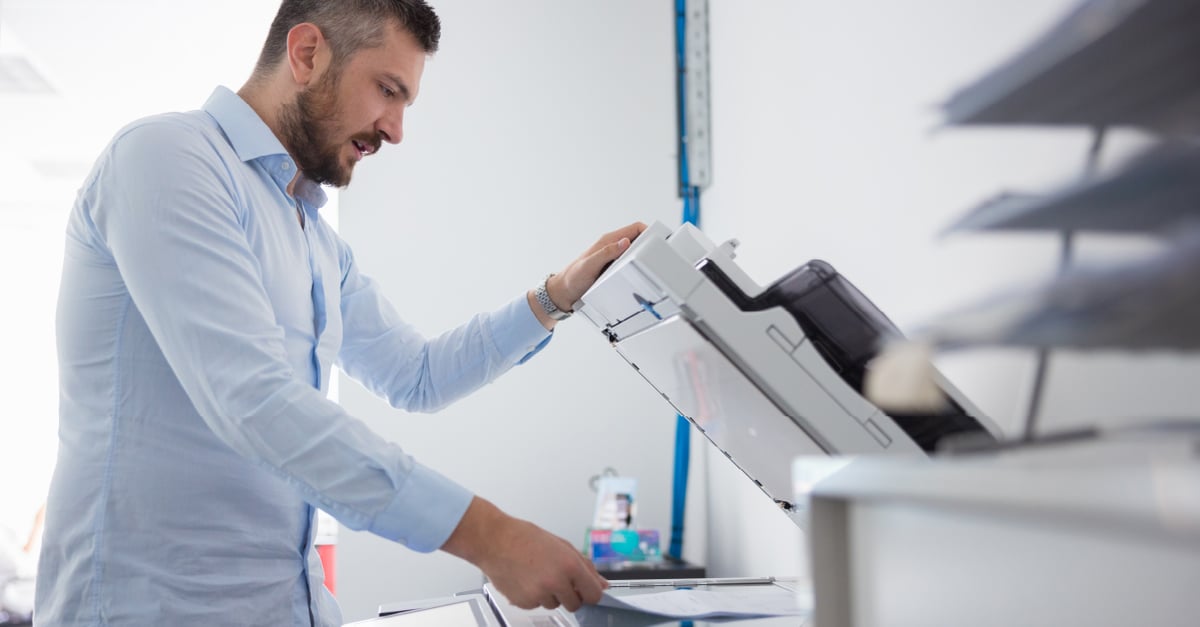
Relying on shared versus personal printers is a great way to optimize your print environment and reduce costs. But by now, you may have heard a few horror stories about sensitive information left lying in the tray. Medical records, employee salary details, and termination paperwork are just a few examples of documents that shouldn’t be shared.
Personal printers might still be necessary for a few roles within some organizations. However, generally speaking, there are much better ways to keep printed data safe. Depending on the printing devices you’re using, you can probably enable secure printing throughout your print environment one by one or you can use secure printing software.
What Is Secure Printing Software?
.jpg?width=1201&height=628&name=240311_MARCO_AprilPhase1_SecurePrinting-1%20(1).jpg)
Secure printing software is just one tool that you can use to control the transfer and production of sensitive information. It works by tying the user to the document by requiring that user to identify him/herself at the printer (via a PIN or ID card) before production begins. This ensures that the confidential/private documents don’t get lost in the paper shuffle or picked up by unauthorized viewers.
Secure printing, also known as pull printing or follow-me printing, can also be enabled manually on each device — without special software. However, the software makes it much easier for IT teams to manage complex print environments, and it typically offers a few additional benefits, which I’ll explore a bit later.
Why You Need Secure Printing for Business
.jpg?width=1201&height=629&name=240311_MARCO_AprilPhase1_SecurePrinting-2%20(1).jpg)
Virtually every business works with confidential information, and that information is incredibly valuable to cybercriminals and identity thieves. It is your responsibility, as an organization and employer, to keep this information secure.
But in my experience talking with clients, most of them tend to underestimate the risk that their confidential information could make its way into the wrong hands at all — let alone through their printers. Here are some stats that paint the opposite picture:
- Roughly 30% of printed documents are forgotten in the printer tray
- 68% of IT pros for small to midsize businesses reported data losses due to unsecured printing
Those numbers are troubling, but fortunately, you’ve got options, including through Windows!
Secure Print Instructions for Windows 11
Many of today’s multi-function and standard print devices come equipped with secure print features that will allow you to manually set documents to print confidentially — through each user’s computer — without relying on print management software. I’ve listed the steps below. Just keep in mind that these steps might vary depending on the device and the version of Windows 11 you’re using.
- Click on the start menu, and click settings, and then Bluetooth and devices
- Click manage and then printing preferences
- Click on the drop-down menu to select secure print
- When you see a passcode window pop up, type in the user’s name, along with their unique passcode
- Click okay, then okay again
- Now, when you click print, you should be able to find your name from the printer’s menu, select it, and type in the correct passcode to release the print job
Secure printing requires only a few easy steps that eliminate a big risk. Feel free to share this step-by-step guide with your team members who could also benefit from this feature!
Comparing Secure Printing Software
.jpg?width=1201&height=629&name=240311_MARCO_AprilPhase1_SecurePrinting-3%20(1).jpg)
We typically recommend Papercut, PrinterLogic, or SafeQ for most businesses, and we aren’t alone. Papercut has come a long way in recent years and frequently found itself on Gartner’s elite Magic Quadrant for its high user satisfaction ratings, faster ROI timeline, and versatility. However, PrinterLogic has impressive customer ratings, earned its own list of G2 rankings, and has a reputation for saving IT pros valuable time.
SafeQ has also turned heads for its ability to simplify print management, increase security, empower mobile device users, and streamline print-related workflows.
Ultimately, which secure printing solution is best for you depends on a number of factors, including:
- Organization size
- Number of users that require secure capabilities
- Overall printing requirements
- Whether you prefer cloud or on-prem print management
If only you knew a technology provider that could ask you a few questions and tell you which solution would provide the best value…
Oh wait! Now you do!
Feel free to reach out to one of our print experts to discuss your options in greater detail and to access competitive pricing. We also offer free print technology assessments to provide clients with more comprehensive recommendations on how they can boost security and reduce costs.
Click the link below to get started!

.png?width=72&height=72&name=MicrosoftTeams-image%20(2).png)









