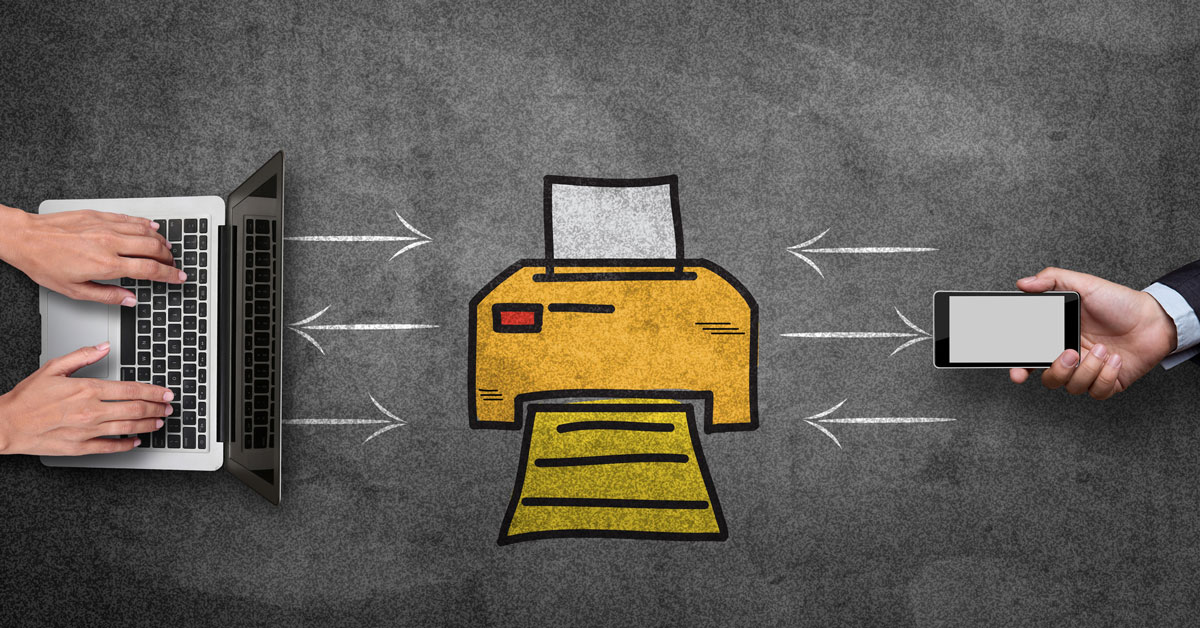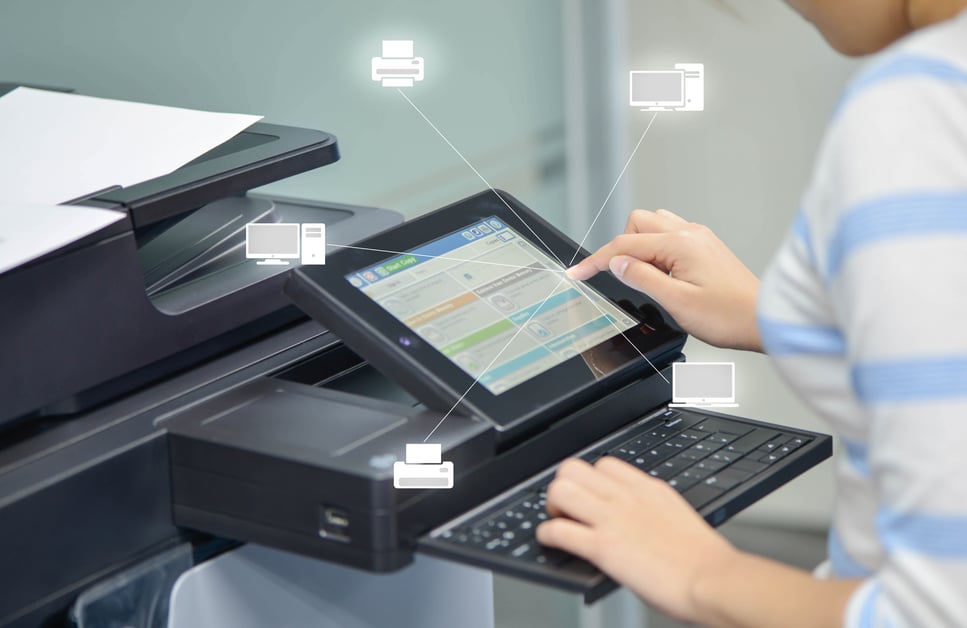
Modern copy machines have evolved far beyond simple copying. They're now sophisticated multifunction devices that can significantly impact your office's productivity and efficiency.
While you don't need to understand the technology to use it effectively, knowing a little bit about how copy machines work and what features are available can help you maximize your investment, identify issues when things go wrong, and ensure your team is taking full advantage of your equipment's capabilities.
How Does a Copy Machine Work?
Believe it or not, the same static electricity that makes your hair stick up is behind photocopier technology.
When you place a document on the glass and push the start button, here's what happens: A bright lamp turns on and begins moving across the copy machine, illuminating your document one strip at a time. As the lamp moves, mirrors attached to it capture the reflected light and direct it through a lens, projecting your document's image onto a special photoreceptor drum hidden inside the machine.
Now here's where the magic happens. Corona wires inside the copier are exposed to high voltage, creating a powerful static electric charge on the drum's surface. But the drum isn't charged uniformly — it can be selectively charged based on the image projected onto it. Dark areas on your original document cause specific parts of the drum to become electrically charged, while white areas remain neutral.
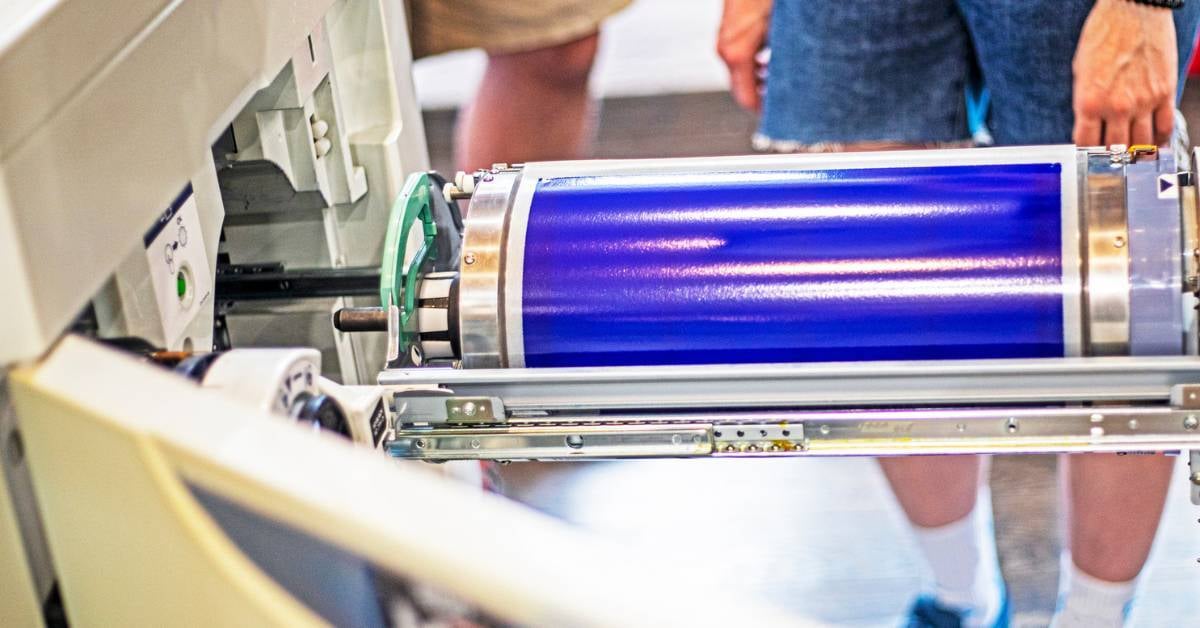
As the charged drum rotates, it passes by the toner cartridge. That toner cartridge contains a fine black powder that's attracted to the static electricity like metal to a magnet. The toner particles leap onto the charged areas of the drum, creating an exact replica of your original document in powder form.
But the toner isn't stuck to the drum permanently. As a blank piece of paper feeds through the machine, those same corona wires pulse static electricity through the paper, making it even more attractive to the toner than the drum. The toner transfers from the drum onto your paper.
There's one final step: the fuser. Since toner is just loose powder at this point, it needs to be permanently bonded to the paper. The fuser uses heat and pressure to melt the toner and press it into the paper fibers, creating a permanent image that won't smudge or rub off. The fuser also prevents any remaining toner from sticking to the drum or other internal parts, keeping the machine clean for the next copy.
And just like that, you've got a perfect copy of your original document. This entire process happens in just seconds, with multiple components working in perfect synchronization every time you press that start button.
How To Use a Copy Machine To Save Time and Money
Depending on the printing equipment you have, your office copier/printer can do a lot more than simply print out things and make copies. If you haven’t used any of these features yet, here’s what’s available today.
1. Automatic Toner Ordering
When you get busy, re-ordering toner is one of the easiest things to forget. Modern copy machines with automatic toner ordering can monitor supply levels and send alerts or automatically order replacement toner before you run out.
2. Advanced Security Features
Print security has become critical as copy machines have evolved into networked devices. Modern security features include:
Secure Print Release
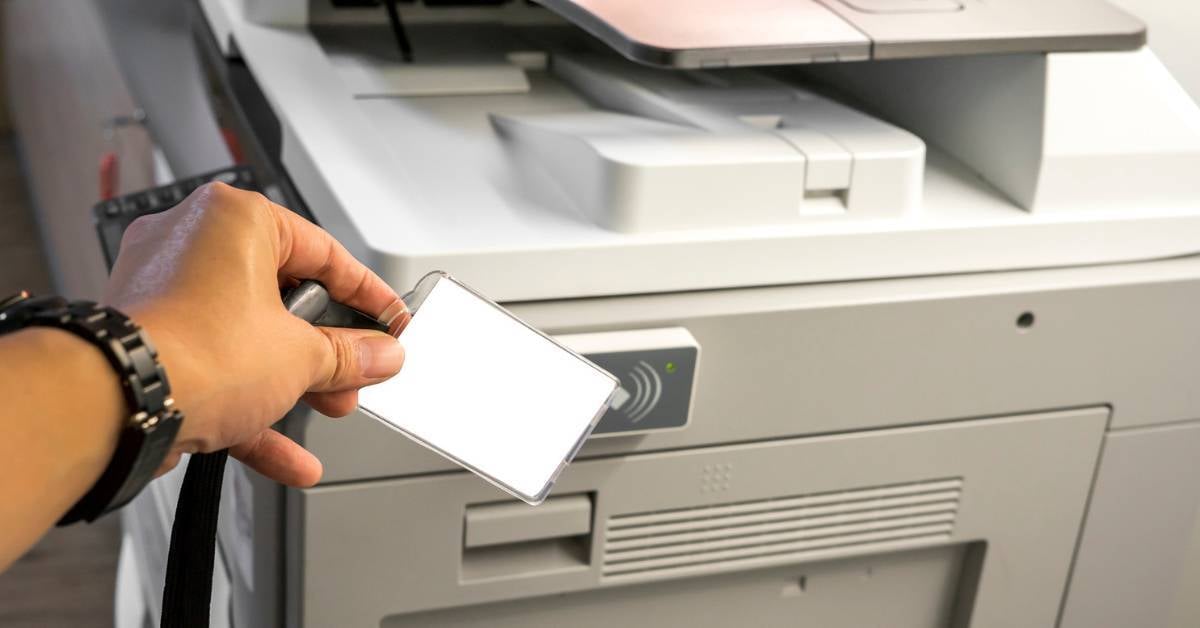
Your document won't print immediately when you hit print. Instead, your printer holds the document in a private queue, and your document will only print when you swipe your badge or enter a code. For larger offices, "Follow-Me Print" solutions allow you to release your print job at any device across your campus or office.
Secure print release can help you:
-
Prevent confidential data from being left unattended in the print tray
-
Discourage wasteful printing habits
-
Enforce print quotas
-
Track and allocate printing costs
-
Meet any regulatory requirements
Biometric User Authentication
Most copiers allow businesses to restrict access by providing each user with a unique PIN. However, more advanced systems now use biometric technology, including fingerprint recognition, with some devices offering voice or facial recognition.
Data Encryption
Modern devices encrypt data both in transit and at rest on the machine's hard drive. That’s important because hackers have learned how to steal data from unsecured print devices.
Secure Data Wiping
When decommissioning equipment, secure wiping ensures sensitive information cannot be recovered.
3. Cloud Integration and Storage
Today's copy machines can connect directly to cloud platforms like Google Drive, OneDrive, Microsoft Teams, Slack, and more. Those integrations allow you to scan documents directly to the cloud for easy access from anywhere, automatic backup, and seamless collaboration with remote team members.
4. Scan to Email & Scan to File
Use your copier to scan a document and save it as a PDF or document file, which you can email to yourself or a co-worker directly from the machine. This eliminates the need to scan at the copier, walk back to your desk, and then email the file — streamlining the process into a single step.
5. Optical Character Recognition (OCR)
OCR technology converts scanned images into editable, searchable text. This means you can scan a paper document and immediately edit it in Word or search for specific terms within a PDF. Most modern machines can store this data on their internal hard drive or upload it to a cloud database that can be shared across multiple office locations.
6. Mobile and Remote Printing
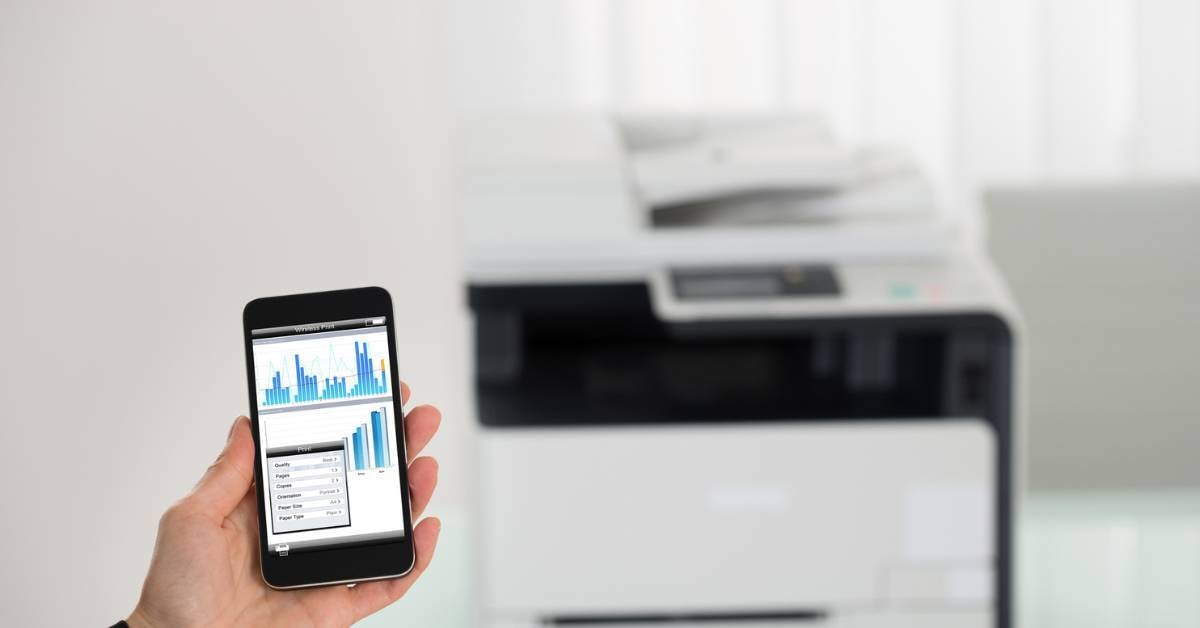
Print directly from your smartphone or tablet without emailing files to yourself or transferring them to a computer first. Mobile printing allows you to print from anywhere in the office or even remotely, helping you stay productive whether you're working from home, on the go, or moving between meetings.
7. Document Finishing Capabilities
Modern copy machines offer extensive finishing options that save significant time:
-
Collate and staple printed booklets and presentations
-
Binding options for professional-looking documents
-
Hole-punching for easy filing
-
Folding capabilities for brochures and newsletters
Pro tip: If you’re in the market for a new device, you might not want to just replace what you have. Think through how your needs may change over the next few years, and what you’d like your new equipment to be able to do.
8. Auto-Duplexing
Auto-duplexing automatically prints on both sides of the page, reducing paper consumption — just one big factor in overall print costs. Setting duplex printing as your default option is an easy way to reduce waste and support sustainability goals.
9. Selective Copying and Scanning
Select specific sections of a document before making copies or scanning to email. This feature helps you avoid wasting toner on unnecessary content and allows you to redact sensitive information before sharing documents.
10. Smart Copying Features
Many copy machines allow you to automatically add page numbers, dates, and watermarks to your copies. Some copiers can store your company's watermark on their hard drive for consistent branding across all documents.
11. AI-Powered Enhancements
Modern devices incorporate artificial intelligence to:
-
Automatically enhance image quality when scanning or copying
-
Detect and correct skewed documents
-
Optimize scan settings based on document type
-
Predict maintenance needs before breakdowns occur
12. Sustainability Features
Modern copy machines include:
-
Energy-saving modes to reduce power consumption
-
Paper usage tracking to help identify waste reduction opportunities
-
Eco-mode printing that uses less toner while maintaining acceptable quality
Making the Most of Your Copy Machine
Copiers and printers aren’t often seen as the technical marvels that they truly are. But they can make a significant impact on your productivity, profitability, security, sustainability, and employee satisfaction. And the more devices you have, the more important it is that they’re the right fit for what they’re being asked to do.
When printing expenses aren’t carefully managed, they tend to balloon out of control, costing an average of 1–3% of your annual revenue. That’s just one reason more and more businesses are turning to managed print services — a comprehensive service that saves your staff a significant amount of time and helps pay for itself.
Click the link below to get our comprehensive guide!