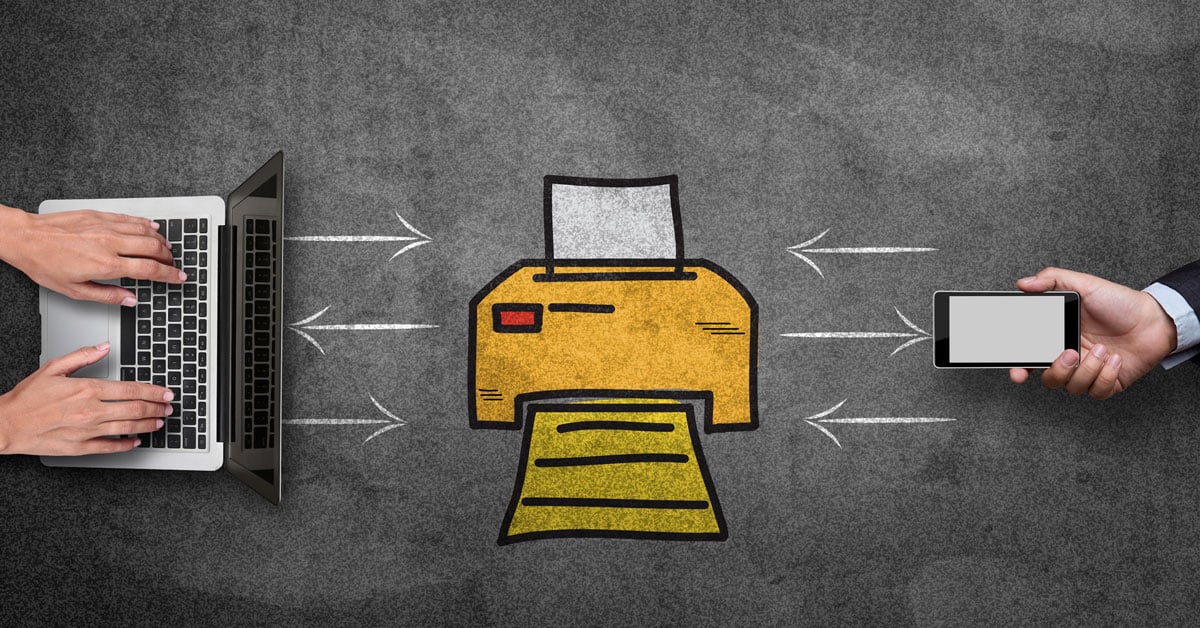
Printing may not be the flashiest part of your IT environment, but it plays a critical role in day-to-day business operations. From invoices and contracts to marketing materials and internal documents, the way your organization prints can have a real impact on productivity, costs, and security.
One of the most common questions businesses face is whether local printers or network printers are the better fit. The answer depends on how your teams work, how much you print, and how much control you want over costs and security.
Let’s break down the differences so you can make a confident, informed decision.
What Is a Local Printer?

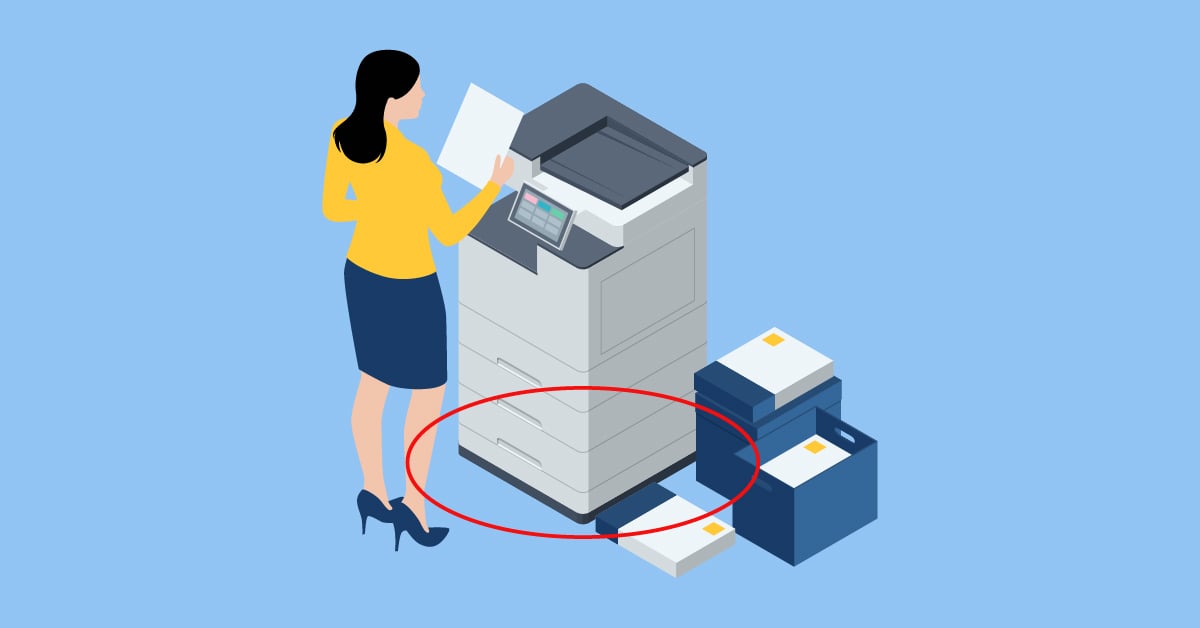
A local printer is directly connected to a single computer, typically via a USB cable. Only that workstation can send print jobs to the device, which means it serves one user at a time.
Local printers are often found in home offices, small businesses, or specialized roles where immediate, on-demand printing is required.
Advantages of Local Printers
Having personal business printers don’t usually fit today’s work environments, but in the right circumstances, here are the benefits they can bring:
- It’s easy to print and review documents quickly
- Network, internet, and server issues won’t interrupt printing
- They’re simple to set up
Drawbacks of Local Printers
- Having more personal printers is associated with wasteful print habits
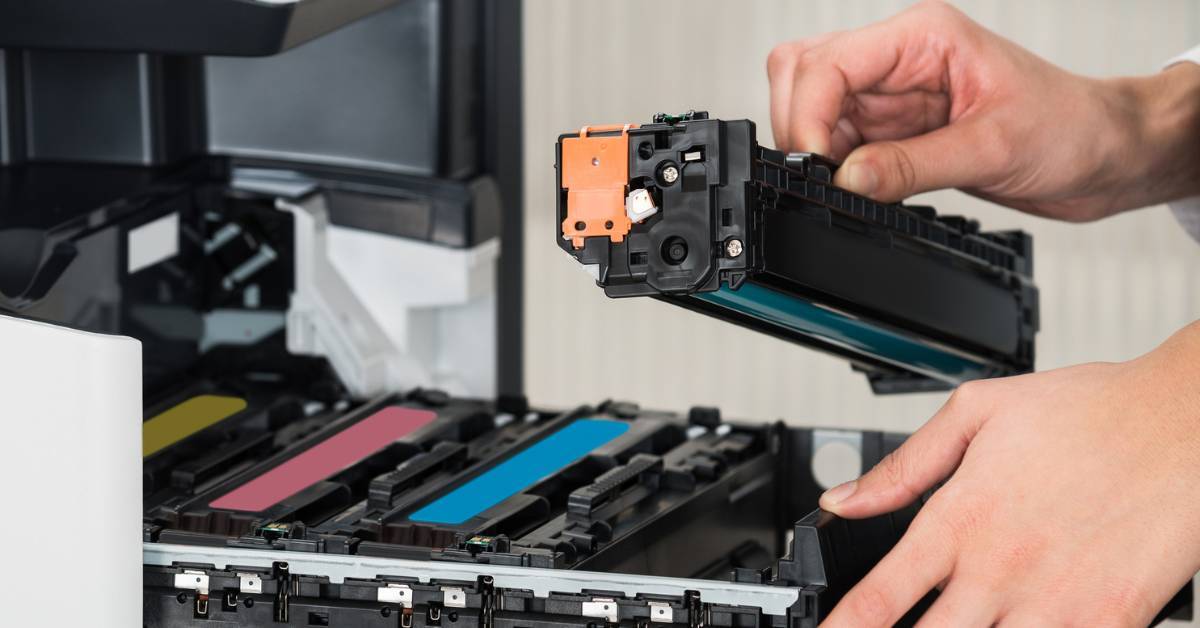
- Managing individual printers is inefficient
- If your local printer breaks down, there’s no easy way to reroute the print job
- It’s difficult to track usage and enforce print policies
What Is a Network Printer?
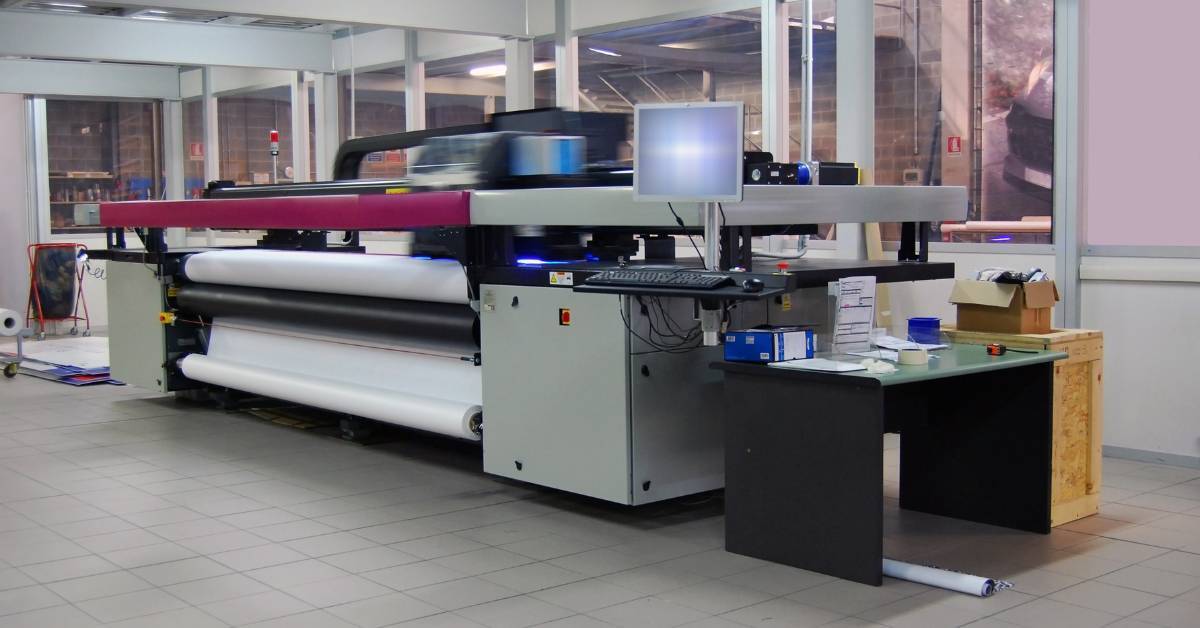
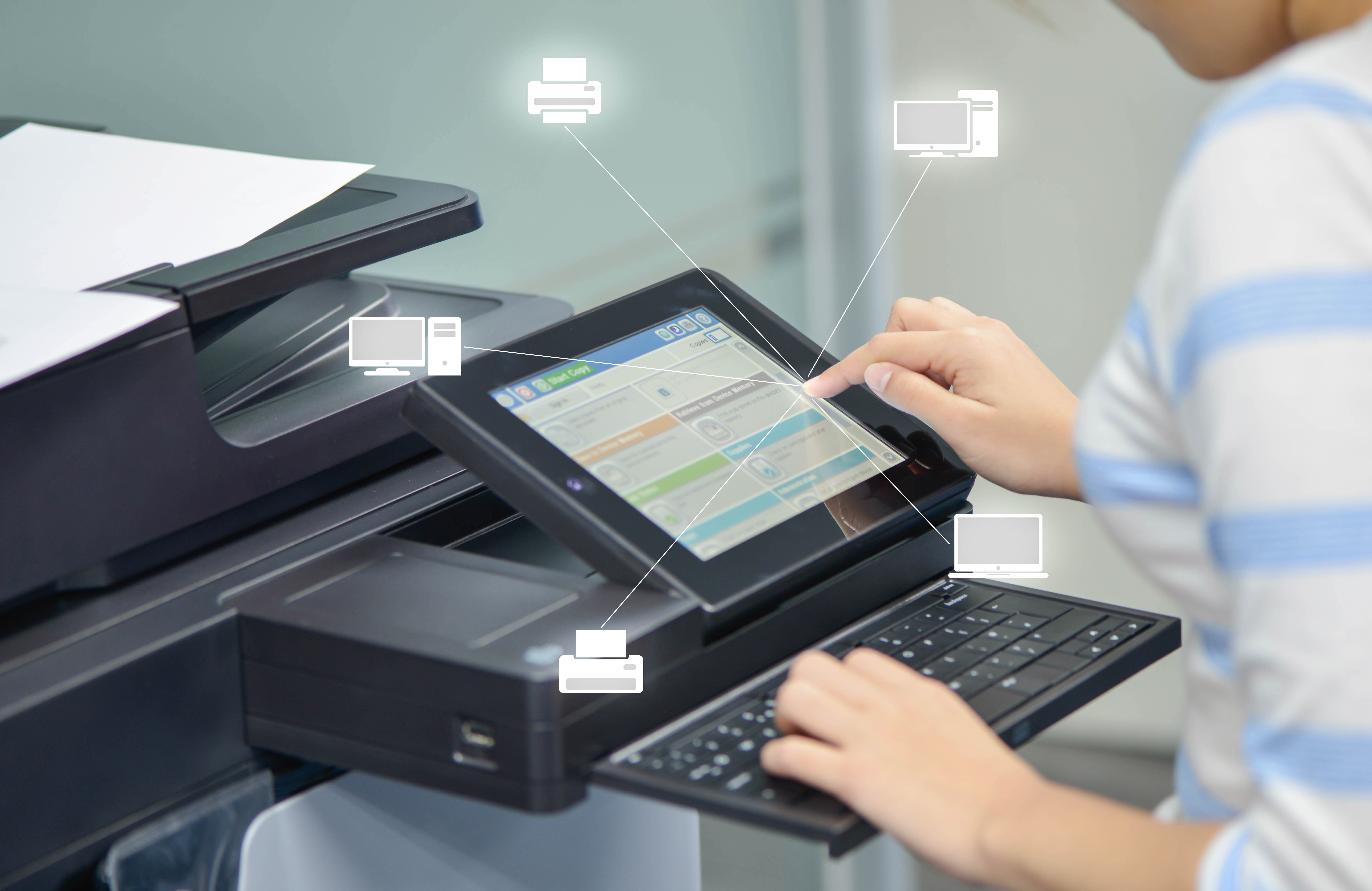
A network printer connects to your organization’s network and can be accessed by multiple users and devices at the same time. These printers can be wired or wireless and are commonly shared across teams, departments, or even multiple locations.
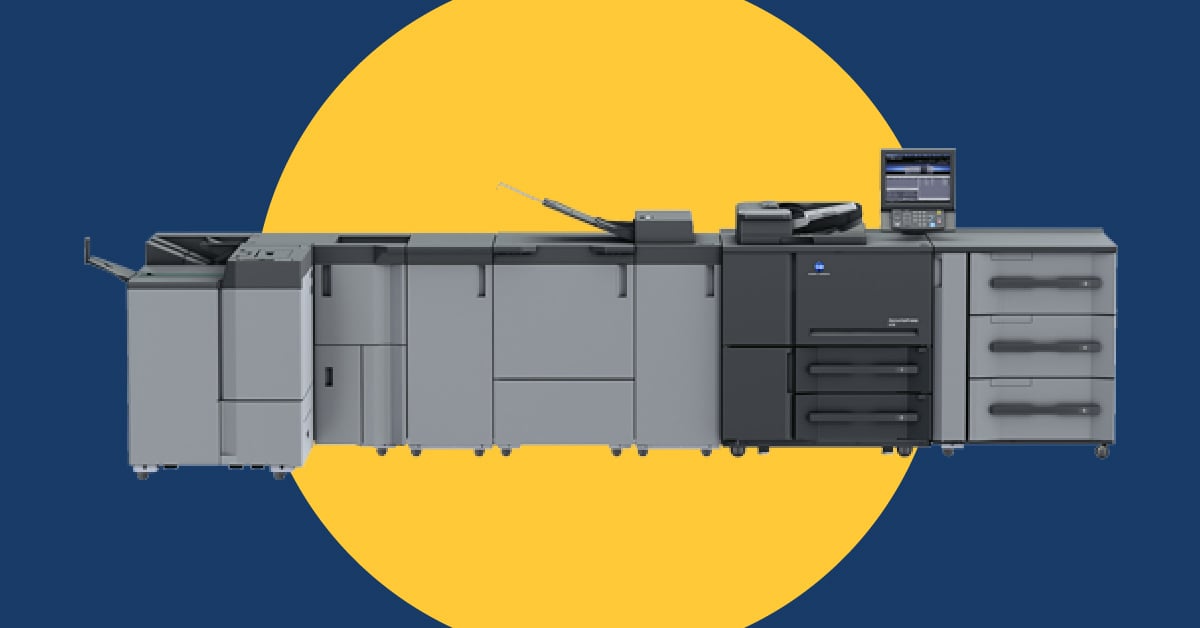
Network printers are designed to support higher volumes and more complex print needs.
Advantages of Network Printers
Here’s what network printers bring to the table:
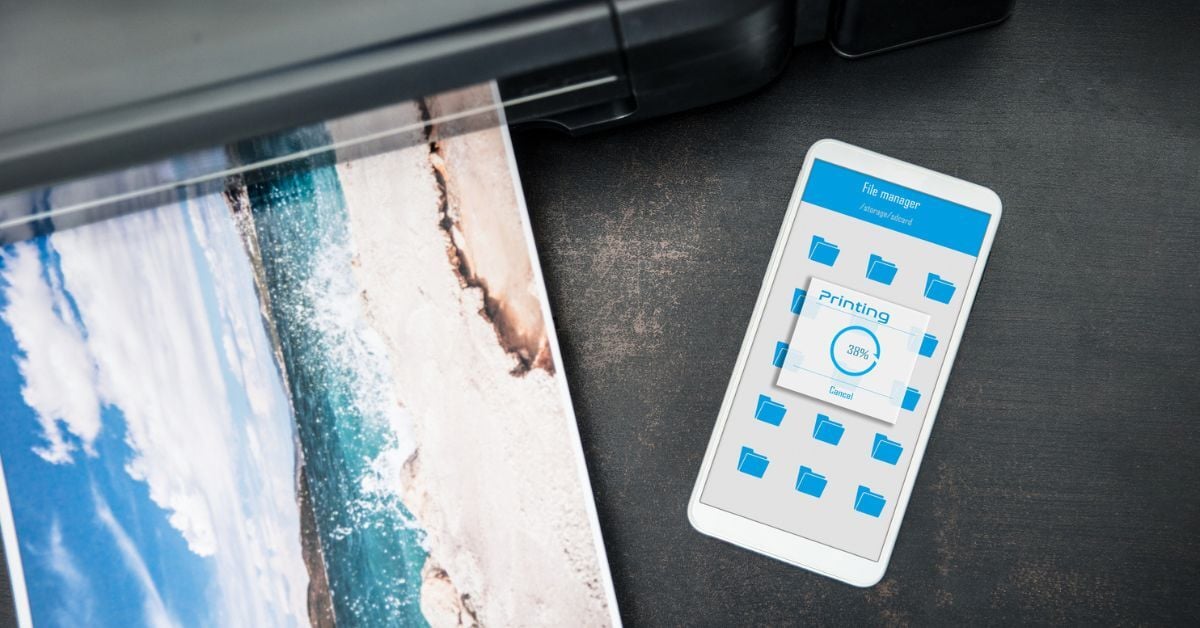
- Employees can print from different devices and operating systems
- They support a wider variety of print jobs
- They’re faster and have higher-capacity trays
- It’s easier to restrict access to printed documents without using additional tools
- They tend to have more advanced finishing options and longer lifecycles
- IT teams have better visibility into usage, supplies, and maintenance needs
Drawbacks of Network Printers
Generally speaking, the pros of network printers outweigh the cons. That said, these devices do have a few drawbacks to be aware of. Here’s the CliffsNotes version:
- Queues can form when multiple employees have high-volume printing needs at the same time
- Printing can be disrupted due to network issues
- Additional security controls may be needed to protect sensitive data
The good news? These challenges are easily addressed with the right configuration, policies, and print management strategy.
Local vs. Network Printers: A Quick Comparison
Not sure which printer would be the best fit for your office? Here’s a simplified breakdown.
When To Consider a Local Printer
Here’s when local printers still make sense:
- Print volumes are light or occasional
- Your organization has a small number of users with limited print needs
- Sensitive documents are handled by a limited group of users in controlled workspaces
- Reporting on print usage or cost allocation isn’t a priority
- You’re comfortable managing supplies, maintenance, and support on an as-needed basis
When To Consider a Network Printer
Here’s where a network printer is a much better fit:
- You have a shared, high-volume print environment
- You’d rather have lower operating costs over time
- You’d like centralized management and reporting
How Network Printers Benefit Modern Businesses

Printers can save your organization a lot of money, but only if they’re being used properly. So if you’re on the fence about which printer to buy, it’s always wise to talk it over with an expert.
However, here’s why we tend to recommend network printers — and fleet standardization when possible — even for organizations with a variety of print needs and devices.
1. Lower Total Printing Costs
Reducing the number of devices lowers spending on supplies, maintenance, and energy. Even older printers that are already paid for can quietly drain budgets due to maintenance, supplies, and energy costs.
2. Easier Maintenance and Support
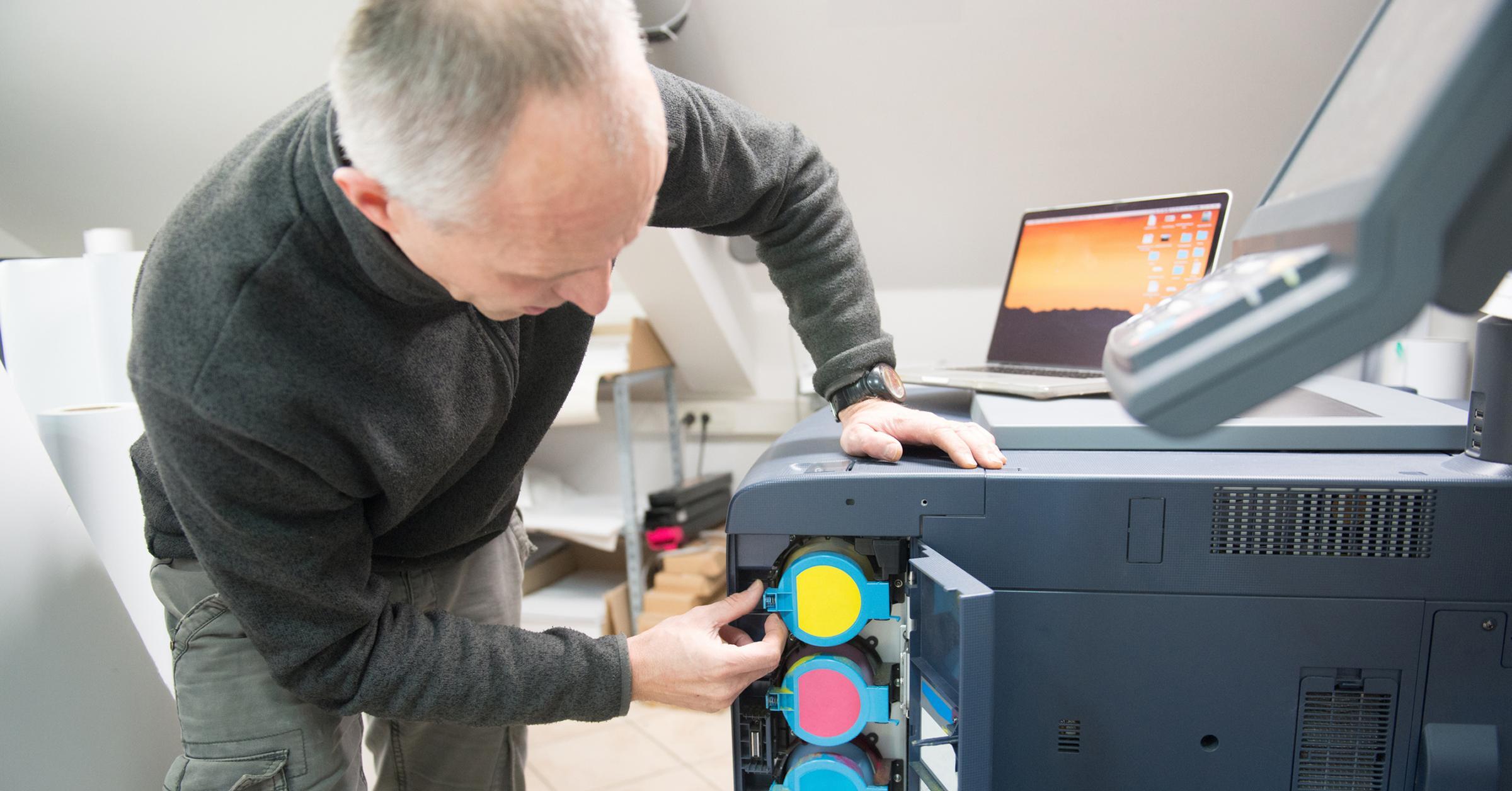
Having fewer devices means simpler maintenance and faster troubleshooting.
3. Faster, Simpler Onboarding
New employees don’t need to learn multiple printer models or manage individual printing supplies. One shared system keeps things consistent.
4. Better Performance and Capabilities
Network printers are built for speed, volume, and quality, making them ideal for professional documents and demanding workloads.
5. Support for Remote and Hybrid Work
With secure network access, employees can send print jobs from remote locations and retrieve them when they’re on-site.
6. The Right Printer for Every Job
Different departments have different needs. Network environments allow users to route jobs to the printer best suited for the task.
7. Clear Usage Tracking and Insights
Without tracking, print costs can spiral out of control. Network printers make it easy to monitor usage, control waste, and optimize spending.
What About Security?
Printers are often overlooked as security risks, but they handle and store a lot of sensitive information, and network printers have access to your systems and data.
However, when properly managed, a network print environment can be more secure than dozens of unmonitored local printers scattered throughout the office.
Pinpoint the Best Printer for Your Business
Just want a straightforward recommendation tailored to your print needs? The print experts at Marco put our heads together to create a quick, two-minute quiz to help you identify the best device for your environment.
Click the link below to go straight there!