Most businesses I work with already have a sense that they're spending too much on printing. What surprises them is how much that number actually is. On average, print costs are $725 per employee annually, which can amount to 1% to 3% of your total revenue.
The reason it’s often so high? This isn’t just a paper and ink problem. Addressing costs in a meaningful way means you need to get full visibility into where your highest costs are coming from and how you can bring them down.
This comprehensive guide covers both.
What Your Print Costs Actually Include

Before you can reduce printing costs, you have to know what you're counting. Most organizations focus on the obvious line items and miss the ones that add up fastest.
Equipment
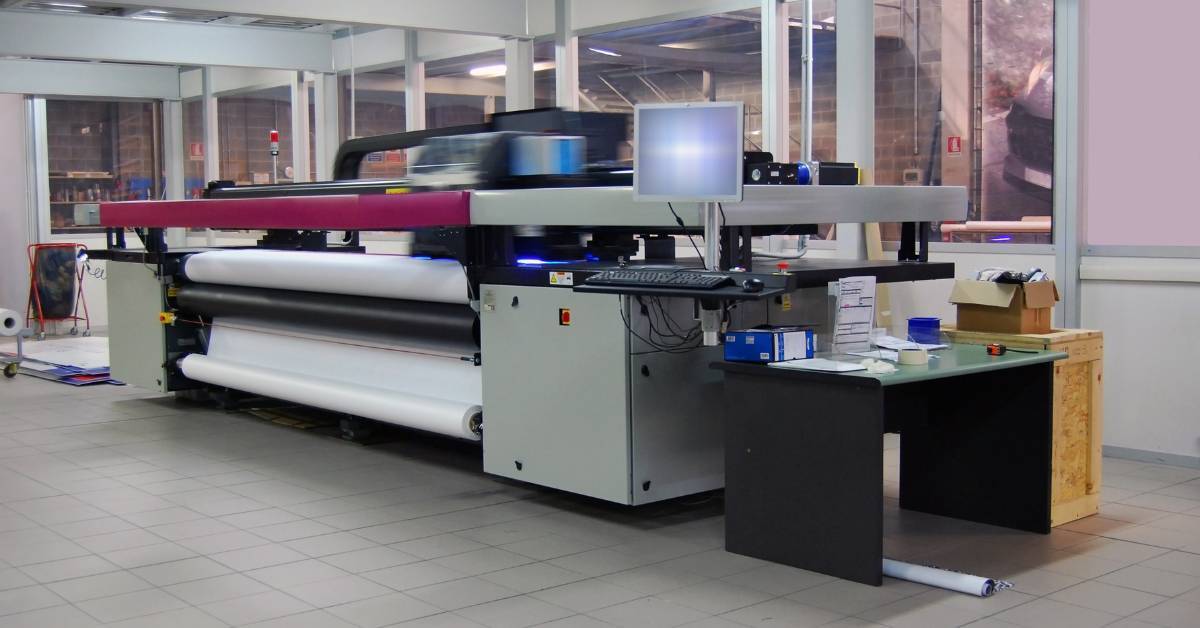
Start with what you have. How many devices are in your environment — printers, copiers, multifunction devices, fax machines, or personal printers under desks? Industry estimates suggest 90% of organizations can't answer this question accurately, and when I start working with new clients, they typically have far more than they need.
Whether you own, lease, or operate under a cost-per-page contract, each device carries a cost. Equipment that's over seven years old is typically the most expensive to run because of higher energy use, more frequent repairs, and security vulnerabilities that modern devices don't have.
Supplies
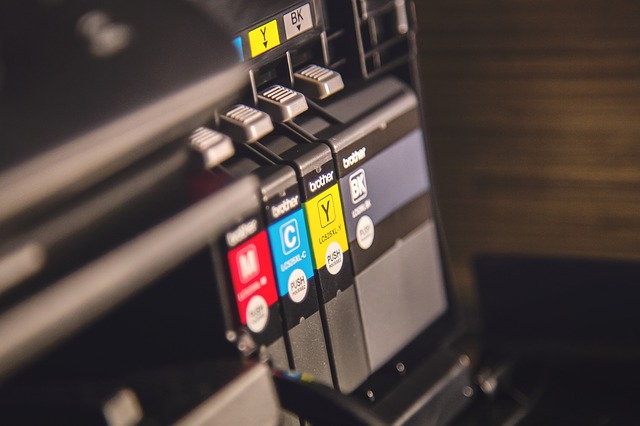
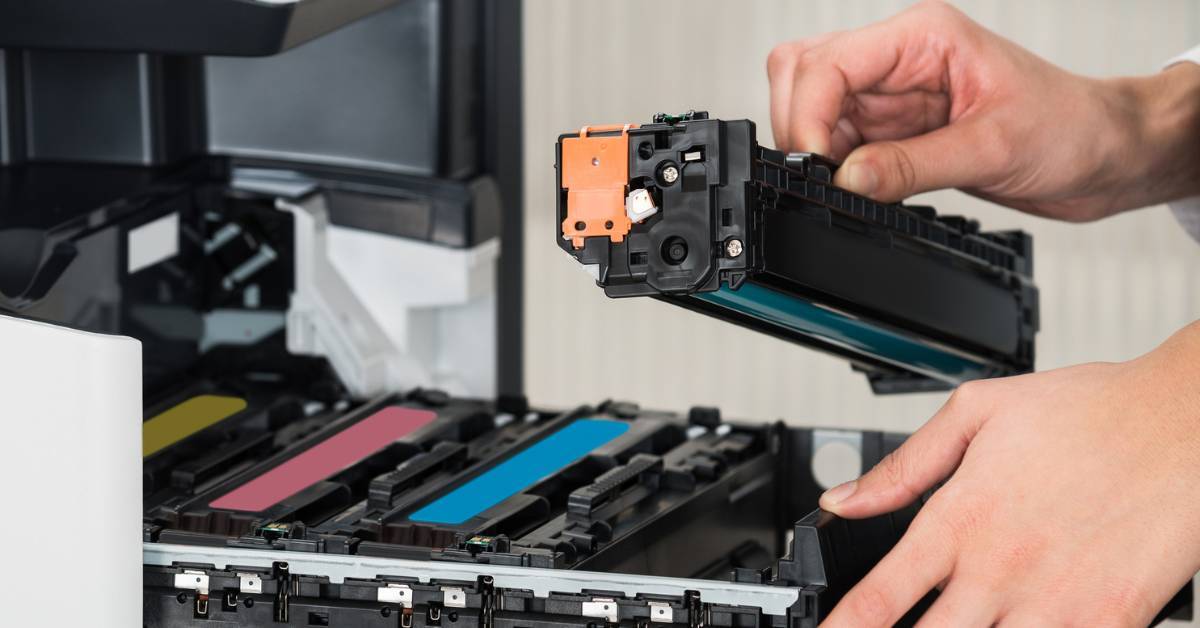
Ink, toner, paper, and print media are the costs most organizations track — but often incompletely. The hidden waste tends to come from:
-
Excess inventory ordered independently across departments
-
Cartridges used past their yield or stored improperly
-
Compatible (third-party) cartridges that affect quality, accelerate wear, and carry supply chain security risks
-
Uncontrolled purchasing that creates exposure to supply fraud
Putting one person in charge of supply purchasing addresses the last two points immediately.
Maintenance and Service
Printers require regular maintenance to perform well — and cheaper printers often mean more expensive service over time.
Most organizations have a patchwork of devices with different vendor contracts, warranties, and service agreements. Consolidating vendors doesn't just simplify administration — it typically creates meaningful leverage on pricing and response time.
Employee Burden Rate
How much time are your IT staff, office administrators, or key operators spending on printer-related issues every week? Think about not just paper jams, but also troubleshooting, supply ordering, and figuring out who to call for service.
Industry research suggests printer-related issues account for up to 50% of IT help desk calls. IT time is expensive. Unfortunately, those salary dollars don't show up on any print invoice, which is exactly why they're so easy to overlook.
Energy and Space
Every device you run adds to your electricity bill. Personal printers and infrequently used devices are particular offenders — they consume power in standby, take up floor space, and often go unnoticed until someone adds them up.
How To Bring Your Printing Costs Down

Some of these changes take five minutes. Others require more planning. Here they are in order of effort.
Difficulty Level: Easy for Most Organizations
Even though these changes are relatively easy to make, the savings can be massive.
1. Change Your Default Printer Settings
Most employees don't adjust settings before sending a job — they use whatever the default is. That means your printer defaults are effectively your printing policy, whether you've thought about it that way or not.
Defaults should be:
-
Black and white ink
-
Double-sided printing
2. Switch to Ink-Conscious Fonts
Font choice has a measurable impact on toner and ink use. For internal documents where appearance isn't critical, switching to a thinner font is a small change that adds up.
Lower-ink options include:
-
Times New Roman
-
Garamond
-
Century Gothic
3. Use Fast Draft Mode for Internal Documents
Most printers offer a fast draft or sample print setting that reduces ink or toner use by printing at lower quality and skipping images.
This setting is good for:
-
Internal documents
-
Proofing copies
-
Anything that doesn't need to look polished
4. Preview Before Printing
Reprints from formatting errors are avoidable and surprisingly common — unexpected page breaks, cut-off columns, blank final pages. Making preview a standard step before any print job eliminates most of this waste.
5. Scan to Email Instead of Printing to Distribute
For any document being printed solely to hand to someone else, scan-to-email eliminates the print entirely. Most multifunction devices can do this natively.
6. Question Whether a Print Is Necessary
Before sending a job, ask: Does this actually need to be a hard copy? Considering that 30% of print jobs aren’t picked up from the printer, the answer is often no.
A simple prompt — a policy reminder or print management software pop-up — can meaningfully reduce unnecessary output.
Difficulty Level: Medium Lift for Larger Organizations
These changes sometimes require a policy decision, a purchase, some coordination, or a software implementation. Depending on your in-house capabilities and your time constraints, you may even want to bring in a managed print services provider. But the payoff is significant.
7. Make Sure Staff Use the Right Device for the Job
The printer that produces beautiful images is going to waste money if it's being used for a high volume of black and white documents.
Staff end up using the wrong device for several reasons — it's closer, it's more familiar, or print needs have changed since the device was purchased. It's worth periodically checking whether your fleet is being used the way it was intended.
8. Reduce or Eliminate Personal Printers
Personal printers are convenient, which is exactly why they drive up costs. When a printer is within arm's reach, employees print more — and more carelessly. Each one adds its own supply stream, its own maintenance burden, and often its own security risk. Moving employees to shared networked devices creates natural friction that reduces unnecessary printing without requiring anyone to consciously change their habits.
That said, employees who have personal printers tend to want to keep them. It can be difficult to make this change unless you’re working with an outside partner.
9. Implement Secure or Follow-Me Printing
Secure printing requires employees to authenticate at the device before a job is released. This eliminates uncollected jobs, protects sensitive documents from sitting in a shared output tray, and it can help you track and reduce wasteful printing over time.
It does require device configuration or print management software to implement, but the setup is typically straightforward.
10. Install Print Tracking Software
While secure printing gives you some visibility into individual print jobs, dedicated print tracking software gives you the full picture — which departments are highest volume, where color is being used unnecessarily, how device utilization breaks down across your fleet, and where costs are trending over time.
The data it provides is also the foundation for smarter decisions about fleet consolidation, device replacement, and vendor negotiations. And for many organizations, print management software and secure printing aren't two separate purchases — secure print release is often a feature within the same platform.
Difficulty Level: Higher Lift for Larger Organizations
Depending on the complexity of your current print fleet, implementing these changes may involve quite a bit of time and sometimes multiple departments. Therefore, most larger companies will work with a print provider like Marco when they need to make these sorts of changes.
11. Calculate the Cost Per Page of Your Devices
Not all toner cartridges are equal. A cartridge with a higher page yield costs more upfront but less per page — and for high-volume devices, that math matters significantly. Understanding your cost per page across your fleet is the foundation for comparing devices, evaluating vendors, and identifying where you're overspending without realizing it.
12. Consolidate and Standardize Your Fleet Accordingly
Fewer devices and fewer makes and models translates into:
-
Fewer supply SKUs to manage
-
Simpler troubleshooting
-
Less IT burden
-
Better leverage with vendors
-
Lower energy costs
-
Less space consumed
-
Fewer contracts to manage
Additionally, a multifunction device that handles printing, scanning, copying, and faxing replaces multiple single-function machines — and typically costs less to operate than the sum of what it replaces.
What Not To Do When Cutting Print Costs
Not every cost-cutting move actually saves money! Here are a few common mistakes that tend to backfire:
Buy the “Cheapest” Printer
Low sticker price often means expensive toner, higher maintenance frequency, and a shorter useful life. The real cost of a printer plays out over years, not at the point of purchase.
Switch to Compatible Toner Cartridges
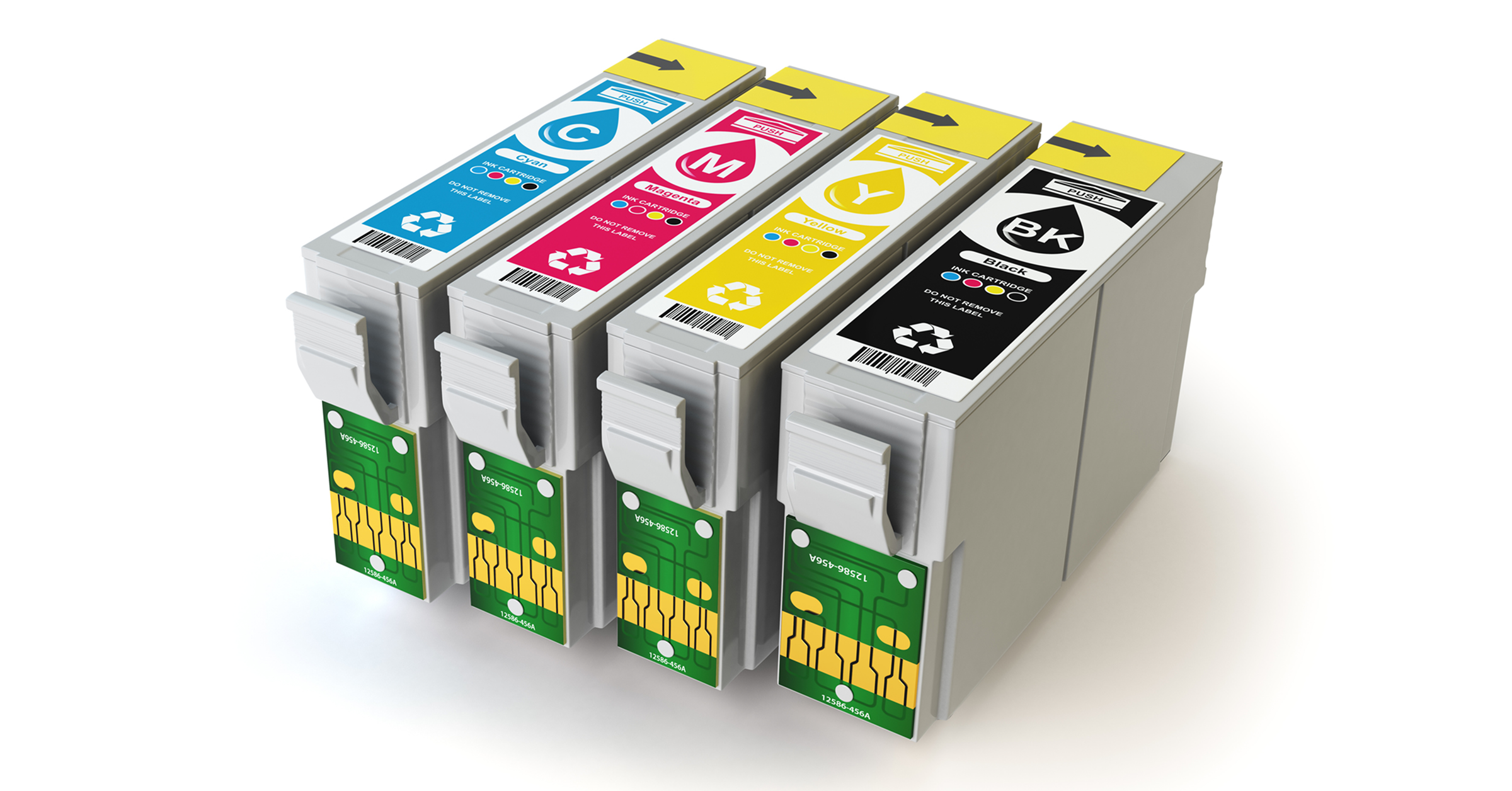
Compatible cartridges affect print quality, accelerate wear on equipment, and carry supply chain security risks. OEM cartridges with higher page yields are almost always the better long-term value.
Use Cheaper Paper
It's tempting, but low-quality paper generates dust that accumulates inside your printer and shortens its life. It also produces more paper jams and poorer print quality. The per-ream savings don't offset the maintenance and replacement costs it creates over time.
Skip Regular Maintenance
Deferred maintenance on printing equipment is rarely a savings — it's a deferral of a larger expense. Well-maintained equipment lasts longer, breaks down less, and costs less to service when it does need attention.
Frequently Asked Questions About Reducing Print Costs
Here are answers to some of the most common questions we hear about print costs:
How do I change my default printer settings?
On most Windows computers, go to Settings > Bluetooth & devices > Printers & scanners, select your printer, and choose Printing preferences. From there, you can set black and white and double-sided printing as defaults. On a Mac, open System Settings > Printers & Scanners, select your printer, and adjust default settings from there.
Many organizations use print management software to push these defaults across all devices at once rather than configuring them machine by machine.
How do I reduce paper waste in the office?
The highest-impact changes are setting double-sided printing as the default, requiring employees to preview documents before printing, implementing secure print release so uncollected jobs don't pile up in output trays, and encouraging scan-to-email instead of printing to distribute. Print tracking software also helps by showing you exactly where waste is occurring so you can address it at the source.
How much does toner cost?
Toner costs vary widely depending on the device, cartridge yield, and whether you're using OEM or compatible cartridges. The more useful number to track is cost per page — your cartridge price divided by its page yield. For most business laser printers, black and white cost per page runs between one and three cents; color can run significantly higher. High-volume devices with high-yield cartridges typically have the lowest cost per page, which is one reason consolidating to fewer, better-matched devices tends to reduce overall toner costs.
Getting a Clearer Picture With a Print Assessment
The DIY version of a print assessment takes time, but it’s doable at most organizations with a single location. Just take inventory of your devices, gather supply invoices, estimate IT time spent on printer support, and pull whatever tracking data you have. If your environment is small and relatively simple, you can get a reasonable picture in a few hours.
For organizations with larger fleets, multiple locations, or complex vendor arrangements, a professional print assessment is usually the faster and more complete path. Our print assessments are complimentary and will also provide you with visibility into where your printers are vulnerable to cyberattacks.
Click the link below to request yours!