What Is An All-In-One Printer?

What Is An All-In-One Printer?

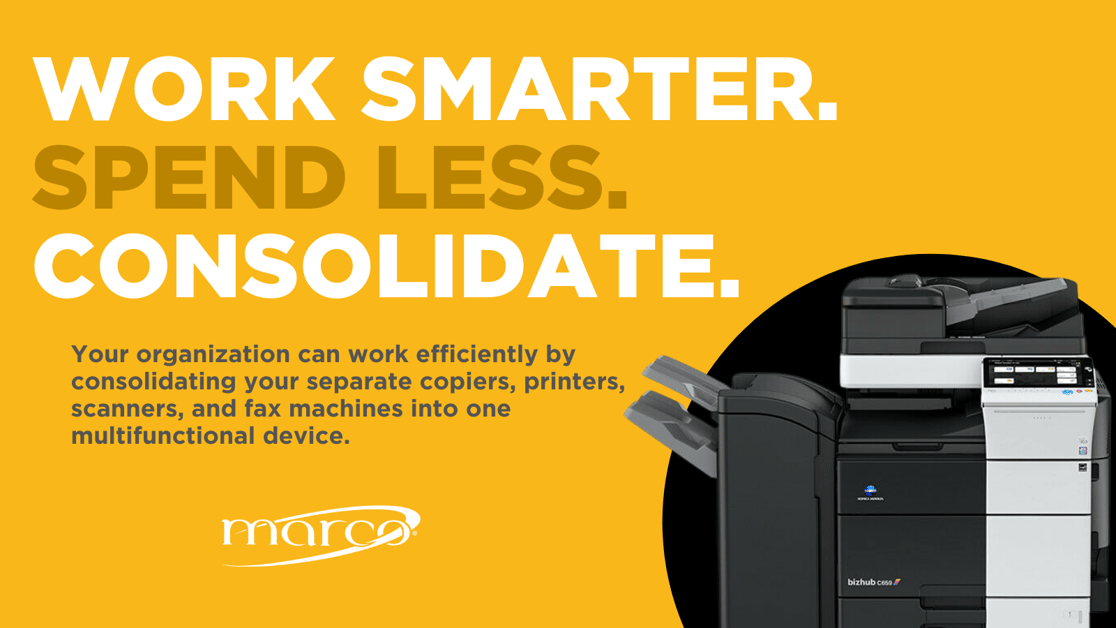
Like the name suggests, all-in-one printers, also known as multifunction printers, are able to do much more than traditional printers. An all-in-one printer can print, copy, scan and sometimes more. Like normal printers, all-in-one printers can be designed for multiple usage tiers, including small units for home offices or small businesses, mid-size units, and units built to handle a larger volume of work, which typically feature more advanced finishing. In fact, depending on which model you purchase, an all-in-one-printer might have the following additional capabilities:

There are many advantages to having one device that can do the work of three. Let's explore these in the next section.

Benefits Of All-In-One Printers
Work Smarter Consolidate Your Printer

1. Less Space

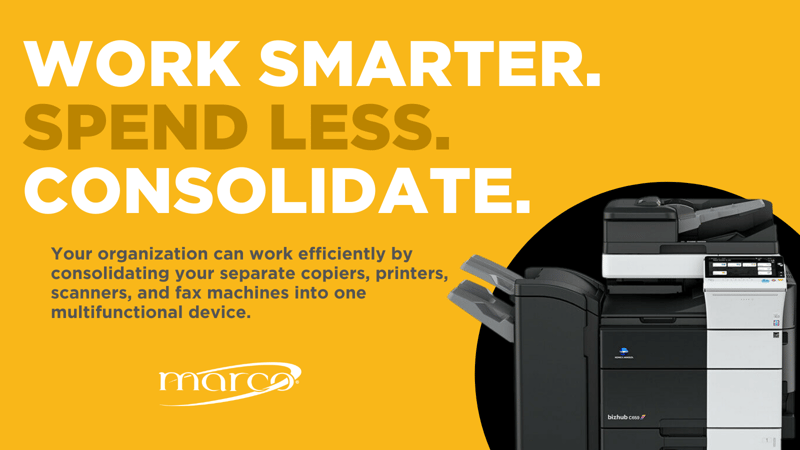
One device takes up less space than three devices, which provides a rather obvious benefit, especially for smaller offices. Printers, scanners, copiers and fax machines tend to be bulky objects that can take up a lot of room on a desk, reducing available workspace. This may seem insignificant, but studies show that cluttered offices drain productivity and creativity, and increase stress. 

2. Lower Energy Use

Here's another obvious one: unless you unplug each device when it's not in use, reducing the number of large electronic devices from three to one will save you money on your electric bill.

3. Convenience

Unless you frequently need to send and receive faxes, you probably don't have a fax machine. Therefore, an all-in-one printer can handle this occasional need without an added errand. Plus, you'll be maintaining one device instead of three separate ones.

Potential Drawbacks Of All-In-One Printers

One drawback of all-in-one printers is found across all multifunction devices: if one component fails, you could lose multiple abilities at the same time. Additionally, all-in-one printers may not perform some tasks quite as well as a specialized device would.

How To Find The Right Printer

There are many factors to consider if you're thinking of buying an all-in-one or multifunction printer. What's right for one office may not be suitable for another. If you're trying to narrow down your search, Marco provides a 2-minute questionnaire to help point you in the right direction. Our printer experts are also happy to answer any questions you might have.


No one looks forward to buying a new printer. But if it's older than seven years, it certainly doesn't owe you anything, and could potentially cost you quite a bit. If you're considering upgrading, Marco can make the next steps easy. In fact, more companies are avoiding the research and purchasing process altogether, and opting for Managed Print Services (MPS) instead. As printers become more sophisticated, and their software more complex, it’s often the easiest, and most productive path. 

Talk to a Copier Printer Specialist Request an appointment

Related Posts

Urgent PaperCut NG/MF Vulnerability: What You Need to Know

If you run PaperCut NG or PaperCut MF, this is the one advisory to stop and read today. In short: PaperCut has confirmed active, real-world exploitation of a vulnerability affectin...

How To Choose the Best Wide Format Printer for Your Business

If you're printing large-format jobs often enough that outsourcing is starting to feel expensive, slow, or both, you might be wondering if it’s time to bring a wide format printer ...

How Do Thermal Printers Work? Everything You Need To Know Before You Buy

Ever tried to scan the barcode on a shipping label only for it to come back illegible? Or watched your receipt printer jam for the third time today while customers wait in line? We...

Compatible Toner Cartridge vs. Original: The Real Impact on Your Printers

When it comes to toner, you have choices: Do you purchase the Original Equipment Manufacturer (OEM) toner, or go with a cheaper, but allegedly “compatible” toner? Depending on the ...

What Is Cloud Printing?

Cloud printing is a technology that lets users send print jobs from any internet-connected device — a laptop, smartphone, or tablet — to a printer without being physically on the s...

Office Copiers Explained: How They Work and What They Can Do in 2026

Modern copy machines have evolved far beyond simple copying. They're now sophisticated multifunction devices that can significantly impact your office's productivity and efficiency...

How To Reduce Business Costs Through Smarter Printing

Most businesses I work with already have a sense that they're spending too much on printing. What surprises them is how much that number actually is. On average, print costs are $7...

Questions To Ask Before Purchasing a Production Printer

Does your organization need to produce a lot of printed materials? If you do a significant amount of print marketing or you’re an educational institution, the answer is undoubtedly...

Beyond Paper and Toner: The True Cost of Healthcare Printing

Ask most healthcare administrators what printing costs their organization, and they'll point to paper, toner, and equipment leases. Those are the visible line items. But the real c...

Local vs. Network Printers: Which Is Right for Your Business?

Printing may not be the flashiest part of your IT environment, but it plays a critical role in day-to-day business operations. From invoices and contracts to marketing materials an...









