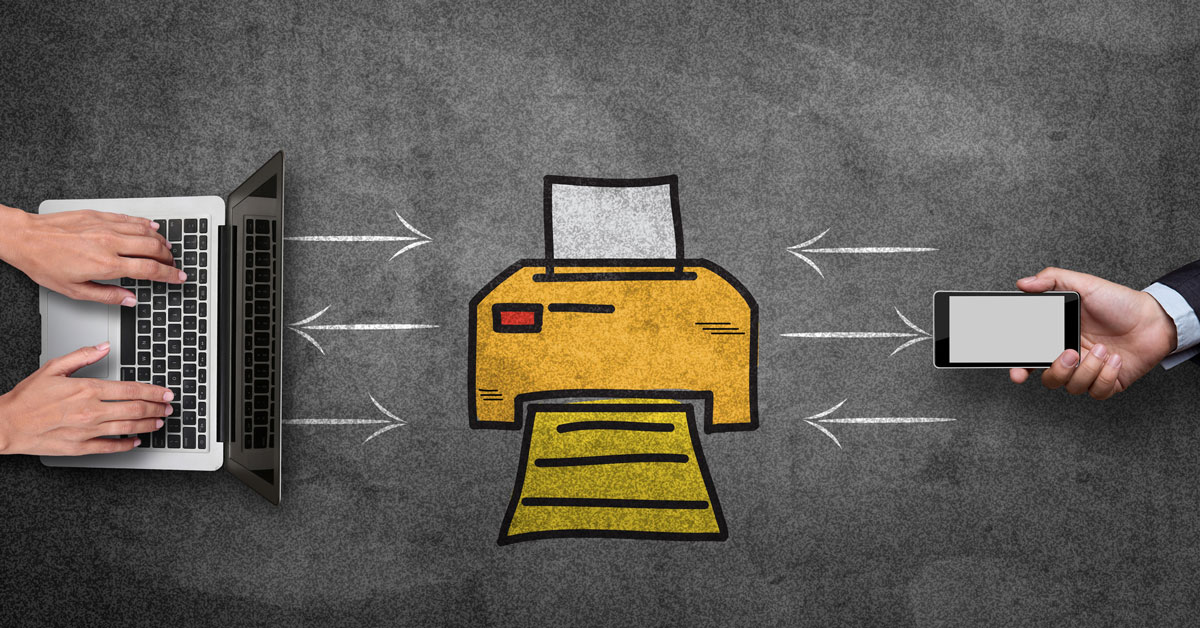
In the age of cloud computing and digital business, companies around the world are increasingly concerned with the security of their data and information. IT departments within every company work to secure computers against viruses and provide secure connections for employees accessing applications from tablets and smartphones remotely. But this isn’t where the security concerns end.
Have you thought about your office copy machine as a potential weak point in your security structure? As John Juntunen of Digital Copier Security points out:
“Nearly every digital copier produced since 2002 contains a hard drive. Similar to the one in your personal computer, it stores an image of every document scanned, copied, or emailed by the machine.”
So what are the important factors to know regarding copy machine hard drives? Moreover, what security risk (if any) do these copy machine hard drives pose to your business?
Basics of Copy Machine Hard Drives
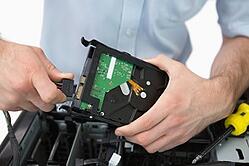 In many cases, copy machine hard drives are found on devices which are used in most offices and copy centers that require multifunction applications, handle a large volume of work and are shared by a variety of users. This is what has led to the placement of hard drives in copy machines. The hard drive allows a copy machine to meet its multifunction demands and keep pace with the copy, print, fax and scan projects it is asked to complete.
For example, a copy machine hard drive allows one machine to handle a print job at the same time that another employee is physically standing at the machine making a copy. The hard drive also allows multiple users to store projects in queue. While one employee has a print job in the works, the hard drive can store information on upcoming print, fax or copy jobs and automatically start them when a previous job is complete.
Theoretically, the data stored on a copy machine hard drive is going to last until one of two things occurs. First, older data will be overwritten when the hard drive reaches its storage limit. Any data that is not overwritten will remain on it indefinitely unless it is physically destroyed or manually erased using a software program.
Potential Security Risks and How to Prevent Them
Since an increasing number of copy machines in office buildings and copy centers are wirelessly connected on a network, it is important to ensure that the copy machine has security software available to protect it from malicious use. Most manufacturers and/or providers offer security kits that include data encryption, authentication codes and user access restrictions.
When your machine reaches the end of its life, or time with your company, you need to have a plan in place to deal with the hard drive. There are three commonly used options for end-of-service-life, and they include:
- Destroying the hard drive
- Storing the hard drive on-site
- Having the hard drive professionally erased
Seek Advice
If necessary, don’t be afraid to seek the advice of a knowledgeable copier/print provider. These professionals often sell, lease and manage copy machines and other office hardware. They can help your business determine any potential threat risks and also recommend proper security kits to help protect the sensitive information found on your copy machine hard drives.

Sources: