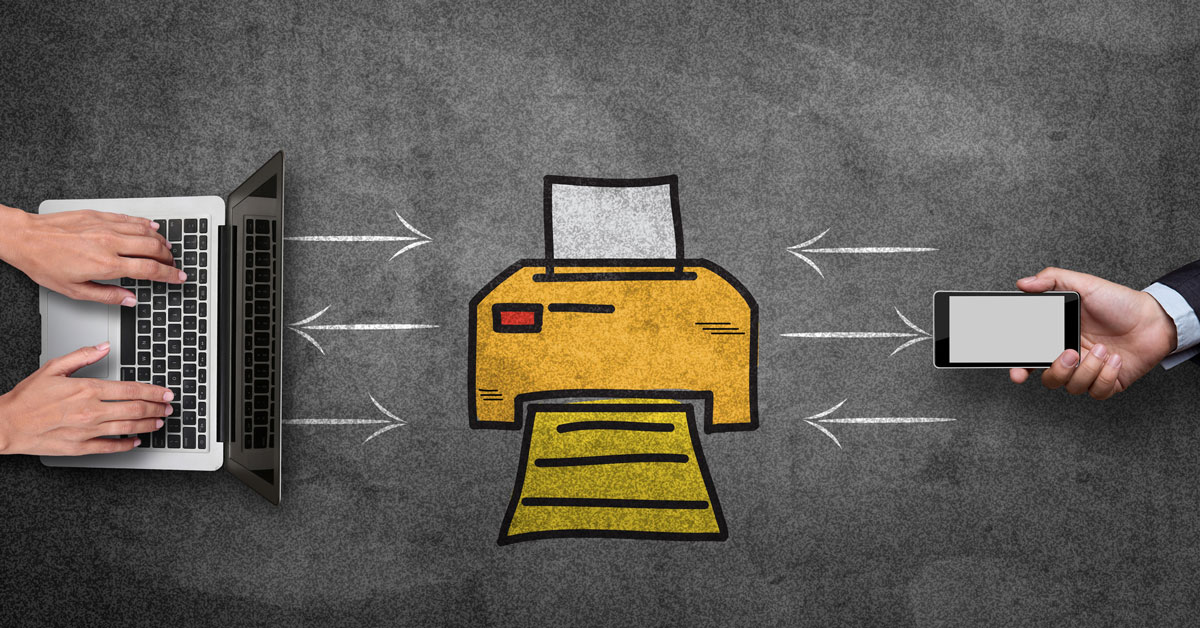
 There are few things more frustrating in the workplace than having to wait on the printer. It never fails that when one of your employees needs to print out a quick two-page report for a meeting, the printer is busy because another employee is in the midst of printing 300 copies of a flyer for a separate project. More often than not, your employees are left waiting until that high-volume project is completed on the printer.
Rather than forcing your employees to wait on a busy printer, or producing your high-volume projects on a machine designed for lower volumes, your business should consider digital printing press machines.
Digital Printing Press Machines
Digital printing press machines enable your employees to print projects directly onto a variety of different media. The digital press fits between your standard office copy machine and a dedicated printing press. Although digital press machines can handle low-volume or one time prints, they are designed to effectively handle high-volume projects.
Various digital press machines are available on the market from the most trusted names in printing, but this article’s focus will be on the machines in the Canon imagePRESS series. Each of these machines from Canon provides your company with the power to tackle high-volume print projects with ease, eliminate the frustrations of the long printer queue and lower your printing costs.
Canon ImagePRESS C1+II
The second generation imagePRESS C1+ from Canon is the ideal fit for smaller companies. It offers both a physically smaller footprint in your office space, and a more affordable price point for businesses with professional needs on tighter budgets. The C1+ comes with a variety of new tools and features that allow your business to efficiently create professional prints for any project.
New features and tools on the imagePRESS C1+ include, but are not limited to, the following:
- ColorWise Management software: Your employees will have the ability to precisely control colors in every print job.
- Spot-On: This technology provides the flexibility to color match custom designs and logos throughout a print project, without impacting other designs and images within a document.
- Clear Toner: This feature offers the ability to create visual textures on a document, expanding design possibilities and enhancing the overall appearance of any project.
- Command Workstation: The all-new workstation has an intuitive user-interface that provides your employees complete control over every step of a printing project.
Canon ImagePRESS C7011VP (C6011VP/C6011)
Optimal for businesses with high-volume production needs, the imagePRESS C7011VP (and related digital press machines) offer the ability to easily tackle large print jobs with efficiency. The hallmark of this particular model is the ability to maintain maximum press uptime. Media, toner and waste toner bottles can all be loaded and unloaded from the machine while the press is running. This means your employees can keep projects running on time while maintaining the machine’s readiness to tackle the next project.
Specific features of this imagePRESS model include the following:
- Internal Environmental Controls: New controls allow your employees to maintain high quality consistently throughout long print jobs.
- Expandable Trays: 2,000 sheet input trays are standard, but all machines can expand to accommodate up to 10,000 sheets.
- Media Library: Your employees can create, edit, manage and select media for print jobs from one central location, while providing optimal print performance and quality.
- Paper Feed: Air Suction, Air Separation and Air Assist technologies ensure that your digital press operates with the sort of reliable, accurate paper feed you would find on an offset press.
Canon ImagePRESS C7011VPS (C6011VPS/C6011S)
The final imagePRESS machine to be covered in this article is the ultimate solution for the printing needs of any business, including those with consistent high-volume demand. This model relies upon PRISMAsync operation management to provide high level performance under the most demanding print conditions. Your business gets impressive reliability and professional results with this imagePRESS model. Most importantly, every project is completed with the same consistent, professional result as the one before it.
Specific features of this model include:
- Offset Quality: Digital printing press machines are often viewed as inferior to offset press machines, but this model puts an end to that by producing the quality expected of an offset.
- True Colors: A real-time automated press calibration system maintains true, accurate colors throughout the length of any project run.
- Intelligent Scheduler: Your employees can efficiently manage print projects with an all-new planning tool.
Data Security
Each of these digital print press machines comes with a variety of available accessories from Canon to enhance efficiency and productivity. Among the more important accessories, your business may want to consider the Canon Data Erase Kit-C1, especially if storage and security are concerns you want to address. With this program, data is automatically erased following each print, copy or scan job to ensure all your company’s data and information is secure.
Request a consultation with a Copier/Print Specialist to discuss your printing needs and determine which device best facilitates your printing demands.