Already tried searching for “best office printer”? There’s no simple answer to that question, but we will help you find the best one for your office in this guide!
Here’s why a lot of Google searches don’t result in some top picks. The office printer that saves one office money over time won’t do that for another office that has different printing habits and needs. Finding the right printer is a little bit like finding the right vehicle. It depends on what you’re going to use it for and what you’re hoping to get out of it.
Quick Facts To Simplify Your Search

Need speed? While 20 pages per minute (PPM) may be enough for a small office, 30–40 PPM will be a much better fit for a larger office. Speed is important, but the fastest printers sometimes sacrifice image quality.
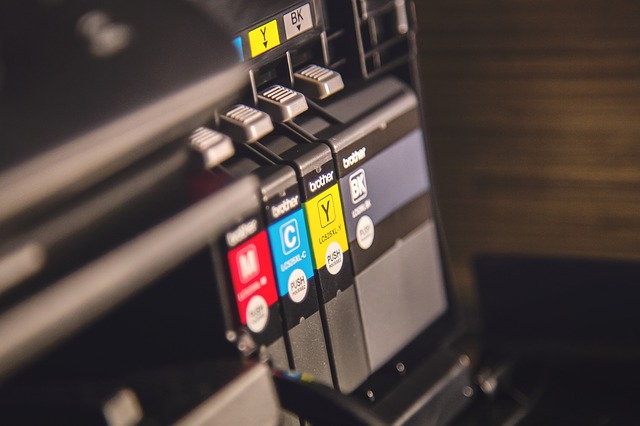
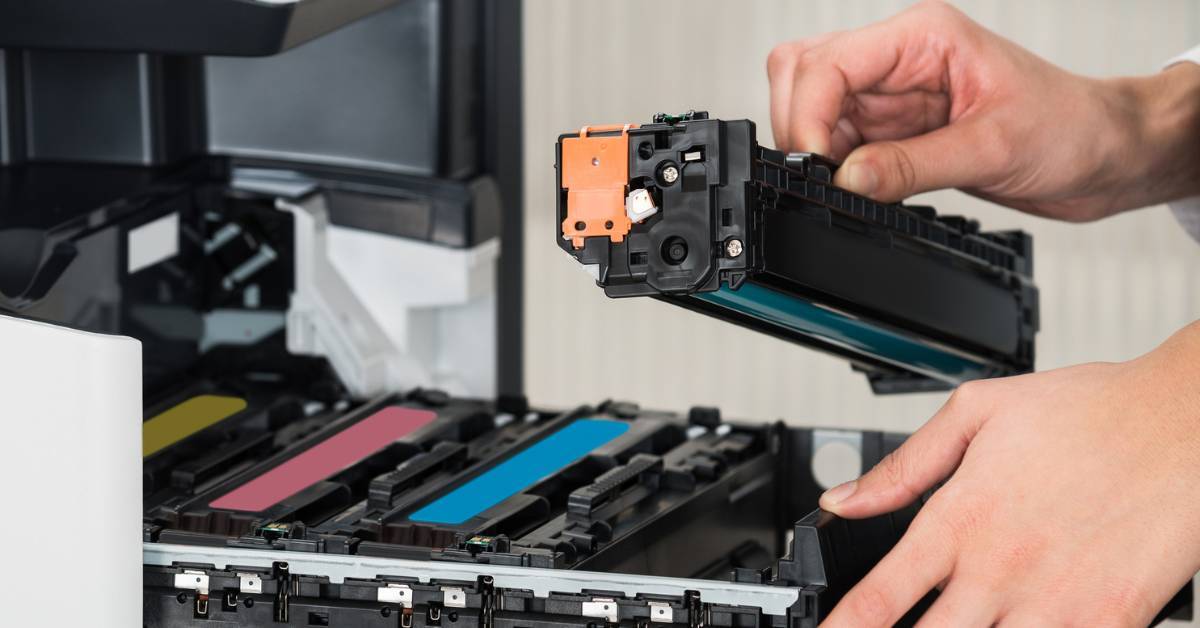
Print a lot? Then you’ll want to look for a printer that features high-yield toner or ink cartridges to keep projects moving, reduce operating costs, and reduce a common source of workplace frustration.
Don’t want to deal with a finicky printer? Look for brands that are known for their reliability. Those are the brands we partner with to keep our clients happy and keep our service technicians from having to deal with frequent print disruptions.
That should narrow it down quite a bit. But to zero in on the best printer for your office, here’s what to think through.
We should also mention that if you just want to skip the research phase, you’re welcome to use our Find the Right Printer tool.

8 Questions To Ask To Find the Best Business Printer
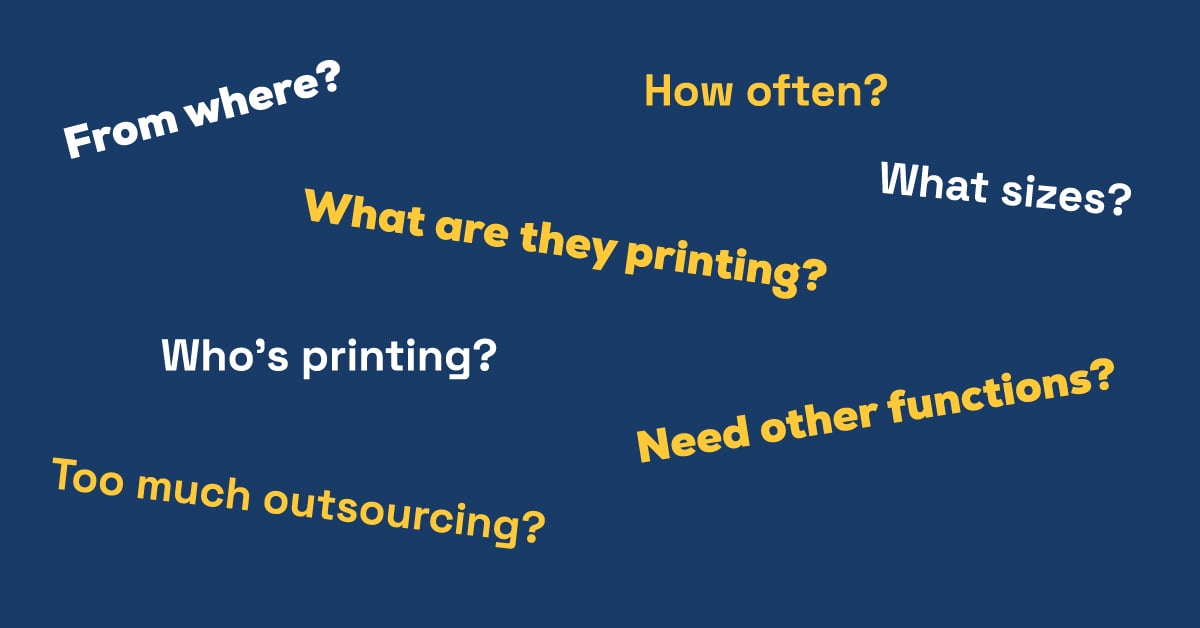
Just like with vehicles, sometimes the “cheapest” one will be less reliable and more expensive to operate. So here’s what we recommend thinking through, so that your printer is up to the job and won’t end up costing you a small fortune in ink or toner.
1. How Many Employees Need Access?
Don’t skip over this one! Determine how many employees in your office will need access to the printer on a daily basis. For example, some smaller businesses might not need a high-volume multifunction copier. On the other hand, a desktop printer might not be sufficient or cost-effective to meet the entire office’s printing needs.
Don’t just plan for today’s needs; if you plan on adding more full-time staff over the next few years, factor that in.
Pro tip: We typically recommend that most workplaces have one printer for every 4.4 employees, but some departments have more specialized printing needs than others.
2. What Primary Functions Does Your Office Require?
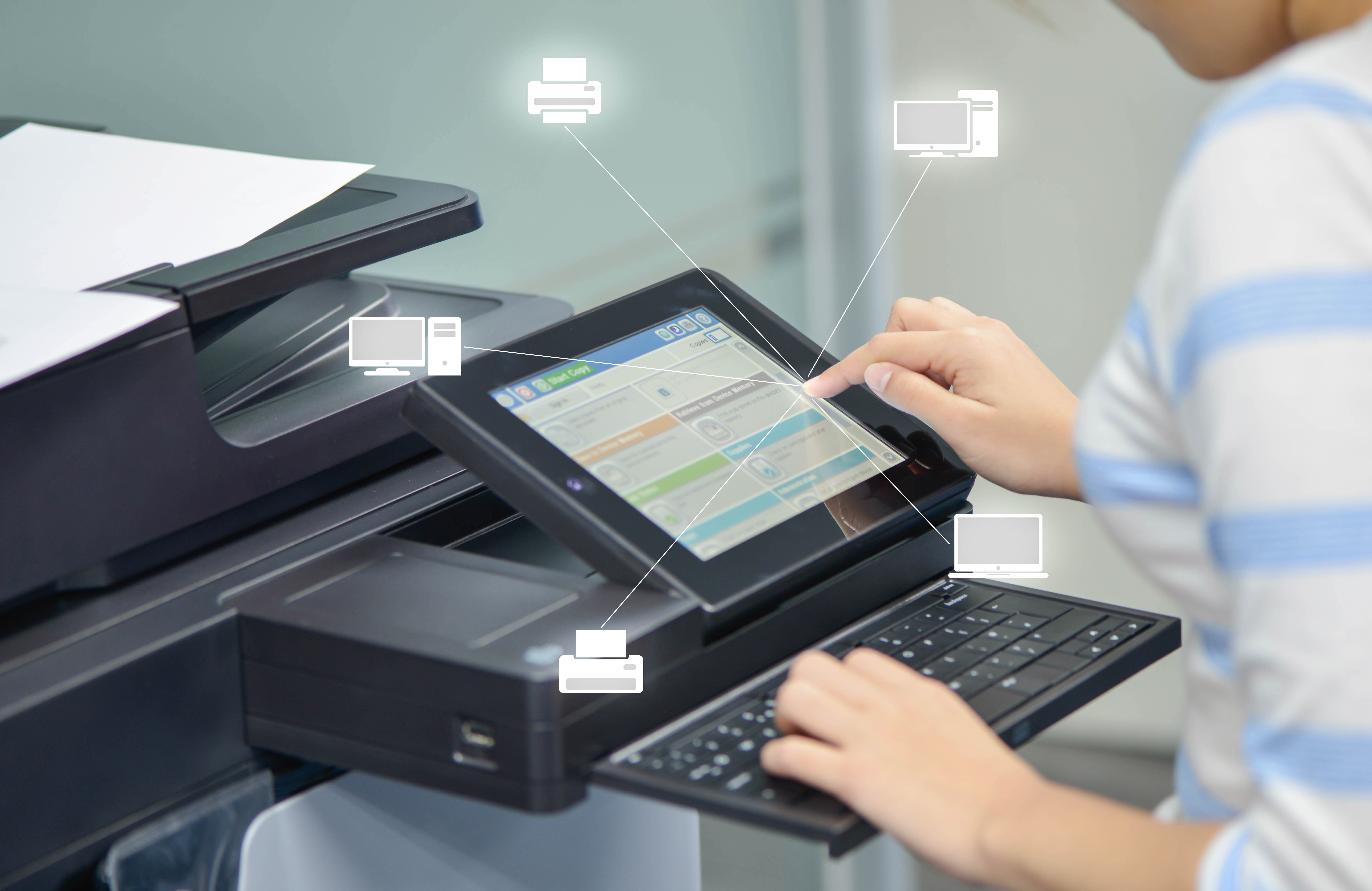
Multifunction devices are a great addition to most offices because they combine print, copy, scan, fax, and finishing capabilities in one machine.
A multifunction device can cut down on maintenance, energy, and supply costs compared to operating separate machines for all of these requirements. That’s the good news, but keep in mind that if your device stops working, you’ll potentially lose multiple capabilities at once. And multifunction devices can be more vulnerable to cybercriminals.
3. What Are You Printing?
If your office frequently produces full-color marketing materials, you’ll obviously need a printer that’s up to the task. But between beautiful full-color images, speed, and price, you typically get to pick two.
You’re unlikely to find a low-cost printer that produces glorious flyers and brochures at top speeds; you might be able to find one that will produce a great finished product, but it will take a little more time to complete a print job. That’s fine as long as you don’t start getting a printing bottleneck that impacts your productivity.
Pro tip: Black and white printers tend to be a lot faster, and if you don’t really need to print in color that often, they might save you quite a bit of money. Outsourcing the rare full-color job may save you more money, especially when you consider all of the components that determine print costs.
4. How Much Are You Printing?
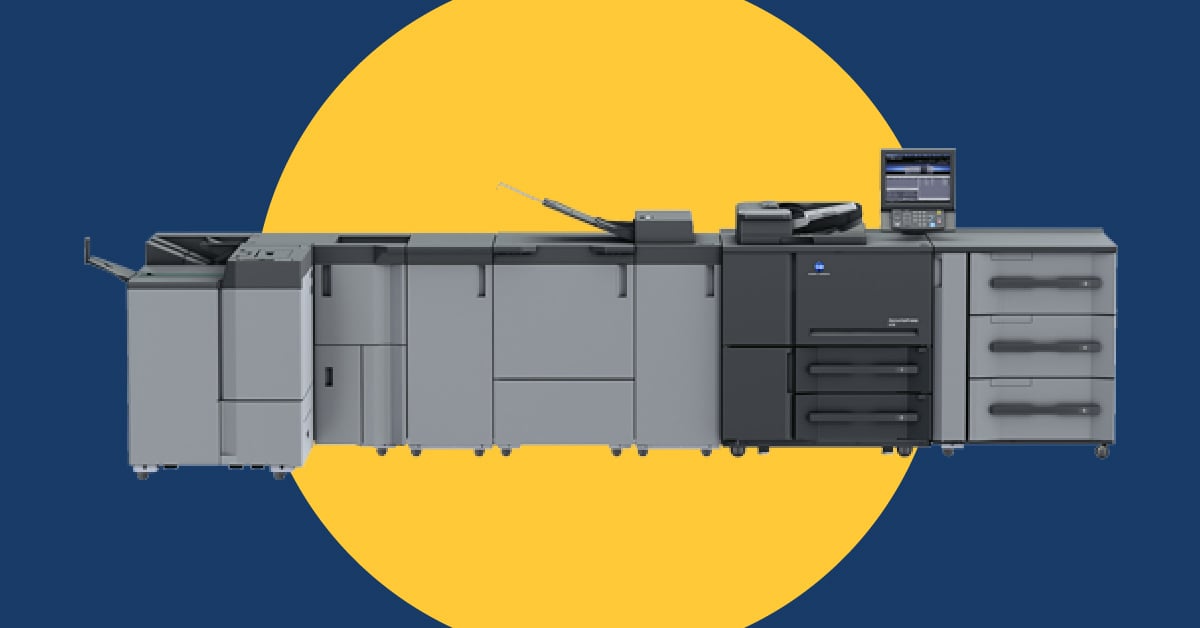
Some printers are built to be printing powerhouses, able to run almost continuously. Others are not! Pushing a printer past its limits will shorten its lifespan and probably run up your repair bill.
How do you tell the difference? Look at the printer’s duty cycle. That’s the maximum number of pages it can produce per month without experiencing excessive wear or performance issues. Your office printer shouldn’t be running at max capacity — or anywhere near.
Pro tip: Ideally, your actual monthly usage should be around 10% of the printer's duty cycle. The average small office with light to moderate printing needs should look for a duty cycle of approximately 5,000-25,000 pages. Busy law offices, schools, or other offices with heavy printing needs are usually better served by printers with duty cycles of 175,000 to 300,000 pages per month.
5. What Paper Sizes Do You Need?
Sometimes it’s the most basic questions that people forget to think through when it comes to buying a printer. Not all printers can handle legal or tabloid-sized paper. If you’ll be printing documents that were created in Europe or Asia, you’ll need to look for a printer that can handle specialized paper sizes.
6. Do You Require Mobile Printing Capabilities?
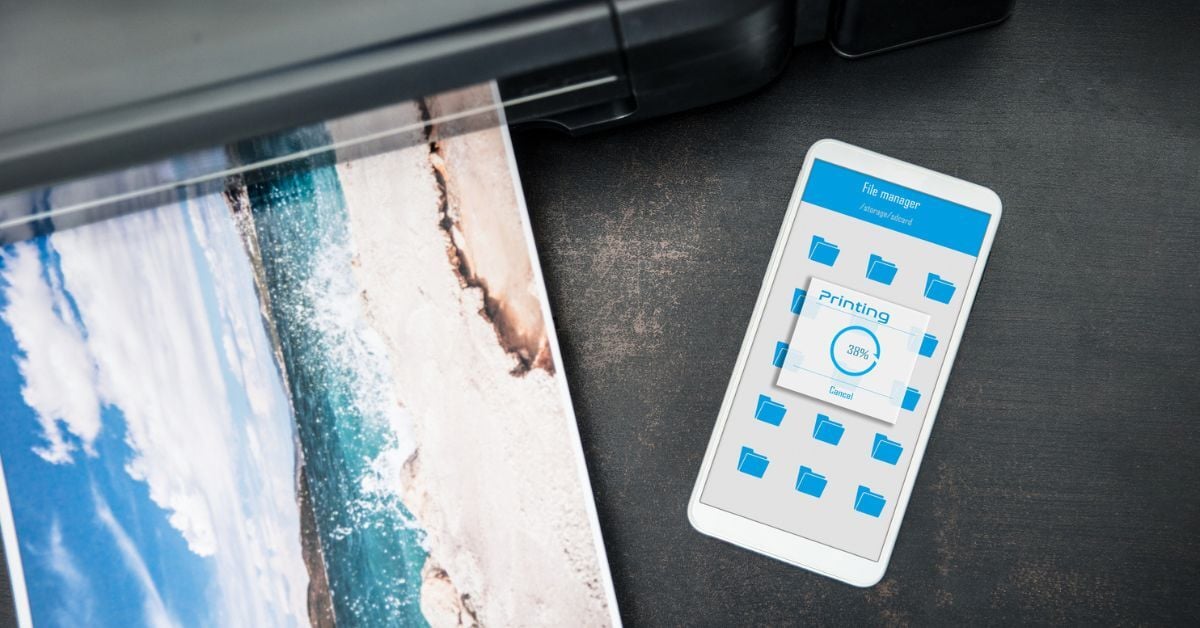
The advancement of mobile technology has enabled employees to not only access documents on the go from their mobile devices but also send projects from their devices to their office printers. That’s a nice perk if you have remote or hybrid workers, but it’s also helpful if you have multiple locations and your staff frequently travel between them.
If your employees require this kind of flexibility, you’ll need to select an office copier printer that is Wi-Fi enabled and supports cloud printing, like Google Chrome or Apple AirPrint.
7. Do You Want To Track Usage?
One way to cut down on print costs is to install print software that can monitor and track operations on a multifunction printer. Print management software can do some other wonderful things these days, including tracking supply levels and service histories across your print environment, and if that sounds like something you could benefit from, you’ll need a device that’s capable of interacting with this type of software.
8. Are You Outsourcing Your Printing Too Often?
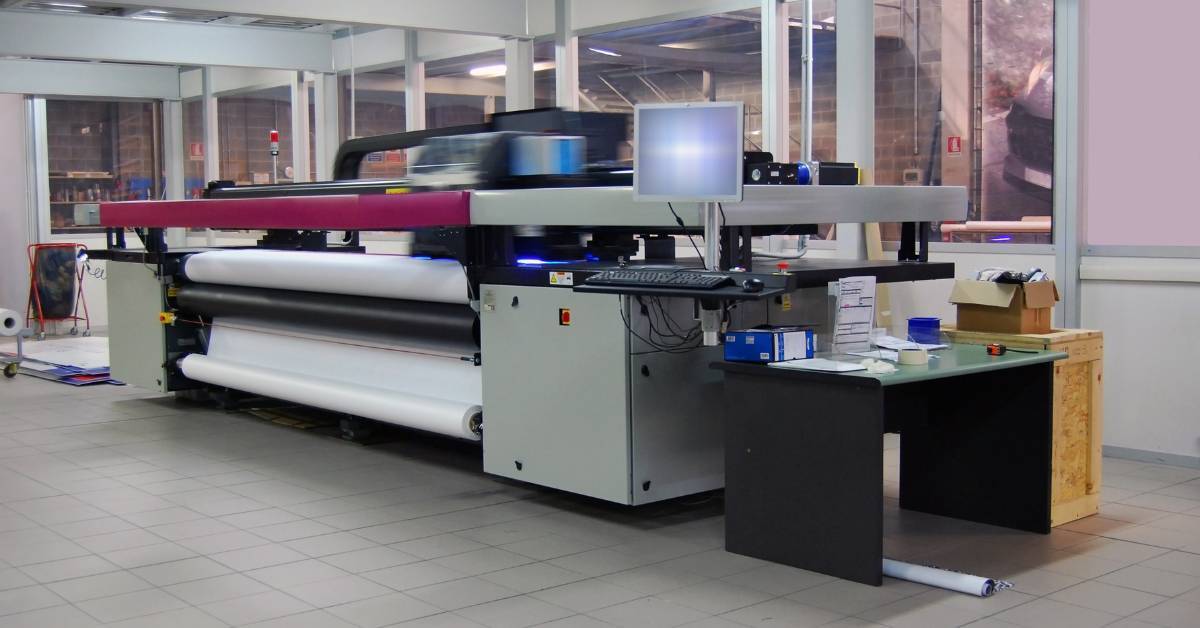
Are you turning to a commercial printer when you have specialized print needs?
There’s definitely a sweet spot when it comes to what you produce in-house vs outsourcing. But depending on what kinds of projects you’re outsourcing and how often, you could potentially save quite a bit of money and improve image quality if you’re able to meet more of your printing needs in-house.
You’ll also be able to print more specialized materials on demand, as opposed to having to deal with a vendor’s turnaround times.
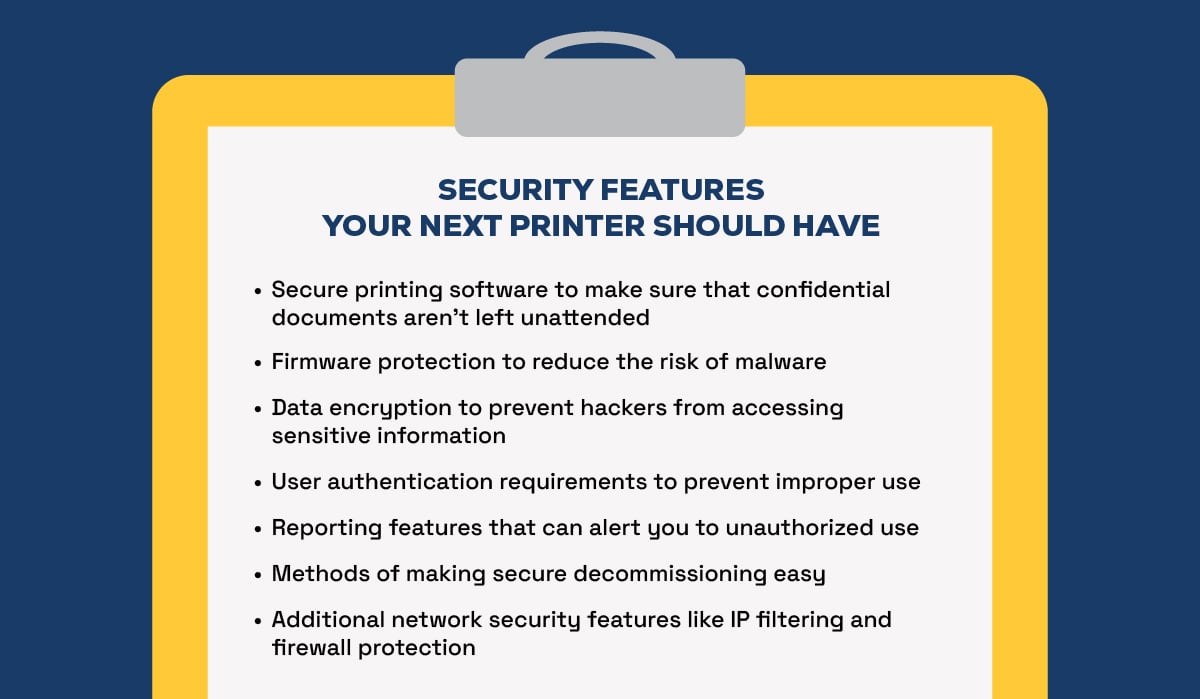
What Security Features To Look for in an Office Copier or Printer
Printers look so innocent, don’t they? Unfortunately, just like every other smart device, they can also serve as easy entry points to hackers unless they’re properly secured. And even more unfortunately, most of them aren’t. According to a recent survey, 67% of respondents reported at least one data loss incident in a single year.
So, in addition to all the features that your workplace needs to maximize productivity and minimize costs, look for a device that has the advanced security features below.
Never Want To Pick Another Printer? Okay!
Don’t want to have to keep researching printers all the time? We’ve got a few better options for you!
Option 1: Save up to 30% on Print Costs With Managed Print
You can make us do the hard work for you while you save some time and money and reduce workplace frustration. Many managed print providers like Marco offer free print assessments, and it’s a no-risk way of getting to pick a print pro’s brain about how to optimize your print environment and where you may have hidden security risks. Our managed print services offering also includes print security services at no additional cost.
Option 2: Make Your Next Upgrade Easier, for Less
If you’d rather manage your print fleet yourself, you can still get the Marco bump. As a large national provider, we get volume discounts from top equipment manufacturers and pass on the savings to our clients. So feel free to talk to one of our print experts at a time that works for you, get their top recommendations, and upgrade your equipment at a price you’re unlikely to find elsewhere.
Option 3: Use Our Free Printer Picker
We’ve designed an interactive online quiz to help you find the best printer for your office. It should take less than two minutes to complete, and you can access it through the link below!