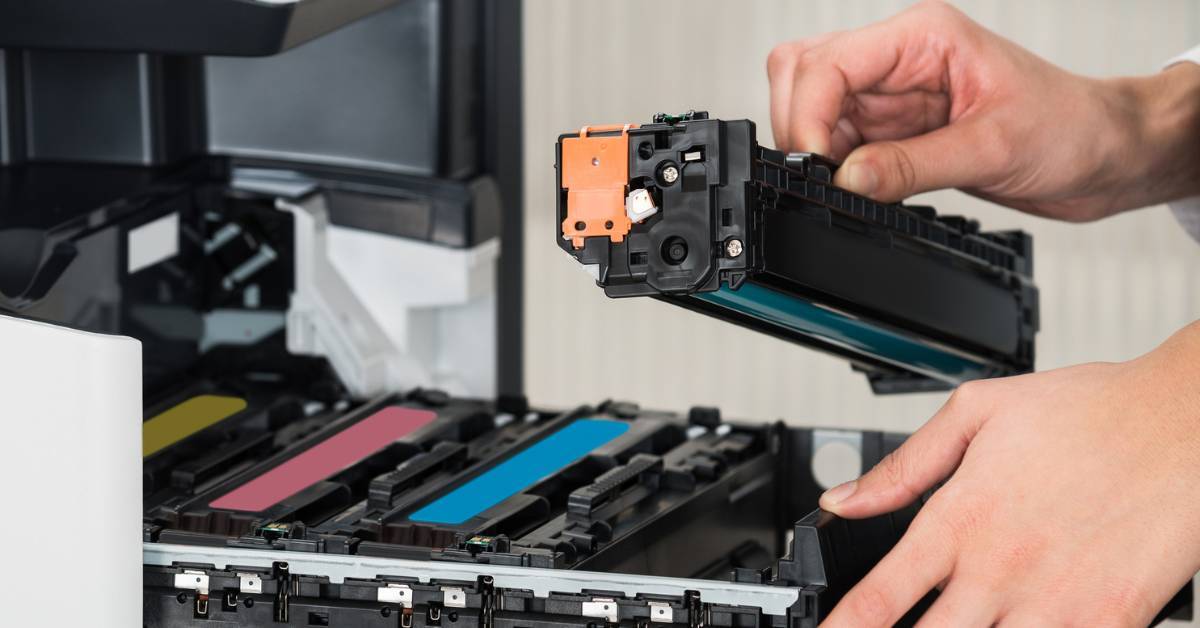
Is one department racking up the majority of your print costs? Is it because they’re not using the best equipment for their needs, or is it because they have wasteful print habits? Or…is one employee using up lots of expensive color cartridges for their four-year-old’s surprise party?
That’s exactly what’s happening at a lot of organizations. Business printing is often an organization’s third-highest expense after rent and payroll. In this blog, I’ll provide an overview of print management software, why it matters, and the solutions Marco recommends and why.
What Is Print Management?
Print management is about keeping tabs on your printing setup — tracking usage, optimizing costs and workflows, securing sensitive documents, and maintaining all your printers and supplies.
Print management will look different for an organization with one centralized printer than it does for a business that has multiple locations, high-volume or unique printing needs, or is in a heavily regulated industry.
Fortunately, for almost every print management need, there’s software out there that can make your life much easier.
What Is Print Management Software?
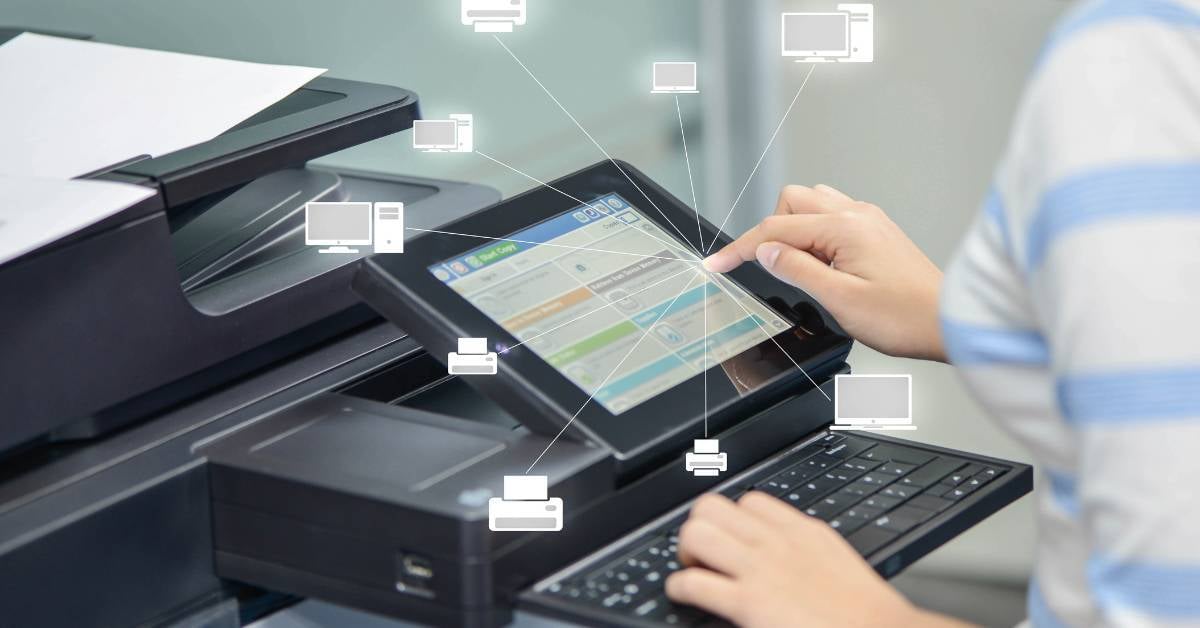
Print management software refers to any software that helps businesses streamline, monitor, and track their printing.
Depending on the software, your organization can use it to:
- Enforce print policies
- Allow employees to print to any of your devices from anywhere
- Require user authentication before releasing a print job
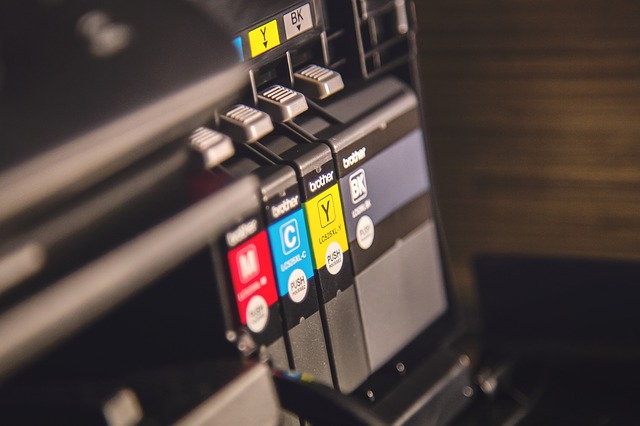
- Monitor ink and toner levels
- Route certain print jobs to the most appropriate equipment
- Apply default settings to save money
- Collect details on who’s printing what
- Eliminate print servers
- Automate and digitize documents
- Streamline routine admin tasks
5 Benefits of Print Management Software
As you might have guessed from the list above, print management software can do a great many things. But here are the ways it tends to provide the most ROI to an organization.
1. Understand How Your Equipment Is Being Used
With print management software, you’ll be able to gain an incredible amount of insight into who’s printing what and when, so you can make well-informed decisions.
Maybe your staff’s printing needs have changed in the past few years, and you could save some money by eliminating a device or two. Maybe they’re printing high volumes of black and white documents on the machine that uses the most expensive ink because it’s closer. You don’t know until you know. And if your fleet is complex, what you don’t know is probably a lot.
2. Simplify Management
Print management software allows you to manage all printers and print jobs from a central dashboard, rather than having to configure each printer individually. That means your IT staff can quickly update printer drivers and apply patches from a central location.
3. Increase Security
Once printers became networked smart devices, they got many of the same vulnerabilities as a laptop or a tablet. Not only can hackers steal information from unsecured printing devices, but they can also launch more sophisticated cyberattacks throughout your network, including ransomware. In fact, not too long ago, that’s exactly what happened to a hospital that didn’t prioritize modern print security.
Print management software is just one component of proper print security. However, among other things, this software can help you set up secure (a.k.a. pull or follow me) printing, which requires users to authenticate themselves (with a badge or a PIN) at a device before it releases a print job. That way, sensitive information isn’t left lying around in a print tray for anyone to see.
4. Save Trees and Save Money
An interesting thing happens when employees have to show up at a centralized printer to collect a print job. They tend to ask themselves whether it’s actually worth it before hitting print, and the answer is often no!
Here are other ways software can make it easy to save:
- Applying cost-conscious default settings
- Enforcing print quotas per department or organization-wide
- Identifying instances of unauthorized printing
- Clarifying where underused equipment could be eliminated
5. Improve Productivity
Toner and ink monitoring may seem like a small detail, but it allows you to automate supply ordering, so your staff won’t have to figure out what supplies are needed and when for each device. You won’t have to waste space with excess ink and toner cartridges, you’ll reduce procurement errors, and toner pirates will no longer have an easy way to scam your organization.
Finding the Best Print Management Software for Your Business

Good news — when it comes to print management software, you have choices, and the best print management software for you depends on what you’re hoping to accomplish.
Benefits of PaperCut Software
I often recommend PaperCutMF for clients who want to manage their own print environments. Here’s why:
- It’s easy to install and use
- It’s feature-rich and updated regularly
- It’s BYOD-friendly
- It doesn’t require expensive third-party add-ons
- It works on all brands of multifunction devices (MFDs)
- The licensing is very simple
- It’s easy to set up pay-per-print usage for public spaces
- It offers advanced reporting in multiple formats — like Excel and HTML — that can be automated
- It offers cross-platform support for servers and clients
At Marco, we’ve partnered with PaperCut, PrinterLogic, and other print management software to bring our clients the best possible deals.
Our managed print services can make it very easy to implement all sorts of print security and cost control solutions to support your goals. However, if you’d like to manage your fleet in-house, click the link below to explore your best options.

.png?width=72&height=72&name=MicrosoftTeams-image%20(2).png)