
If you’re hoping to make your organization save money, increase security, and become more efficient, take a closer look at your printers.
Modern printers are far more capable than most people think, and with the right print management software, they can help you achieve some big wins. There is a lot to choose from. But even if you’re starting your research process from scratch, identifying the best one for your business can be easier than you might think. In this blog, Marco’s print experts weigh in on what print management software can do, how to determine what you need, and how to make implementation a snap.
What Can Printer Fleet Management Software Do?
Print management software is a broad term, and not only is it a massive market, but it’s continuing to grow at a rapid rate. And as more print software developers incorporate AI technology, we expect that these capabilities will rapidly expand. However, here’s what this software is currently used for.
Continuous Monitoring
Advanced print software is now capable of monitoring your equipment’s ink and toner levels to facilitate automatic supply ordering. Instead of maintaining a backstock of printing supplies, companies can simply have a trusted provider deliver the correct supplies needed — right on time.
Some software can also monitor your devices for any signs of wear and tear that could cause a print disruption in the future. If you work with a managed print services (MPS) provider, they can then dispatch a technician with the correct part to fix the problem before you’re even aware there is one.
Print Queue Management
Print software can route print jobs to the most appropriate equipment and allow employees to print to any device from anywhere. If you have multiple locations, this software can also help visiting colleagues identify nearby printers.
Print Tracking
Print fleet optimization requires a solid understanding of how your equipment is currently being used. Fortunately, software can collect detailed information on who is printing what, which can help inform where equipment or printing policy changes would be most effective.
User Authentication and Policy Enforcement
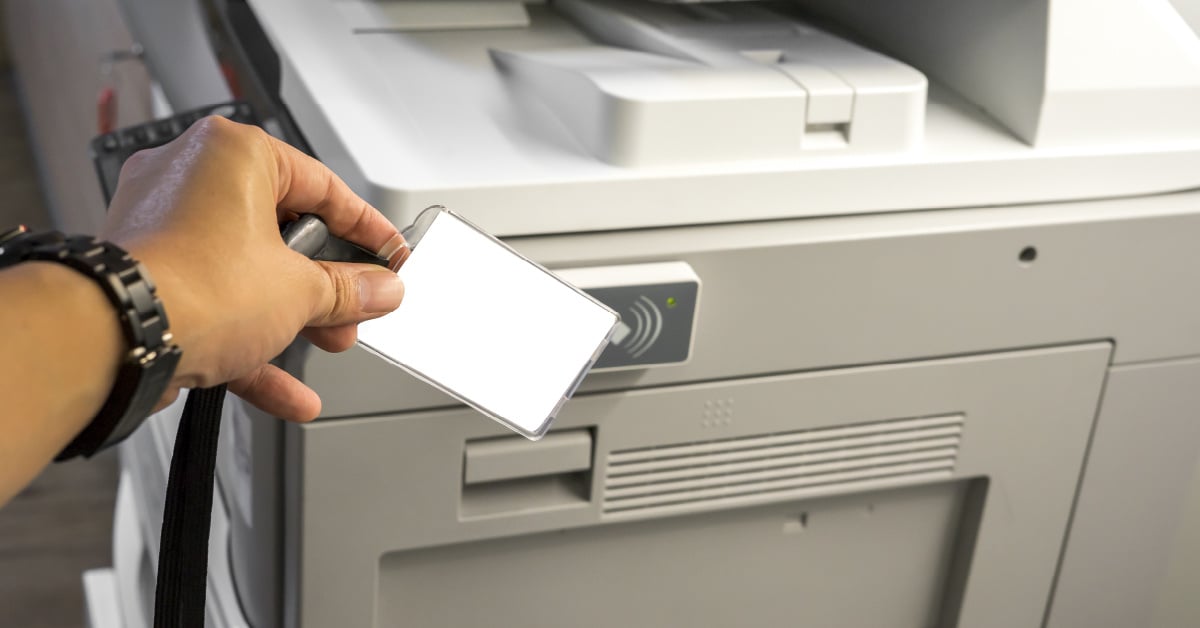
Increased security and cost savings don’t always go hand in hand, but in this instance, they do. With software, you can enable secure printing (also known as pull printing or follow-me printing), where a user is required to authenticate themselves at a printing device before it will release a print job.
Print management software can also help you enforce print policies and apply default settings (like double-sided printing) to reduce waste.
Automation and Digitization
Some sophisticated print software can interact with document management systems to streamline administrative tasks such as contract approvals, filing, data digitization, and archiving.
Elimination of Print Server Management
Cloud-based print management software allows you to eliminate printer servers, and along with them, tasks associated with managing, updating, and maintaining print drivers.
Knowing What You Need

Figuring out what you need most from your print software comes down to the specifics of your business.
Across the board, toner tracking and replacement are extremely popular. Internally managing toner consumes a lot of employee time, and it puts your business at risk of running out of toner and/or becoming a victim of toner pirates.
Additionally, many organizations are seeking print-tracking software with features that can be adapted to their business operations. Software with advanced security capabilities — like secure printing — is great for organizations in healthcare, human resources, or any other industry with an emphasis on confidentiality.
Four Questions To Consider
Every business’s printing needs, habits, and equipment are different. So while we frequently recommend PaperCut and Vasion Print (formerly PrinterLogic) for our clients, it’s difficult to give simple answers without asking a few questions first.
1. What Kind of Print Environment Do You Have?
Your print environment encompasses all of your printers and all of your supplies: paper, toner, maintenance, and replacement. An important first step is a print assessment to find out what kind of print environment you have.
If that sounds like a lot of hassle, no worries; there's help available.
Most managed print service providers will do an assessment for you, and then report on what it revealed. When we perform these, most companies are quite surprised to hear how much they’ve been spending and how much they could save.
Once you know how much your print environment is costing you — and maybe where money is being wasted — it's important to answer a few more questions.
2. Do You Need Secure Printing?
If you print quite a bit of confidential information, consider secure printing. It ensures confidential documents won’t be left sitting in the printer tray where anyone can pick them up. Instead, the person responsible for the confidential document needs to go to the printer and release it through a key code or ID badge.
3. Do You Need To Closely Track Your Printing?
Some products will give you a general idea of what you are printing, and others can dig very deep into print expenses. For example, many universities use PaperCut to track the printing of each department and every student.
4. Do You Have a Green Initiative at Work?
While print management software can provide cost savings, it can also save trees. If you’re hoping to hit some sustainability goals, print management software can make it easier to curb wasteful print habits and enforce paper-saving policies.
Planning and Implementing Printer Management Software
Selecting and implementing software can be a confusing process. Even for organizations with internal IT talent, their time is often better spent elsewhere.
Not only can working with an experienced and knowledgeable print provider make the process easier, but — a little-known fact — they can also typically get you the best deals on the software itself.
You’re always welcome to reach out to us for a print assessment, and from there, we’ll recommend the best managed print software for your organization. We’ve also provided a side-by-side comparison of some of the top print software in the business in a recent blog. Click the link below to check it out!

.png?width=72&height=72&name=MicrosoftTeams-image%20(2).png)









