When I begin working with a client, the first thing we have to uncover is how their business communicates, what they’re hoping to achieve, and which problems they’re hoping to solve. That might sound overly simplistic, but many business owners have a lot more options than they might think.
When it’s time for an upgrade, replacing like with like might seem like the easiest thing to do. But it might also be a missed opportunity. In this blog, I’ll compare VoIP and unified communications (UC) and provide ideal use cases for each. But first, let’s start with the basics…
UCaaS vs. VOIP — What Is the Difference?
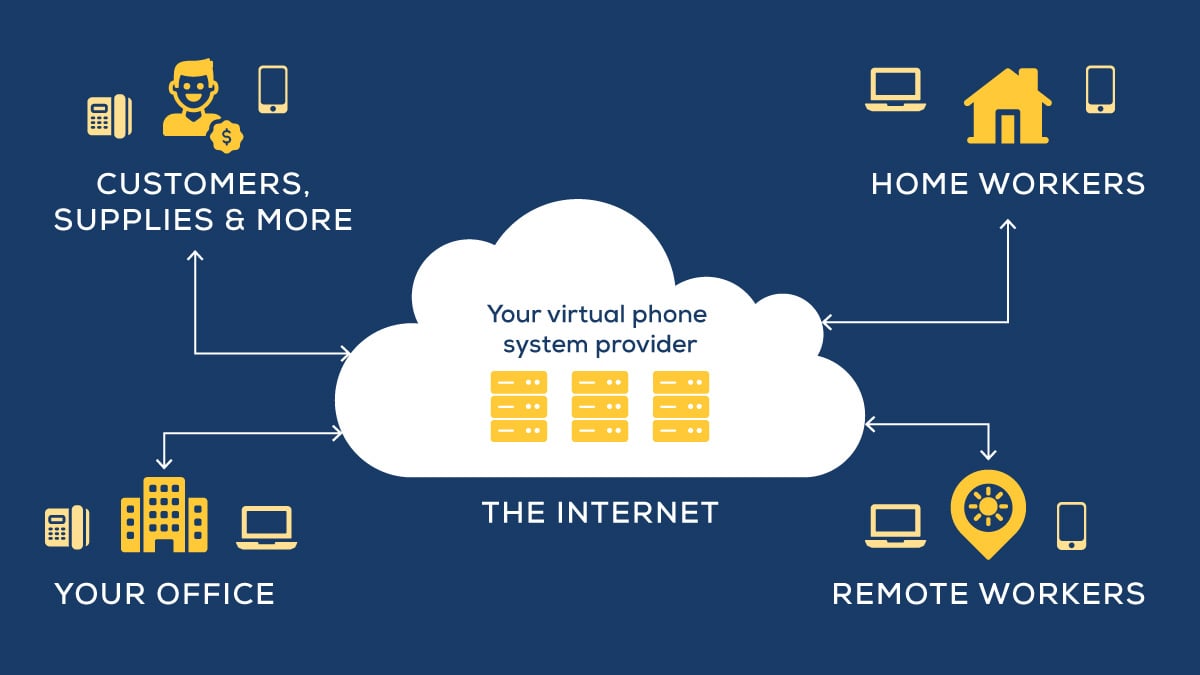
Both UCaaS and VoIP use the internet to facilitate communication and are delivered in the cloud. What makes them different is that VoIP is focused on voice calling only, while unified communications is an all-in-one solution.
What Is VoIP?

VoIP (voice over internet protocol) is frequently referred to as cloud voice, hosted voice, hosted VoIP, and cloud PBX. While there are some technical differences in some of these terms, they all basically reference the same thing: a voice-centric communication solution that’s delivered in the cloud.
A VoIP provider will typically offer you many of the same features of a traditional telephone line, including:
- Conference calling
- Video conferencing
- Auto attendant and call routing
- Call screening
- Toll-free numbers
Depending on the provider, you also might have access to voicemail-to-email transcription, and your solution might integrate well with other customer management tools.
What Is Unified Communications?

Unified communications refers to a communication solution where different streams of communication are all united under a single platform. When your unified communications solution is managed by a third party, it’s referred to as UCaaS — unified communications as a service.
Unified communications includes multiple methods of communication, including:
- Chat
- Voice calling
- Video conferencing
- Text messaging
Unified communications is essentially an integration of all the different ways professionals typically communicate and collaborate. And while that’s 100% true, if that’s all you know about unified communications, it’s underselling it by quite a bit.
VoIP vs. Unified Communications: The Basics
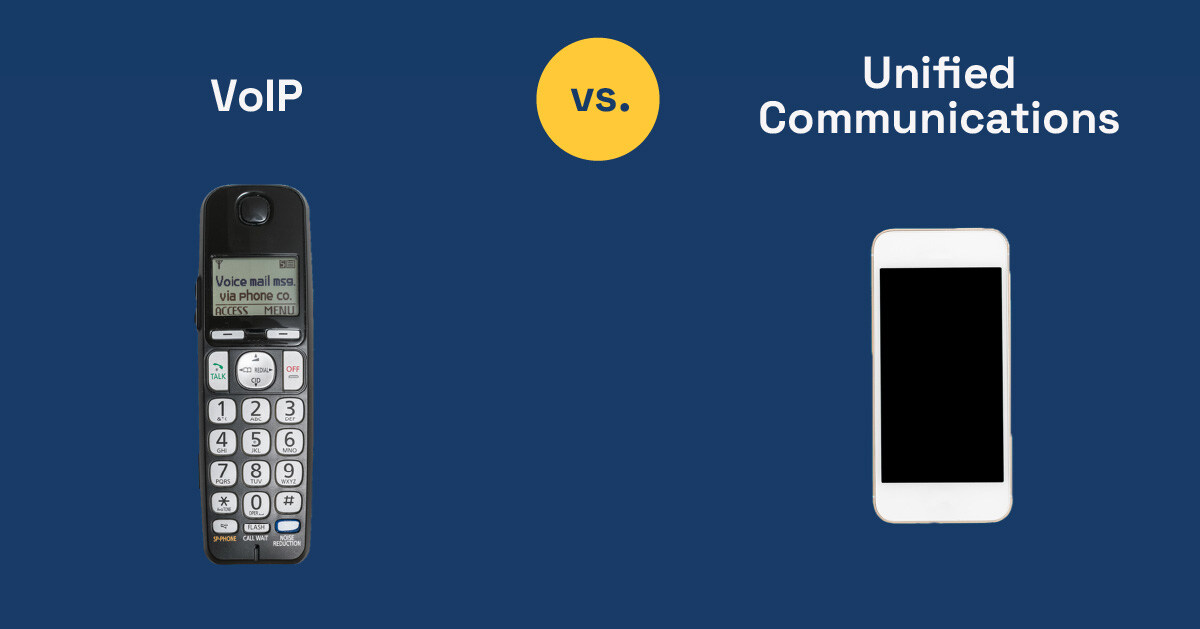
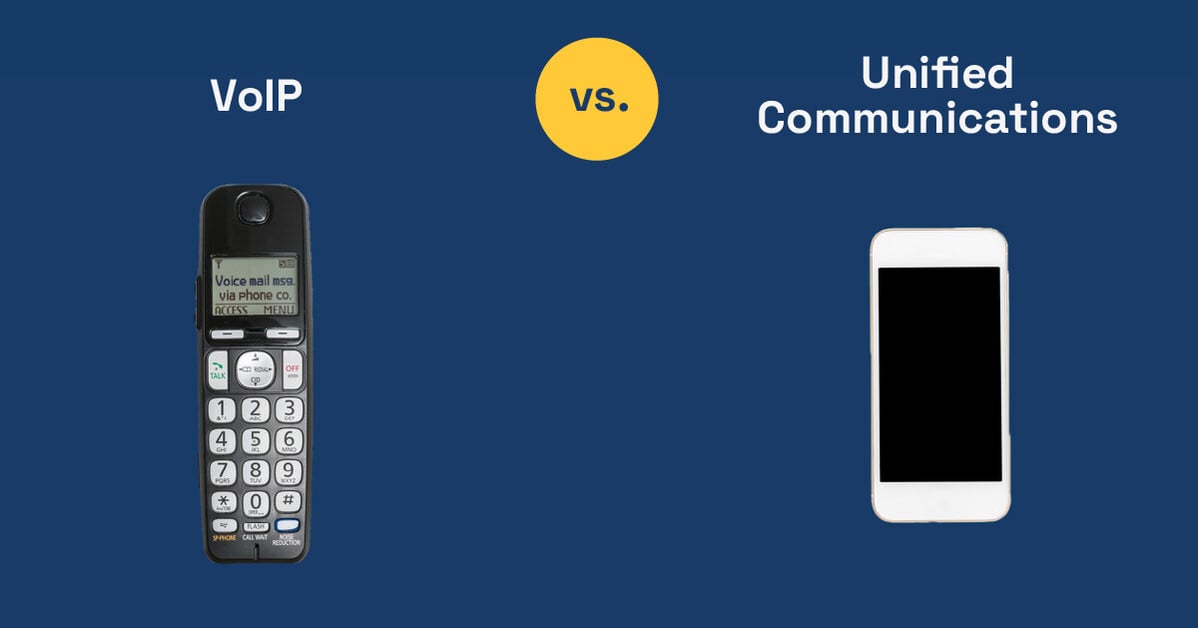
When you start to compare these two solutions, a simple — albeit not perfect — way to understand them is to think about mobile phones. Early cell phones (before texting was invented) were like VoIP. Today's smartphones, which can text, email, make video calls, and download applications, are a closer analogy for unified communications.
So about that…
Remember when smartphones first came out? There were lots of people who assumed they didn’t need all of those “bells and whistles.” To be fair, some people didn’t and still don’t. But most of us can’t imagine life without them. Best of all, you no longer need a separate camera, a music player, a navigation tool, a day planner, a pager, and a phone. In one smartphone, you get everything, and it’s incredibly easy to use.
By the way, “easy to use” translates into more productivity, less confusion, greater innovation, faster onboarding, and less workplace frustration. And as more companies have given unified communications a try, there are some real numbers to base your decision on.
Which Is Right for Your Business — VoIP or UCaaS?
Unified communications is a newer concept, and prior to the pandemic, most businesses assumed that unless they had special collaboration needs or had multiple locations, it wasn’t worth the additional investment. As it turns out, many businesses were wrong.
Generally speaking, VoIP might be a better choice if:
- Your employees only use one or two communication tools
- Having multiple versions of the same file doesn’t lead to repeated work or bigger errors
- Customer-facing roles already have easy access to the information and tools they need to solve customer problems in one phone call
UCaaS might be a better choice if:
- Your staff needs to collaborate on the same document in real-time
- They use a variety of communication tools
- Having a lot of tabs open at once or not being able to remember where a file was is a known productivity drain and a constant source of frustration
- Some team members find switching from one video conferencing tool to another confusing and would benefit from a more user-friendly platform
What’s It Like Using UCaaS?
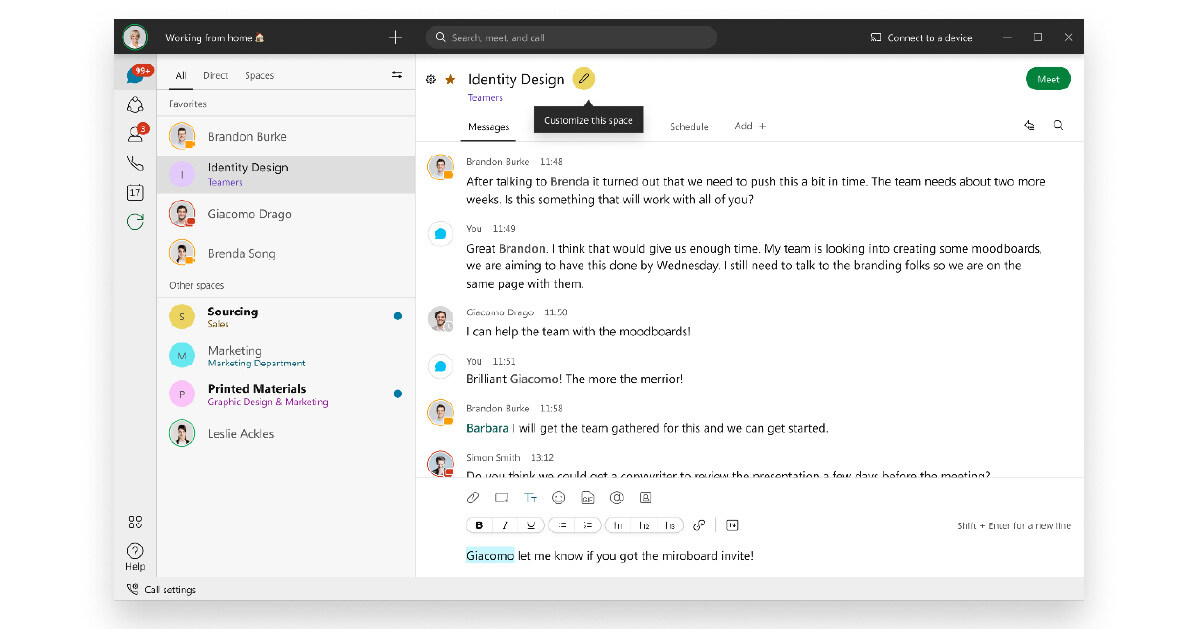
With unified communications, you can have a chat with another employee, press a button, and turn that chat into a phone call. Then, if you have a question, it's just another button to invite another person to join. If something isn't quite making sense, you can escalate to a video call by — you guessed it — hitting a button. Additional features, like screen sharing, are another single click away.
Not only can the communication flow easily from one stream to another, but there is a log, or record, of the conversation that you can return to later or share with an individual who was busy in a meeting during that time.
When your company communicates with unified communications, everything is integrated and handled through a single vendor. It's specifically designed for simplicity and user-friendliness.
Simplifying Your Decision
At Marco, we help our clients with either solution, and we’re always happy to ask some questions and make a personalized recommendation. Every business is different, and no single solution — no matter how much we love it — is the right fit for everyone.
We’ve recently upgraded our UCaaS offering, which combines Cisco’s Webex with Marco’s ongoing management and support. But if it sounds like cloud voice would be the better fit, we can also save you a decent amount of time and money, thanks to our strategic partnerships with top equipment manufacturers and software developers around the world.
If you’re on the fence, feel free to reach out to a phone expert or take our quick, 10-question quiz!