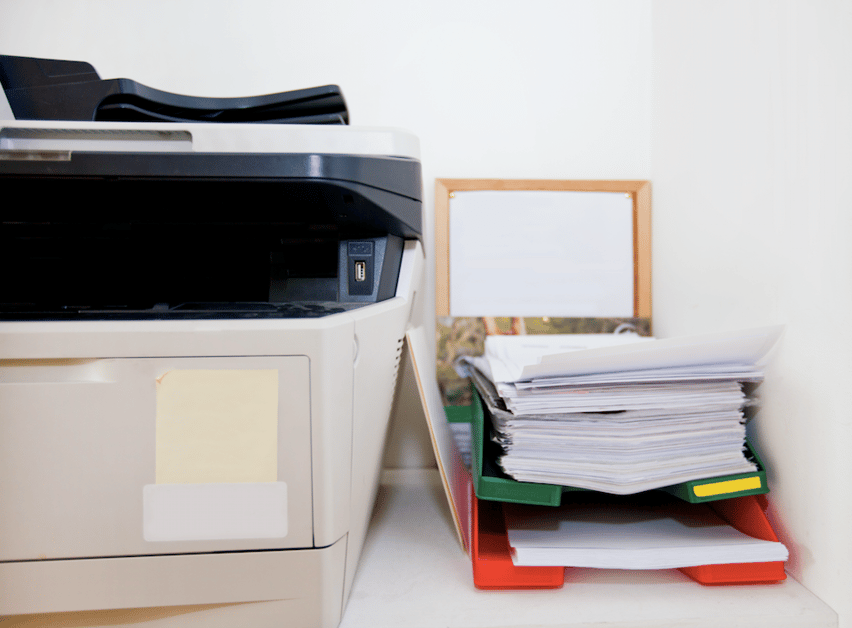
We have already made a strong case for secure printing in your law firm in our blog. It makes sense on a lot of levels including your firm’s legal requirements and the dangers if unsecured documents get into the wrong hands.
Getting secure printing in place is a mix of technology and understanding human nature. Here are some of the things that might be getting in the way of your efforts to make secure printing work for your law firm.
1. Secure printing isn’t set up properly
Each printer has its own processes for secure printing. Some manufacturers, such as Sharp, offer add-on security kits, while others, like Konica Minolta, have security measures already built in to the software. Look into your printer's security printing tools to ensure yours is set up properly.
It’s important to remember each printer has a unique process and vocabulary for secure printing; to find the easiest and quickest method for your printer, pull out your user guide.
Here’s a quick and easy guide to secure printing if you want to control it from your own desktop.
- Begin printing as you would a non-secure document.
- In your Print dialog box select Properties. Within this window there will be an area where you can change the Job Type, Mode, Output Method.
- Depending on the printer, change it to Secure or Private.
- You will be prompted to enter information, usually a code or password, on your computer, and then again when you reach the printer.
2. People don’t use it
When people don’t do something that you want implemented, there’s usually two reasons. One, they don’t know how to do it. For most users, learning how to use secure printing requires a less-than-10 minute training session.
 Secondly, they don’t fully understand the importance of using secure printing. Secure printing capabilities can maintain the integrity of not only your clients and their information, but your firm as well. Secure printing isn't just a "perk" or feature of some printers, it is part of your confidentiality obligations. Develop ongoing communication with your employees so they're aware of the importance as well as how to use it.
3. What you don’t know can hurt you
Did you know that most printers have a hard drive in them that stores copies of the documents as they pass through and print? Many have been surprised to find rogue copies of confidential documents they didn’t know remained accessible on their equipment. Make sure your printers are set to automatically delete documents from these hard drives once they are printed.
4. Employees leave documents on the printer
HP found “nearly 30% of all printed documents are left at the printer for anyone to take.” And let’s face it, we’ve all done it. We run off to a meeting or get a phone call, and four hours later the confidential documents you’ve printed are still in the tray. Secure printing forces you to key in a password or swipe a badge or use a secure fob, at the printer station, to pull the print. If you forget the document, no one ever sees it.
5. The Water Cooler Effect
In the past, the water cooler was the place where informal conversations took place among employees. Now it’s the printer station. It’s where we catch up on sports, celebrity news and opinions about Game of Thrones. Unfortunately, if you don’t use secure printing, it’s also where a lot confidential information about clients and cases could be printed as folks wait for their jobs.
Don't ignore the advantages, or potential liabilities, of secure printing for your firm. Talk to us about how we can help you avoid some of the pitfalls of unsecured print jobs.