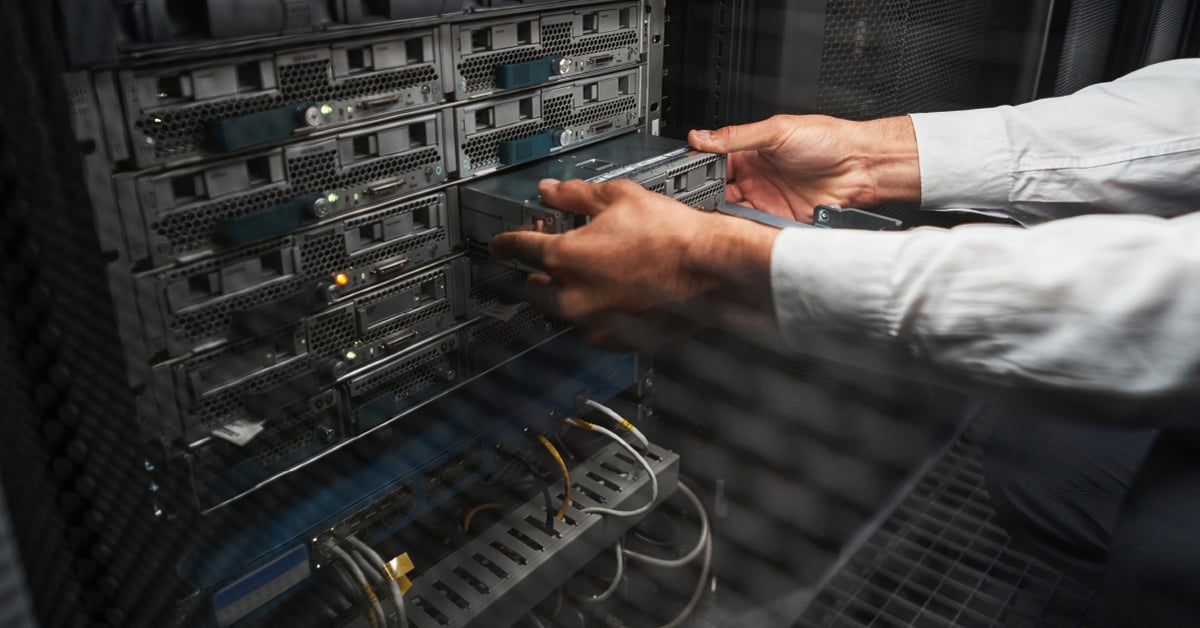
Today, many companies choose to backup their data primarily in the cloud, as it’s relatively inexpensive and easy. Azure Blob Storage, for example, is exceptionally scalable, durable, and feature-rich. However, as secure as cloud storage is, it’s not completely attack-proof. As more cybercriminals are targeting backups first before launching a ransomware attack, we always recommend having more than one backup solution.
Apart from the cloud backups, you can go with a tape or a disk, and each has its pros and cons. In this blog, I’ll spell them out and try to give good use cases for each.
Storage Media — Tape vs. Disk
The primary difference between the two forms of backup is the media onto which your data is backed up. Tape backup provides the ability to copy data packages from a hard drive to a tape cartridge for storage, backup, and recovery purposes in the event of a computer crash or other failure. Disk backup, on the other hand, requires the use of a hard drive or a server.
Tape vs. Disk Backup — Advantages and Disadvantages
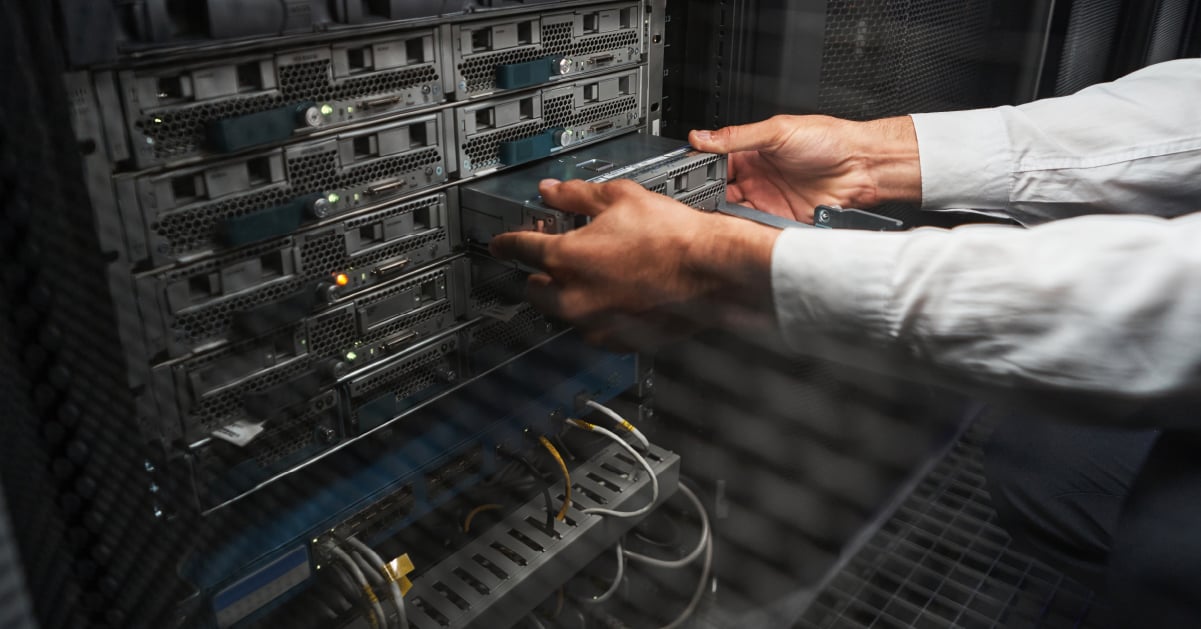
Don’t write tape off right away. Many businesses still use it, and for good reason!
Advantages of Tape
Tape has been around for a long, long time. So you probably won’t have to make any major infrastructure improvements to use it effectively. Because it’s not linked to your infrastructure, it’s not vulnerable to ransomware, and you can store quite a lot of data in a relatively small device. It also doesn’t require ongoing energy use, and it’s fairly cheap and easy to store offsite.
Remember — even though cybersecurity incidents grab headlines, your workplace could also experience a natural disaster, like a flood or fire. An offsite backup may be critical to a successful IT Disaster Recovery Plan.
Disadvantages of Tape
Writing to tape and reading from it takes a lot longer; it’s not an automated process, and there’s always a chance of data corruption. And if you ever need to restore your data from a tape, you’ll need to go through a series of precise, hands-on steps to make that happen.
There’s also always a chance that someone could simply walk away with a tape or lose one.
Advantages of Disk

Generally speaking, disk systems back up much faster than tape, in part because they can do data de-duplication, which means they won’t copy data already stored on the backup appliance. Disk backups are also much easier to access.
Because disk systems use metadata, you can restore your data from any point in time — from individual files to complete images. Backup images can also be mounted on your backup appliance/server for faster recovery in a time of need, which works well for disaster recovery testing and data validation.
And while it used to be true that disks often lacked the capacity of tape, that’s no longer such a clear drawback. Now, a disk backup can store much more on an individual device.
Disadvantages of Disk
It’s harder to safely and securely store servers and hard drives offsite without using a third-party provider, which can add to the cost. However, disk backup solutions are getting cheaper all the time.
Disk storage can also use up a lot of energy, and they can take up more space.
Tape vs. Disk — What Is Best for Your Backup?
For most businesses, the easy answer is probably disk, largely because the backup process can be automatic, and using a disk backup to restore critical systems and data is fast and less labor-intensive. In the unlikely event that you ever have to use your backup, every second counts!
However, if your business is heavily regulated — or for companies that have to maintain files for a very long period of time — tape provides additional protection against cybercrime and can make long-term storage easier and more cost-effective. In fact, large cloud storage providers are some of the most common users of tape storage today. Tape backups are also frequently used by financial, law enforcement, higher education institutions, medical research organizations, and more.
The Best Way To Prevent a Tech-Related Disaster

At Marco, we’re all about prevention, but prevention can be hard to advocate for. Many small to midsize businesses tend to underestimate how vulnerable they are to a cyberattack, and it’s always tempting to budget for upgrades that can add more tangible ROI.
Unfortunately, we’ve seen first-hand what happens to businesses that don’t invest in prevention, and it’s not pretty. For small businesses without enough IT staff to keep on top of rapidly evolving security threats, the easiest way to never have to worry about these things again is to invest in managed IT.
Managed IT services offer a number of benefits aside from helping protect your business from a disaster, and fortunately, there’s real ROI attached. Click the link below to learn more.






.jpg)




