
Ten years ago, when we talked to businesses about implementing more cloud solutions, we’d be met with a lot of skepticism and security concerns. Now that cloud computing has become the norm, the pendulum has swung a bit too far in the other direction.
No information storage option is without risk, and bad things happen to hard drives and paper files every day. Bad things can also happen to data that’s stored in the cloud. So in this blog, we’ll cover cloud storage FAQs as well as everything you need to know about how to protect your cloud data.
What Is Cloud Storage?
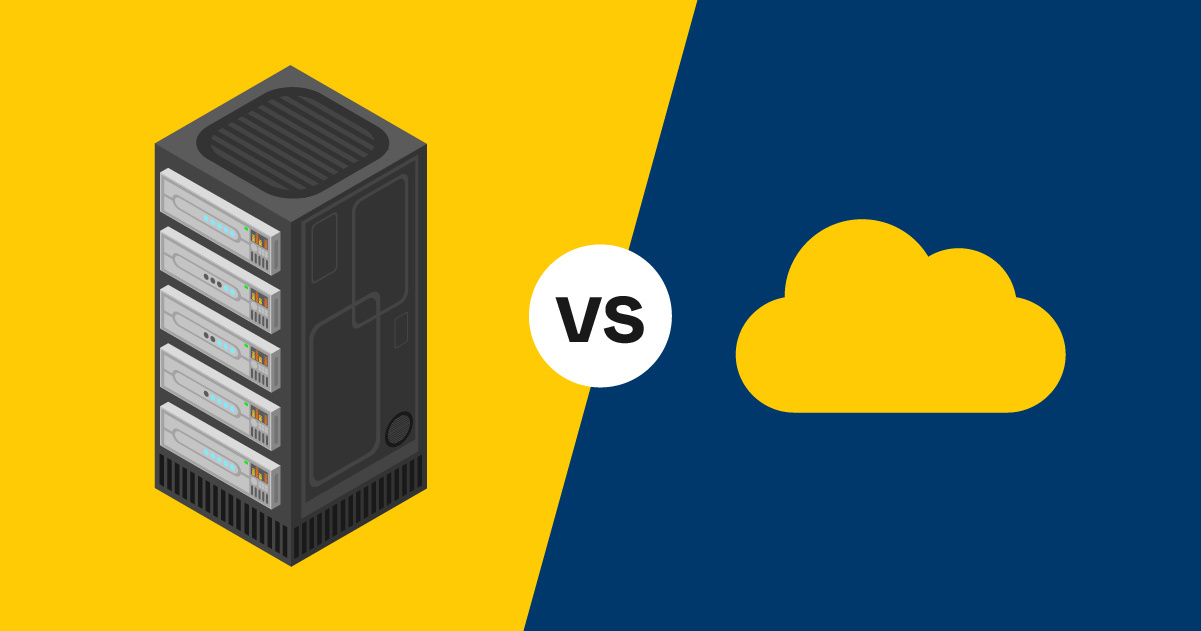
Cloud storage is the ability to store data on remote servers that you can access over the internet, as opposed to a local server in your office or a hard drive on a computer.
Popular cloud storage providers include:
- Google Drive
- Amazon S3
- Dropbox
- Microsoft OneDrive
- Apple iCloud
How Does Cloud Storage Work?
When you understand how cloud storage works, it’s easier to understand what can go wrong.
Here’s what happens step by step when you upload data to the cloud:
- You access a cloud provider’s app
- You upload data in the form of documents, backups, videos, etc.
- Your data is sent over the internet to a provider’s data center
- It’s stored in this data center on physical servers, where it is sometimes replicated for redundancy
- Your data is indexed by name, size, permissions, and more, so your provider’s system can retrieve it quickly when you need it
Your cloud provider will use a number of tools to protect your data, including:
- Encryption while in transit and at rest
- Access control and identity management tools
- Physical security of their servers and facilities
- Replication and backup tools
- Audit logs to track access and changes
- Malware and threat detection tools
Can Cloud Storage Services Lose Your Data?
The cloud might be one of the safest places to store data, as it’s stored in multiple locations, making it exceptionally difficult to lose. Plus, if you ever experience difficulty retrieving your data from the cloud, there is a good chance that you will be able to retrieve it from another data center or an automated backup built into your software-as-a-service (SaaS) solution.
That said, the risk of data loss still exists.
3 Common Ways Cloud Data Can Be Lost

Despite all of the benefits that cloud computing offers and the safeguards built into these solutions, there are still risks, including the possibility of data loss.
Here are three of the most common factors for data loss in the cloud:
1. Accidental Deletion/User Error
Perhaps the most common source of data loss when using cloud storage is unintentional deletion. Automated backup processes built into cloud computing solutions may allow you to recover deleted files or restore an older version of a document or database, but the time window you have varies depending on the platform, backup solution, and backup configurations that you have in place.
2. Overwriting Data
It is also possible to have information mistakenly overwritten by users or by applications. Not unlike databases that get updated on the servers that you host in your facilities, software as a service (SaaS) applications are a potential source of massive data loss. These apps hold and continuously update large data sets. New information has the potential to overwrite old information and can cause data sets to be partially overwritten in the process.
3. Malicious Actions
Most cloud storage providers go to great lengths to secure their networks and your data, but hackers have still managed to force their way in so they can steal data, restrict your access to it, or leak it.
How Can Attackers Gain Access to Your Cloud Storage Without Knowing Your Login Details?
The answer? We often make it pretty easy for them.
Here are a few ways hackers can get to your data:
1. Someone Used the Wrong Settings
If your files are configured to be publicly accessible, either to anyone with the link, or in some cases, without it
2. Someone Left Access Keys in the Open
A developer can accidentally expose access keys or tokens in public code repositories, configuration files, or logs that bypass the need for individual login credentials.
3. A Third-Party App Got Hacked
Any apps that integrate with your cloud storage that are vulnerable to hackers can be used as a gateway to access your data.
4. Someone Accidentally Gave Away Their Credentials
Modern phishing scams are far more effective at tricking users into providing their credentials or granting access permissions.
5. A Hacker Hijacked Your Session
Attackers can steal session cookies or tokens, often through malware, unsecured networks, or browser-based attacks, and use what they find to impersonate you online.
How To Protect Your Data in the Cloud

You don’t have to reinvent the wheel on this one. Well-tested best practices and frameworks are available to help IT departments more securely manage access control to data that is hosted in the cloud.
If you’re currently using the tools and practices outlined in this checklist, your data and systems are well protected, both inside and outside of the cloud. However, if you want a specific checklist to protect your cloud data, here’s what we’d recommend.
Pick One Cloud Storage Service
Make sure your staff use only one cloud storage service, so you can focus your attention and your protection there.
Enable Multifactor Authentication
Strong passwords are great, but enabling multifactor authentication can still protect your data even if an employee uses a weak password, reuses a password, or accidentally shares their passwords in a phishing attack.
Implement Engaging Security Awareness Training
Phishing scams are constantly evolving, and the spelling and grammatical errors that used to characterize phishing emails have largely vanished.
However, security awareness training — as long as it’s ongoing and engaging — can go a long way towards helping your staff recognize and avoid scams.
Watch Your Third-Party Risks
Cloud storage providers understand that their ability to secure your data is directly tied to their reputation and their viability. But some integrated third parties may not be as responsible or considerate.
A reputable cloud storage provider should allow you to customize your settings to reduce your third-party risks.
Develop a Backup and Disaster Recovery Strategy
A solid backup and disaster recovery strategy will ensure that your most critical data is backed up on a schedule that aligns with your business objectives. And if the worst-case scenario happens, your data can be recovered in a timely manner.
Whether this documentation is developed internally or you enlist the help of an outside provider, a well-thought-out disaster recovery plan (DRP) will take into account your larger business continuity needs as well.
We also recommend that you find a backup solution that fits your business needs and priorities. Not all solutions are created equal.
Here are a few things you should consider:
- Know which one of your SaaS platforms integrates with your backup solutions, and which ones require their own independent process with the vendor
- Ensure that your solution is configured correctly and test your backups
- Have multiple copies available for restoring your data
- Consider how to successfully save your backups to different data centers, so if an issue arises in one of your backups, the information and business operations are still recoverable from a different location
- Know how fast you can recover. If your current solution is too slow, your organization may have no choice but to suffer data loss
- Many cloud solutions these days allow very quick failover to keep your core business processes up and running with minimal downtime
- Understand the importance of storing data in a manner that cannot be tampered with or encrypted by ransomware. For example, evaluate how encryption and immutability can be used to secure your data
How To Manage Cloud Storage the Easy Way
Technology service providers offer robust cloud storage options that provide you with ample storage that will scale along with your organization’s growing needs, affordable pricing, and robust security. When you work with a cloud service provider on a cloud storage solution, you have access to the best software programs available and a team of highly skilled experts who can optimize your cloud storage and mitigate vulnerabilities that may threaten the security of your information.
We’ve created a guide to help you determine which kind of solution would be a good fit, how to make the transition easily, and how to find a good cloud services partner. Click the link below to download it!








![Cloud vs. On-Premises Communications [Infographic]](https://www.marconet.com/hubfs/UCaaS-infographic.jpg)