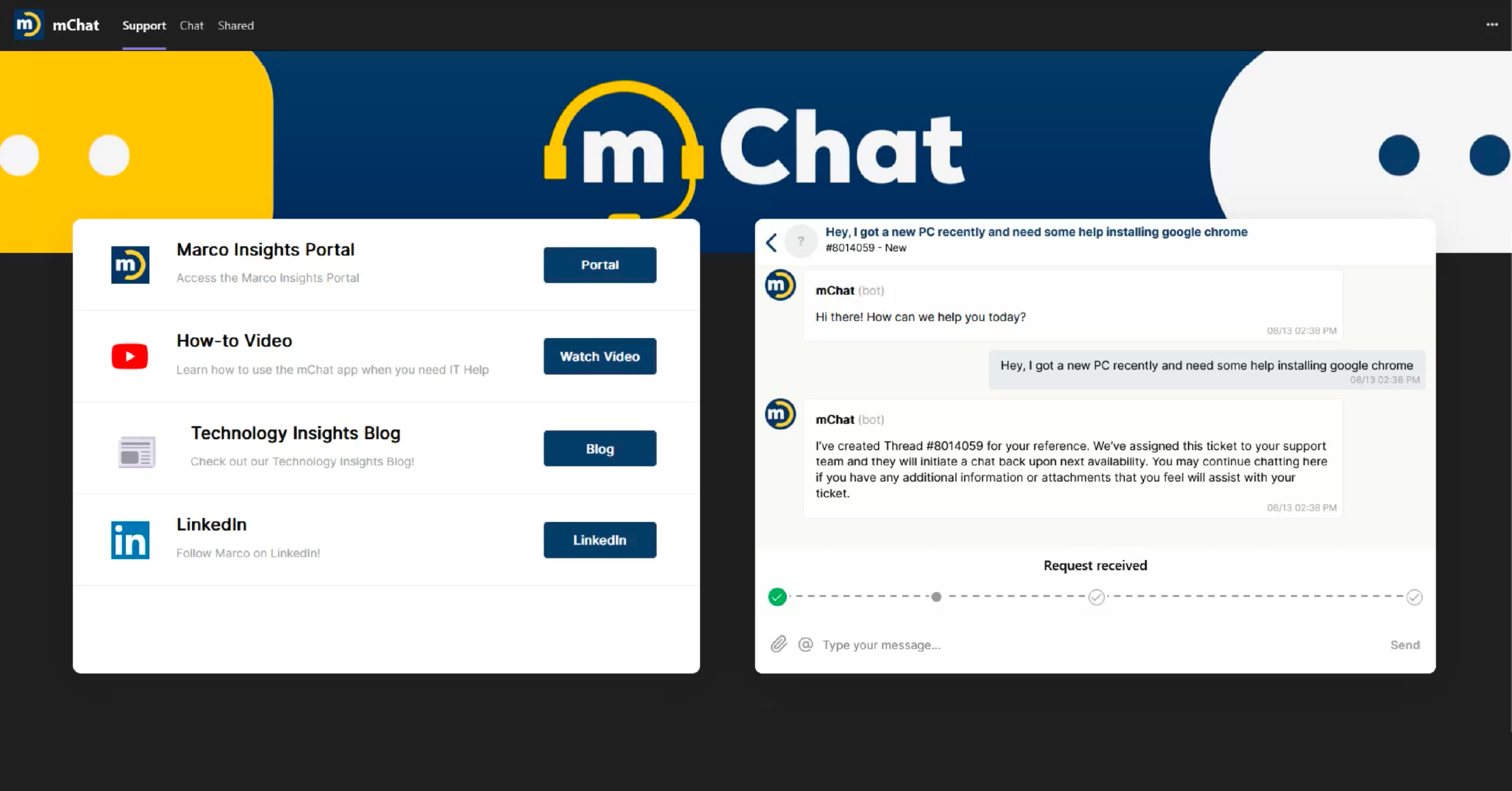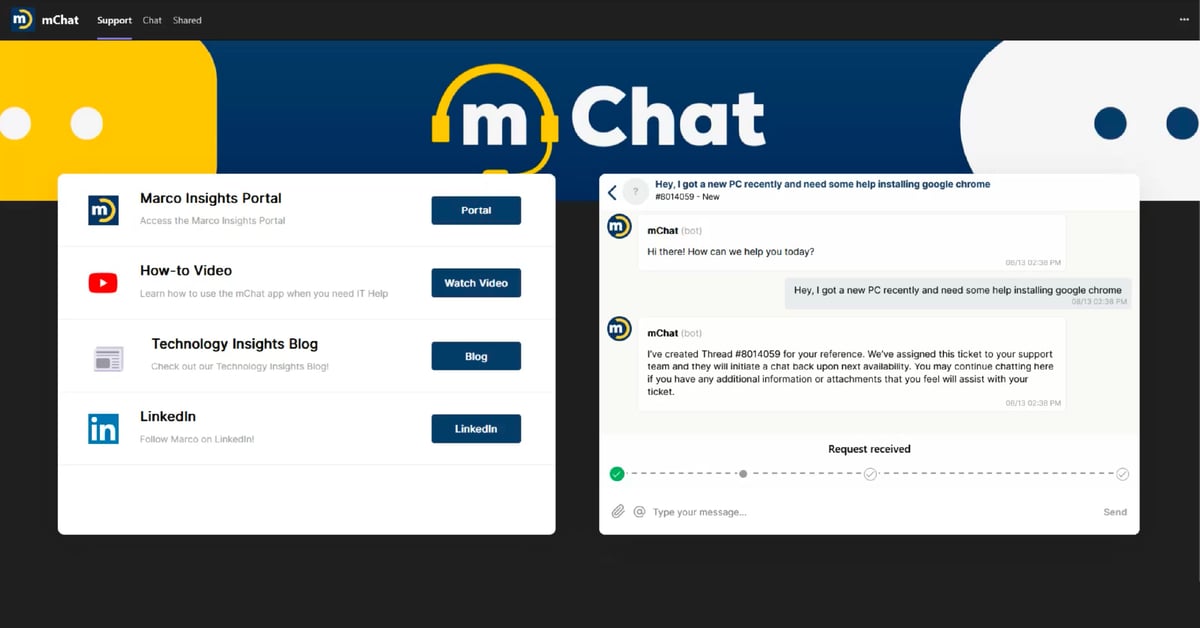
That's we're excited to talk about a game-changing addition to our IT help desk services — direct chat support through Microsoft Teams, our desktop app, or the Insights Cloud Portal.
Haven't used it yet? There's no time like the present!
Starting October 19th through the end of 2026, we're offering our managed IT clients a way to earn a $150 service credit on a recurring monthly service. See more information in our FAQ section!
An Overview of mChat
Marco's chat-based support system — mChat — makes it faster and easier to start a support ticket and get connected with professional IT assistance. Whether you're dealing with software glitches, hardware issues, or network connectivity problems, expert technicians are now just a message away.
Our new chat tool isn’t about replacing our other communication channels. You can still call us, email us, and submit service tickets through our Insights Cloud Portal.
The Benefits of Getting Business IT Support Through mChat
Our new system offers five key advantages:
1. Better Experiences
When you’re already experiencing a technical issue, we know that even small ways we can expedite a solution can make a big difference!
We know many of our clients still prefer to hear a friendly human voice when they’re experiencing a tech issue, but others say they’ve found our chat tool to be more convenient.
2. Quicker Connections
Our mChat tool is designed to speed up initiating service tickets and connecting you to the right specialists faster.
3. The Ability To Multitask
Waiting on the phone is one thing. But not being able to get important work done in the meantime can make on-hold times more frustrating. mChat makes it much easier for you to multitask, so your time isn’t wasted.
4. Advanced Tracking
When you start a new chat, our system automatically creates a tracking mechanism that allows you to monitor updates and responses in real-time, giving you complete visibility into your support requests from initiation to resolution.
5. Faster Submissions
Our new SmartForms feature takes the guesswork out of submitting common requests. Just type what you need in plain language — mChat recognizes your request and pulls up the right form automatically and updates it with the information you've already provided. No searching, no extra steps. SmartForms are currently available for employee onboarding and offboarding, calendar access changes, password resets, account unlocks, and more.
See SmartForms in action:
How To Access Marco's New Trouble Ticket System
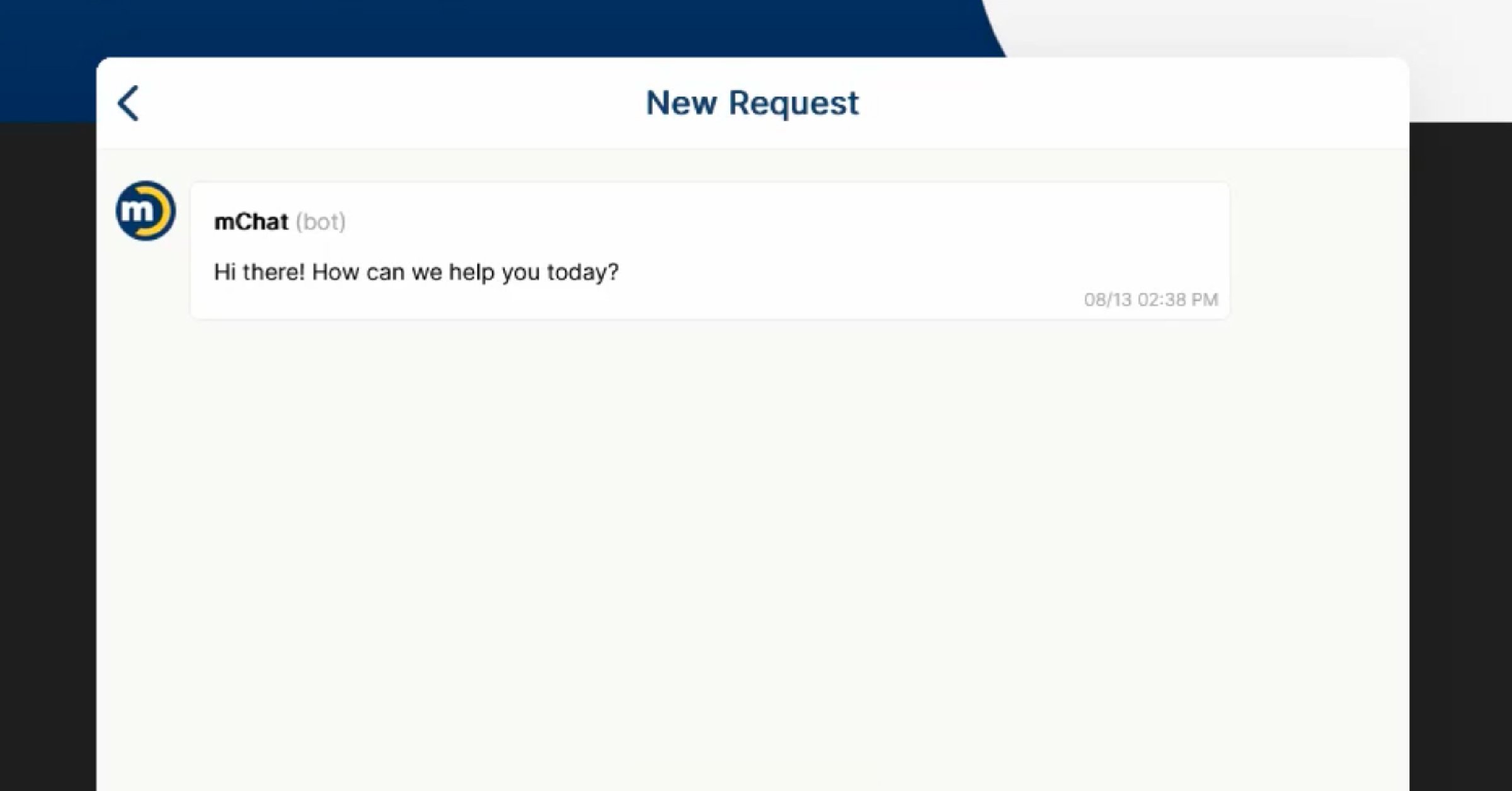
Interested in trying mChat? Here’s how to get started:
- Open mChat in Microsoft Teams, the desktop app, or the Insights Cloud Portal
- Select "New Chat" to connect with live support
- Start your request in plain language
- Fill out any relevant forms mChat pulls up
- Monitor updates and responses in real time
mChat FAQs
Haven't used mChat yet? Here are quick answers to common questions.
What is mChat?
mChat is Marco's chat-based support system. It connects you with a technician through Microsoft Teams, our desktop app, or the Insights Cloud Portal, so you can start a support request without picking up the phone or submitting a ticket the old way.
How do I access mChat?
Open mChat in Microsoft Teams, the desktop app, or the Insights Cloud Portal, then select "New Chat" to connect with live support. mChat doesn't replace your other options — you can still call, email, or submit tickets through the Insights Cloud Portal.
What are SmartForms?
SmartForms is a feature inside mChat that removes the guesswork from submitting common requests. Type what you need in plain language, and mChat recognizes the request, pulls up the right form, and fills in what you've already told it. SmartForms currently cover employee onboarding and offboarding, calendar access changes, password resets, account unlocks, and more.
What's the mChat contest, and who can enter?
The contest is open to all Managed IT clients, with access going to each company's designated approver or contact. It launches October 19 and runs through the end of the year. Eligible clients can earn a one-time $150 service credit toward their monthly recurring services.
How do I qualify?
Your goal is based on your company’s own mChat use today:
- New to mChat: Submit 5 mChat tickets
- Lower ticket volume: Reach a set number of mChat tickets, sized to your company’s ticket volume
-
Higher ticket volume: Grow your share of tickets sent through mChat by 10 percentage points
How and when is the credit applied?
Once you hit your goal and maintain it for two weeks, your $150 credit is applied to your next monthly invoice.
The Future of Marco’s Outsourced IT Support
One of the reasons we’ve continued to grow since we first opened up our shop in 1973 is our dedication to continuous improvement. We’re always interested in any ways we can give our clients a competitive edge, a better experience, and an easier work week.
In 2020, we anticipated that repair components would eventually be in short supply, and so we took steps to secure our own inventory. We also helped many of our clients transition to remote work quickly while making sure their data stayed protected from the catastrophic cybersecurity threats we were starting to see on the horizon.
From pursuing new strategic partnerships to new service offerings, we’ve always kept an open mind to ways we can do better and offer more ROI to the organizations we serve. In the next few years, we’re excited to debut even more ways of providing enterprise-scale resources with a small company feel.
Click the link below to learn more about what you can do in our newly improved Insights Cloud Portal!