
If you’ve ever emailed a file back and forth and ended up with a version called “Final Final Final,” then you already know at least one reason that cloud storage matters. But while it’s great for saving and sharing files, the real advantages of cloud storage show up in everyday work.
If you haven’t made the move yet, here’s what you should know about the impact it could have on your entire organization.
What’s the Difference Between Cloud Storage and Cloud Storage as a Service?

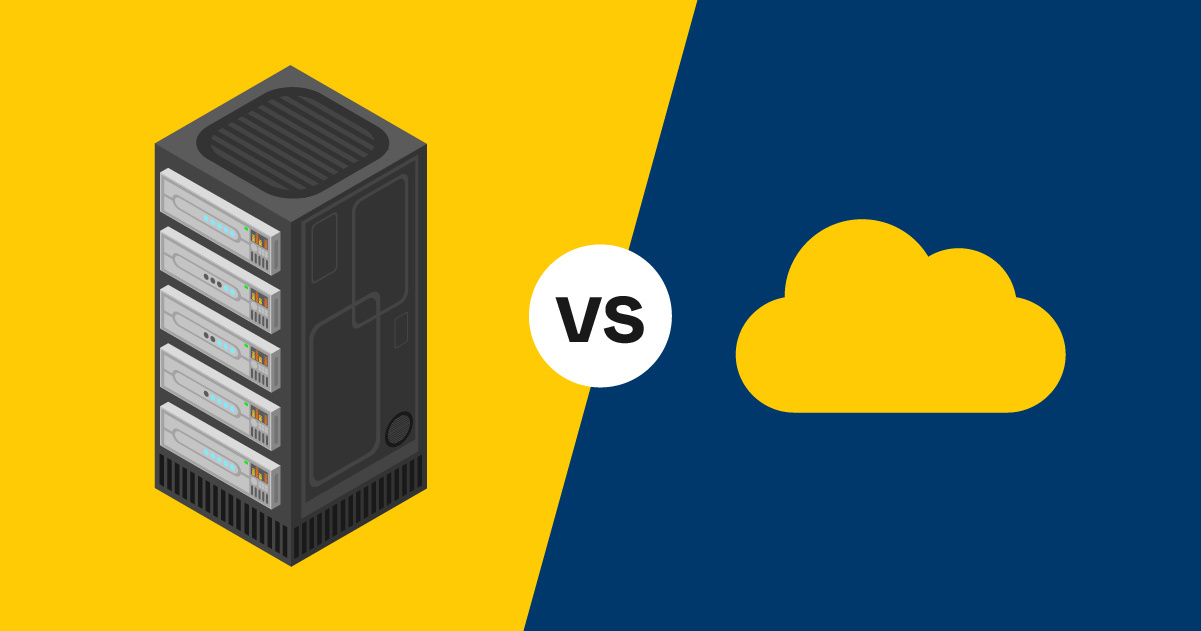
Cloud storage is a way of storing files and data online instead of keeping everything on a local server, hard drive, or internal network.
However, most small to mid-sized businesses that use cloud storage are actually using cloud storage as a service, where instead of building and managing the storage infrastructure itself internally, they’re working with an outside vendor to do that heavy lifting. Everyday tools like Google Drive (with Google Docs) and Microsoft 365 (with OneDrive and SharePoint) are common examples of cloud storage as a service.
7 Advantages of Cloud Storage
Every business is different. But here are the 7 cloud storage benefits that would apply to most organizations:
1. Lower Total Cost of Ownership
Physically backing up data can get expensive fast when you consider the hardware purchases, software licensing, maintenance, and the labor required to manage it all. And if a disaster hits, recovery costs can be high.
With cloud storage, you pay for what you need, when you need it. That reduces the need for extensive on-site infrastructure and shifts spending from capital expense (large up-front investments) to operating expense (predictable monthly billing). For many businesses, that financial flexibility is a big enough reason to switch.
2. Stronger Cloud Storage Security
Modern cloud providers build security and redundancy into their business model. While your organization still needs good policies and access controls to protect your data in the cloud, a well-designed cloud environment often includes capabilities like:
- Encryption in transit and at rest
- Role-based access controls and audit logging
- Continuous monitoring and patching
- Built-in redundancy across systems (and often locations)
For organizations handling regulated data, these features can support compliance goals. For example, many providers offer configurations and safeguards that can align with HIPAA-compliant cloud storage requirements when set up correctly (and paired with the right agreements, policies, and governance).
3. More Opportunities for Automation
From application updates to backups and lifecycle policies, many cloud storage environments can be automated. Automation helps reduce human error, improves consistency, and frees internal teams from repetitive maintenance tasks.
Common examples include:
- Automated backups and retention rules
- Alerts for unusual access or storage spikes
- Automated patching and system health monitoring
- Policy-based archiving of older files
4. Increased Flexibility and Scalability
If your organization is hoping to grow in the next few years, cloud storage is your friend. Instead of having to purchase hardware months ahead of time — which may take even longer with current supply chain issues — you can add capacity quickly.
5. Better Collaboration With Real-Time Access and Version Control
When you work from centrally stored files, almost everything about collaboration instantly gets easier:
- Employees can work from anywhere with secure access
- Teams can collaborate in real time
- Changes can be tracked and shared immediately
- Documents stay organized in a single source of truth
- Documents are easily shared with others, including those outside the organization
6. More Options With Hybrid Cloud Storage

Not every workload belongs entirely in the cloud — and not every organization can move everything at once. Hybrid cloud storage combines on-premises resources with cloud storage so you can:
- Keep sensitive or latency-sensitive data on-site
- Use cloud storage for backup, archive, collaboration, or burst capacity
- Migrate gradually instead of doing a “big bang” move
- Improve resilience with off-site redundancy
Hybrid approaches are especially useful when legacy systems, connectivity needs, or regulatory requirements shape where your data lives.
7. Less Energy Consumption
Cloud providers run large-scale infrastructure that’s designed to maximize utilization. Compared to underused on-site servers, cloud environments often achieve better “computing per watt.”
That can translate into:
- Fewer local servers to power and cool
- Lower energy costs over time
- Progress toward sustainability goals (without sacrificing performance)
Common Cloud Storage Security Concerns (and How To Address Them)

No system is entirely without risk, and that includes on-premises storage. In order to properly secure your data in the cloud, we advise:
- Redundancy in connectivity and offline workflows for critical operations.
- Getting serious about access control, including permissions, MFA, and monitoring
- Define retention, deletion, and archiving rules to control costs and risk
If you’re in a regulated industry, you may also need specific configurations, policies, and vendor agreements.
Common Cloud Storage FAQs
When cloud storage first became widespread, we got a lot of these questions more often. Now, we feel like they’re not asked enough:
Is cloud storage secure?
It can be extremely secure — especially when paired with strong identity controls, encryption, logging, and good permission management. “Secure” depends on configuration and governance as much as the provider.
What is hybrid cloud storage used for?
Hybrid setups are often used for backup/disaster recovery, gradual migration, and scenarios where some data must remain on-site while still benefiting from cloud scalability and collaboration.
Can cloud storage support HIPAA requirements?
Many organizations use cloud storage in HIPAA-regulated environments, but compliance depends on the overall solution: correct configuration, access controls, auditing, retention policies, staff practices, and the right vendor agreements.
Unlocking the Full Potential of Cloud Storage
Cloud storage offers direct benefits, but the real advantages of cloud storage show up when you use it strategically — improving collaboration, scalability, resilience, and governance throughout your organization.
At Marco, we aren’t focused on selling you a tool or service. We’re focused on helping you get where you want to go and making recommendations to help you do that as quickly and efficiently as possible.
Click the link below to see what we offer!










![Cloud vs. On-Premises Communications [Infographic]](https://www.marconet.com/hubfs/UCaaS-infographic.jpg)