Printers are investments, and you want to make them last as long as possible. These quick and easy tips, coming straight from our printer/copier engineers, will help your office cut down on repairs, increase the life expectancy of your printers, and produce quality prints.
Don’t worry — we’re not asking you to schedule monthly maintenance with a professional printer technician. In fact, these tips won’t require any additional costs or require that much ongoing effort on your part.
Let’s get started!
1. Train Your End Users
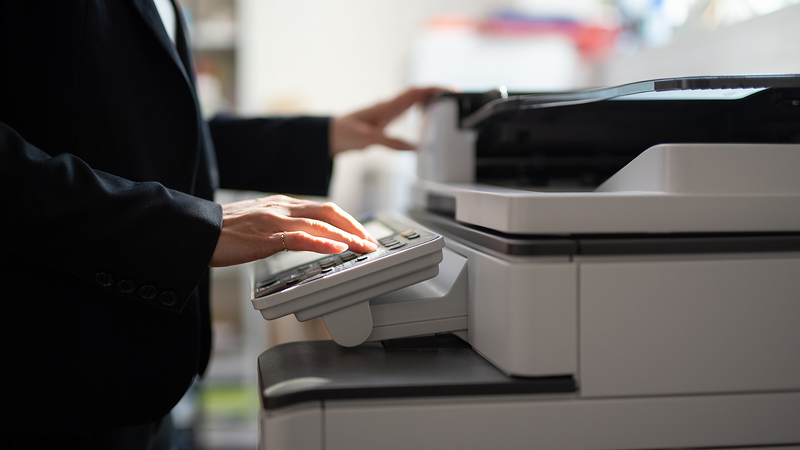
Believe it or not, user error is one of the most common reasons printers require maintenance or service. Training your users, including remote staff, should eliminate most of these occurrences. Training should include basic operation of the equipment, including how to turn the machine on and off properly, and how to load supplies.
You can also use this training to show end users any multifunction devices you might have in your office, and the additional features they can access, either on-site or remotely. Training handouts should be given to all users, as well as placed near the device.
Some of the trickiest tasks include cleaning and calibrating printing devices. It would be ideal for all end users to know how to do things like this, but that’s usually not practical. If you work with a print provider and have access to a help desk, make sure your end users know how to use this valuable resource. A quality help desk can help users identify any issues and talk them through an effective troubleshooting process.
Even after properly training end users, you may also find value in posting basic reminders near the machines, especially if the same things keep happening even after training. For example, users may need a reminder to remove all staples prior to inserting papers for copying.
2. Assign a Key Operator
Designate one person to be trained in all aspects of the printer, beginning with its initial installation. This person can serve as an on-site go-to person before contacting your help desk or service technician. Choose someone who is a little tech-savvy, who will be able to troubleshoot as well as explain advanced functions. An effective key operator will be able to perform all functions related to the printing equipment and efficiently assist end users through them.
3. Use Quality Paper/Media
Quality printing can only be produced with the proper materials. We recommend only using the supplies recommended by the manufacturer or your print provider. Using low-quality paper and third-party inks and toners can cause poor documents, cause paper jams, and can decrease the lifespan of your printer. The little you save on each ream of paper or third-party cartridge isn’t worth it.
4. Operate in a Clean Environment
Keep your printer in a low traffic area to avoid dust buildup and fingerprints, which can make printed pages appear speckled or dirty. Here are some additional pointers to keep your printer environment clean:
- Don’t touch the copier glass with your fingers
- Keep windows closed and routinely clean and vacuum around the area
- Clean all surfaces with an electrostatic cloth, or as recommended by the manufacturer
- Clean the incoming paper tray periodically to ensure nothing has fallen into the bottom or between pages
- Keep food and plants away from the area surrounding the printer
5. Give Your Printer Space
It can be hard to clean your printer or perform regular maintenance tasks in a very small space. If you find yourself avoiding these tasks because it’s hard to access your printer, it’s time to find the printer a new home in your office.
6. Pay Attention to Supply Storage
Heat can cause air bubbles to form and expand inside an ink cartridge, which could cause the cartridge to leak. Paper is not as sensitive to heat. However, in a humid environment, it will become damp, which can cause more paper jams. Printing supplies should ideally be stored in a cool, dry place. If humidity is present throughout your office, you can store open paper packages in an airtight container.
7. Respect Your Printers
Most people treat their laptops and other sophisticated devices with kid gloves. They don’t pound their keyboards with their fists or sit on them. Printers these days are just as sophisticated, and their parts can be damaged if they’re not treated with respect. Remind your staff to close doors and trays with care, treat cords gently, and refrain from slapping or kicking the device.
It’s also important not to overwork your printing devices. Manufacturers have what’s called a duty cycle number, which sets the uppermost limit that your device should be producing per month. If your output is frequently bumping up against this number, it’s time to get a second device.
When To Ask For Help
If you’ve been following all of these pointers and you’re still struggling with unreliable printers, or if you’d prefer to let your staff focus on what they do best, you may want to consider working with a Managed Print Services (MPS) provider. An MPS can take care of all supply ordering, regular maintenance, and troubleshooting, and can even provide help desk support. Our clients typically find that this service actually saves them quite a bit of money while freeing up their staff.











