
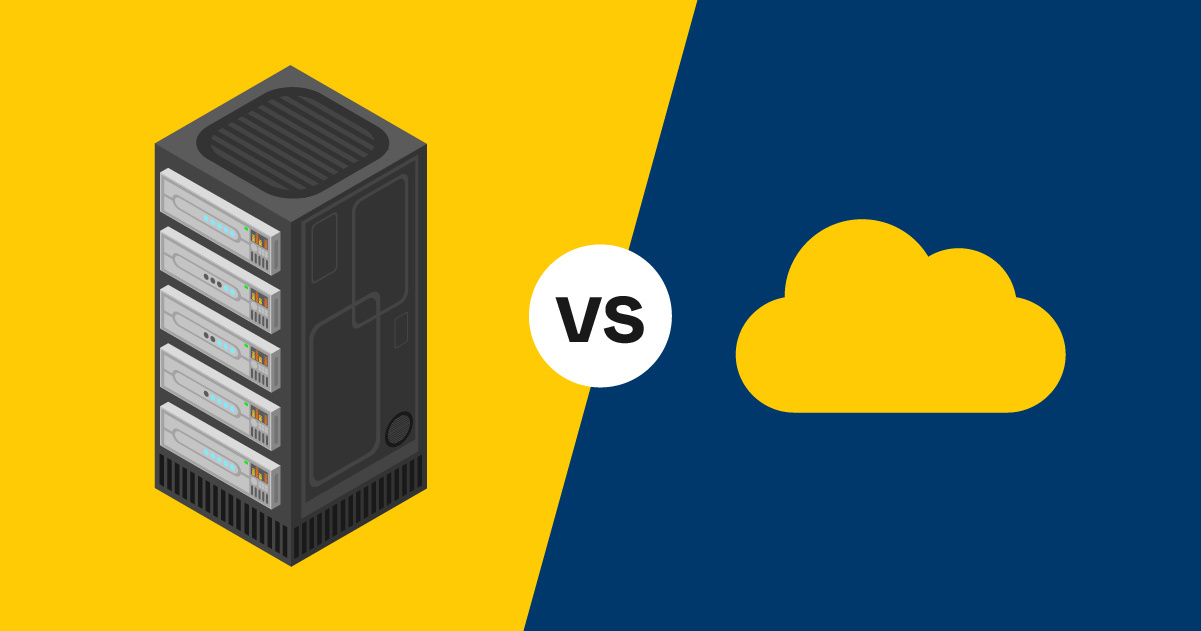
For most organizations that haven’t yet made the move, the question they're asking typically isn't if; it's when. But cloud migrations can require some heavy lifting from your IT team, as well as significant infrastructure upgrades. So, is this the year it should take priority?
In this blog, I’ll explore when cloud computing goes from a “nice to have” to a “need to have.”
Our Simplified Cloud Assessment
The more of the following statements that ring true for your business, the more you’ll benefit from moving to the cloud sooner rather than later.
Organizational & Financial Considerations
On-premises infrastructure can cost you time and money. If at least a few of these are true for your organization, it’s time to make the move:
- Our company has multiple locations
- Many of our employees work remotely or would like to
- Our company is growing, but we don't have a way to scale our systems/infrastructure
- Our company has limited IT resources
- Our employees spend too much time dealing with computer or IT issues
- We’re spending too much on equipment maintenance, storage, hardware, and licensing
- We use sophisticated apps to run our business (like a CRM)
- We've lost revenue or upset clients/vendors because we were out of the office
Data Management Challenges
Are your teams frequently losing precious hours (and getting frustrated) because they can’t collaborate on a document in real time, or someone’s worked on the wrong version of a document?
If a few of these are true, there’s a better way to work:
- Only one person can access a particular file at one time
- Our company routinely emails large files to employees, clients, or vendors
- Our company routinely saves multiple (edited) versions of the same document
- Our company has sensitive data that needs secure storage
- We've lost files due to a natural disaster, human error, system issues, hackers, etc.
- It's difficult to remotely access our company's data, applications, and services
Infrastructure Limitations
If any of these are true, you’ve outgrown your on-premises infrastructure:
- We're reaching the maximum storage limit on our internal server
- Our network connection often fails
- We host our own website(s)
- We host our own email exchange server
12 Reasons To Prioritize Migrating to the Cloud

If you were nodding along to several of the challenges I listed above, I hear you. And I also know the past few years have brought more than enough change already. So why pile on another big one? Because cloud computing is different — it's the change that makes all the other changes easier to handle.
1. You’ll Free Up Your IT Staff
Is your IT department so overworked with help desk support and daily tasks that they're struggling to update and patch software quickly? It's a common issue, but one that sometimes has severe consequences.
One of the best benefits of moving to the cloud? All of your tools and infrastructure will be updated automatically. That means your IT staff can sleep a bit easier at night and focus on other things.
2. It Costs Less
Migrating to the cloud may mean you can do more without having to hire more full-time IT staff or invest in expensive hardware. You can just pay as you go, and most cloud service providers charge a fairly low rate. You can also scale your services up or down as your needs change, so you're not stuck with a pricey tool that you no longer use.
3. It Offers Better Data Protection
Information stored in the cloud is typically much safer than information stored on individual devices or legacy systems. CSPs have invested heavily in security, and you can add more features easily. Since your tools and infrastructure will be updated automatically, your risk of a data breach is far lower. And should you ever need to recover from a disaster, if your data is backed up in the cloud, most of your recovery can be automated.
4. You’ll Empower Remote or Hybrid Work
In the cloud, your staff can share and edit documents securely from anywhere, on any device. Even if having remote workers isn’t a goal for your organization, cloud computing makes it easier for work to keep moving even if someone’s at home with a cold, caring for a sick child, or on a business trip.
5. It Reduces Frustration and Confusion
Say goodbye to file names ending with "final final final." With documents stored in the cloud, your staff won't have to email files back and forth or waste time tracking down different versions. Multiple people can collaborate on the same file simultaneously, eliminating bottlenecks.
6. You’ll Have Near-Instant Access to New Features
You won't have to wait weeks to get new capabilities, which means you can make big moves much faster. Get more of what you need on demand, without any physical installation necessary.
7. It’s Easier To Scale Up or Down
Tired of large up-front fees for software licenses? In the cloud, you can access the tools you want, when you want them, and generally pay as you go.
8. It Can Help You Be More Profitable
With fewer costs and greater efficiency, speed, and agility typically come increased revenue. In fact, one recent study found that companies that made the move to Google Cloud IaaS (infrastructure as a service) had a five-year ROI of 318%.
9. You’ll Experience Fewer Growing Pains
Mergers and acquisitions, as well as rapid growth, can be a mixed blessing. But the cloud makes big changes much easier to manage with auto-scaling and simpler data management.
10. You Can Access Better Data
Anyone can make decisions quickly. But if you're not using the sophisticated tools available in the cloud, it's pretty difficult to make well-informed decisions at high speed. The cloud gives you access to advanced data analytics to help you manage your customer relationships and more, so you can make quick decisions with confidence.
11. It’s More Environmentally Friendly
On average, a standard on-premises-to-cloud migration can cut energy consumption by 65% and carbon emissions by 84%.
Data centers require a lot of energy. Not only does the average private data center use less environmentally friendly sources of energy than a large cloud provider, but it's also typically far less efficient.
12. It Helps Level the Playing Field
In the cloud, it’s much easier for smaller startups to access cutting-edge technology without being priced out of the market.
What To Know Before Making an On-Premises-to-Cloud Migration

Once you migrate to the cloud, changes get much easier to manage. But getting there can be complicated. Depending on your cloud migration strategy, it could be time-consuming, and there's always a risk you could lose some data in transit.
Cloud Migration FAQs
Here’s a bit more context on cloud migrations, best practices, and getting started:
What Are Some Examples of Cloud Migration?
Some common examples include:
- Moving files from a hard drive to platforms like Dropbox, Google Drive, or OneDrive
- Migrating databases to AWS or Azure
- Hosting websites on cloud servers instead of on-premises infrastructure
What Are the Steps Involved in Cloud Migration?
Most successful cloud migrations for businesses follow these steps:
- Assess your current infrastructure and identify what to migrate
- Choose the right cloud service provider and migration strategy
- Plan your migration timeline and backup procedures
- Test the migration with non-critical systems first
- Execute the full migration in phases
- Validate that everything works correctly before decommissioning old systems
What Are the Best Practices for Cloud Migrations?
Key cloud migration best practices include:
- Starting with a comprehensive assessment of your needs
- Backing up all data before beginning
- Migrating in phases rather than all at once
- Testing thoroughly at each stage
- Training your team on new cloud tools
- Partnering with experienced professionals as needed
What Is the Future of Cloud Migration?
The future of cloud migration is likely to bring:
- Increased automation
- More AI and machine learning integration
- Better security capabilities
- Greater accessibility for smaller organizations
When To Seek Cloud Migration Consulting
Even if your IT team is fully capable of handling a migration, it may be better for your entire organization to keep them focused on other matters. Cloud migrations can be tricky, and unless it's something you do regularly, you could risk data loss or unexpected downtime.
Many managed IT service providers are happy to help with cloud migrations and other large projects. We certainly are! Our experts can help you identify the best migration strategy for your business and put it into action quickly, minimizing disruption and protecting your data every step of the way.
Ready To Take the Next Step?
You've already identified that your business would benefit from cloud computing using the checklist above. Now it's time to figure out the specifics:
- Which cloud solution is right for your business?
- How seamless will the transition be?
- Who should you partner with to make it happen?
Click the link below to download your free Cloud Computing Questionnaire to get a comprehensive list of questions you should ask — and answer — before making the move.










![Cloud vs. On-Premises Communications [Infographic]](https://www.marconet.com/hubfs/UCaaS-infographic.jpg)