
If you haven't yet made the switch to Microsoft Office 365, you might not know what you're missing. And to be sure, there are easy things to miss. Many users who haven't made the switch assume that Microsoft Office 365 is merely the same tools (Outlook, Word, Excel, OneNote, Publisher and PowerPoint and others) delivered through the cloud. The truth is, while Microsoft 365 includes all of those favorites, it provides some additional benefits that every company desperately needs…that is, if they want to remain competitive.
What's The Big Deal?
 Give yourself a break if you have missed out on the fundamental difference between Microsoft Office and Microsoft 365. Although it contains extra features like Exchange Online, SharePoint Online and Skype for Business Online, as well as additional storage, some of the biggest benefits of Microsoft 365 are less concrete, but offer far more in terms of the user experience.
#1: Fewer Disruptions
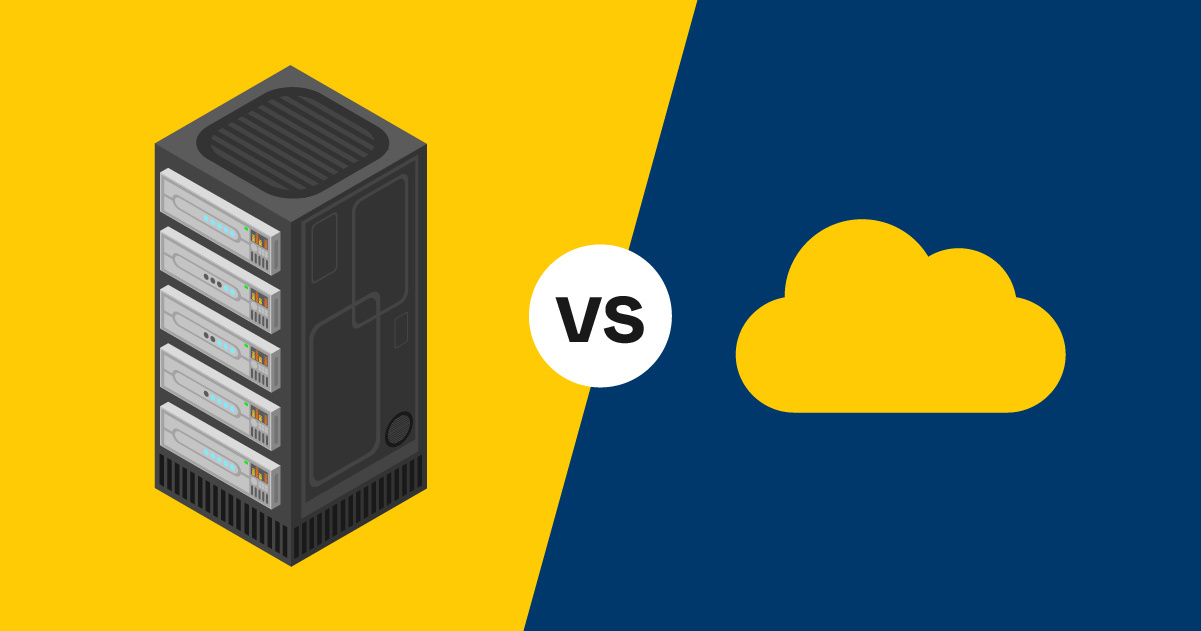
Because it's on the cloud, your employees can access the tools and information they need from anywhere, at any time. They can also work on projects from the smart device of their choosing, whether that's a laptop, a tablet or even a smartphone. Even if your business is still conducted largely in-person, work can still continue seamlessly while you travel. Furthermore, the loss or malfunction of an individual device can no longer interrupt the flow of business the way it once did. And while your business will be far more reliant on the internet, Microsoft online services offer a service level agreement promising 99.9% scheduled uptime and minimal service disruptions.
#2: Improved Communication And Productivity
With Microsoft 365, your employees can collaborate on documents and crunch data in real time, even with other businesses. And since it's connected to the cloud, Outlook can sync with other productivity tools. Any updates can be seen from any other networked device, so no more accidental double-bookings and missed appointments. Better yet, new and improved collaboration tools will continually be added, and your business will automatically have access to them without an additional purchase.
And your employees will really love this one--with Microsoft 365, each user gets a 50 GB mailbox and up to 25 MB for attachments and received files. No more constantly running out of space, or enlisting the help of a third-party to send large attachments.
#3: Increased Security
With improved accessibility can come increased vulnerability. And while all organizations need to take cyber security seriously, Microsoft 365 users get a few benefits that are hard to find anywhere else. All of its online tools are designed with security in mind, and are maintained with a security assurance process. Additionally, Microsoft constantly monitors for suspicious activity and conducts regular security audits.
#4: Added Agility
Because all of your Microsoft software is located on the cloud, you won't ever have to do a huge licensing refresh or make additional investments to your servers just to keep your software infrastructure up and running…even if your business suddenly adds a large amount of staff. If you have IT personnel, they'll thank you for this one. And if you don't, you'll be able to take care of far more of your company's tech needs by yourself.
Still Not Convinced?
There's a good reason that many providers of complex software have moved to a subscription model. Users working on different versions simply can't collaborate as well, and having to manage upgrades is time-consuming and disruptive. But let's face it, it's frustrating to pay a monthly fee, in essence, renting your tools, as opposed to buying them outright.
In almost every other aspect of life, being able to own something offers far better long-term benefits than renting ever can. But what this argument neglects to factor in is just how fast technology is changing, and how quickly an older version of software can become vulnerable to attack.
For example, depending on what car you drive, it should be able to give you 100,000 miles of reliability, or perhaps more, before it starts giving you unpleasant and costly surprises. So by and large, it's more cost effective to buy one rather than lease the same model, even if leasing spares you a few nuisances now and then.
That math doesn't work in the slightest for software, where security risks now change by the month and incredible productivity and collaboration tools are coming on the market every year. So yes, you'll pay monthly with Microsoft 365, but what you receive is maintained, improved and updated round the clock. Once you make the switch, you won't want to go back.
Click here for tips on how to get started.










![Cloud vs. On-Premises Communications [Infographic]](https://www.marconet.com/hubfs/UCaaS-infographic.jpg)