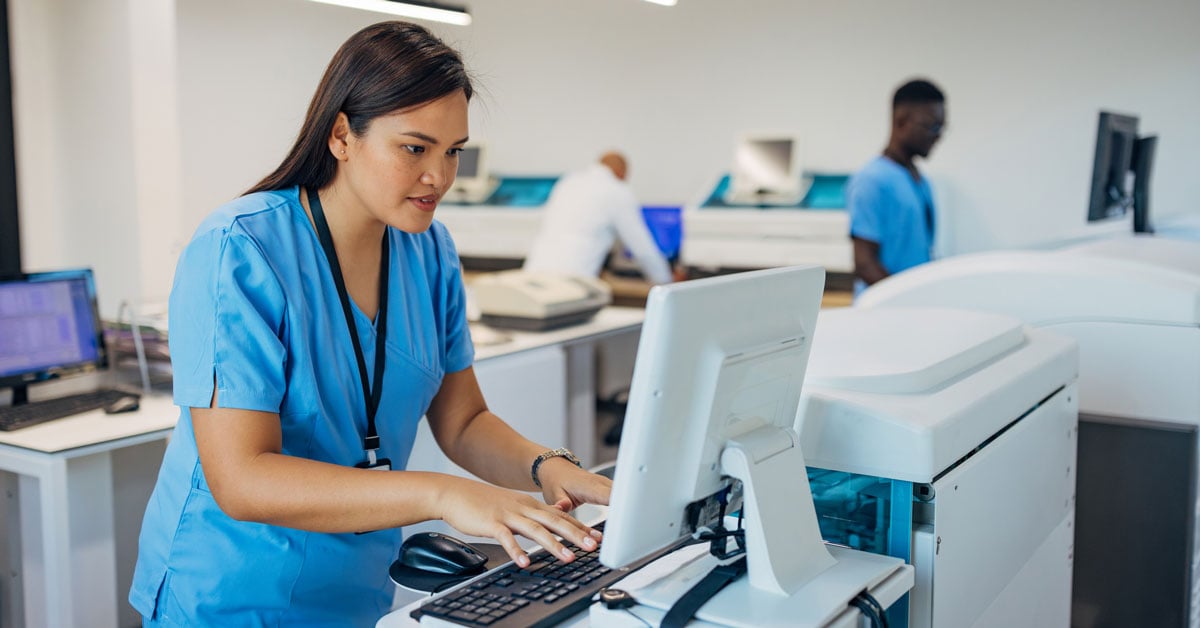
EMR (Electronic Medical Records) Software is the backbone of many practices, and this technology has implications for a practice's print environment. Understanding those implications and knowing how to adjust to them can quickly minimize downtime and workflow interruptions. Here's how...
The Effects of EMR Software Implementation
 If you are implementing a new EMR system, here are the top six changes you can expect and prepare for. If you already have an established EMR system, use this to identify any opportunities to further streamline your workflow.
#1: Add More Printers
Paper documents are still an essential part of patient care, and doctors and nurses need printers to be easily accessible. For most practices, this means adding devices to your print fleet – in hallways, in exam rooms, etc.
Optimizing the location of your printers can decrease the amount of time it takes to complete care for one patient and allots more time with other patients. It can also reduce time spent on retrieving documentation.
#2: Support & Manage More Machines
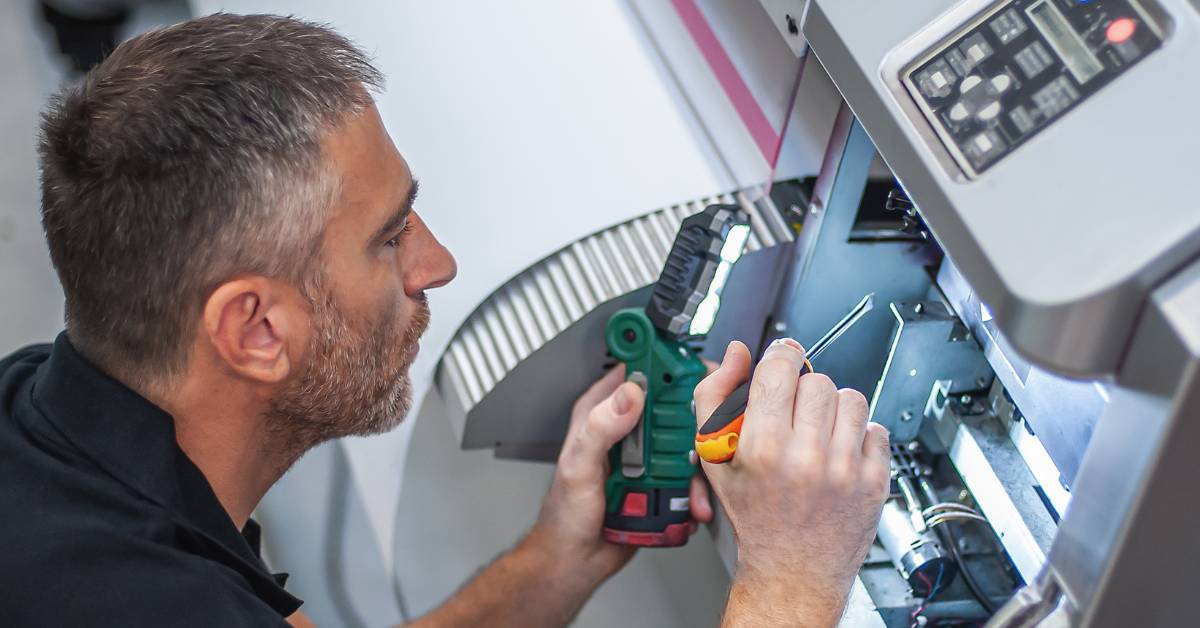
In addition to adding printers during your EMR setup and integration, you'll likely be adding more PCs, too. This means there is more equipment in need of monitoring and support. Whether that is your IT team or your technology provider, someone has to step up and manage the new equipment.
#3: Accommodate multiple Print Queues
Prior to electronic medical records, you had a standard print queue – i.e. Windows print queue. When you add EMR software to the equation, you’ll also need to add a new print queue. Your printers will need to communicate with two different servers for your print devices to be able to accept jobs from both queues.
#4: Configure Printers for Your Print Needs
In addition to streamlining documentation practices, EMRs and an optimized print environment can improve additional elements of patient care. For example, prescription printing can be made simpler by designating a specific printer paper tray for this need and configuring print settings accordingly. So, every time a prescription needs to be printed, the printer is all set to work properly and no setting changes are required.
#5: Pay Close Attention to Print Drivers
Print drivers become very important when EMR software is in place. The software requires specific drivers in order to communicate properly with your printer. If those requirements aren’t met, printing becomes a frustration, when it should be a convenience.
#6: Uncover New IT Opportunities
An EMR implementation is often an important first step toward technology improvement. Once the implementation is complete, only then does the work really begin. From this point, there are endless opportunities to clean up, update or replace technology in your continued effort to advance patient care. EMR integration can be a launch pad for a number of different IT projects.
As an example, one healthcare provider used this opportunity to implement a new technology for respiratory care. They attached a PC to a respirator that could directly input data into their EMR software. Prior to this, respiratory care specialists had to manually monitor the process and review the data. Now, a computer can do it more accurately and efficiently, further advancing the level of care their teams can provide patients.
The Value of a Trusted Technology Partner
As you know, these advancements require time and effort. If you are consumed with other tasks, it might take time you don't seem to have. Luckily, a technology partner can help. Let a provider focus on the printer management and support while you can focus on larger, more specific priorities.
Also, throughout EMR implementation, expect an increase in the need for end-user support. This type of change involves an adjustment period as your staff get acclimated to the new technology landscape. Having a trusted technology partner you can rely on during this phase can be of great value, too.