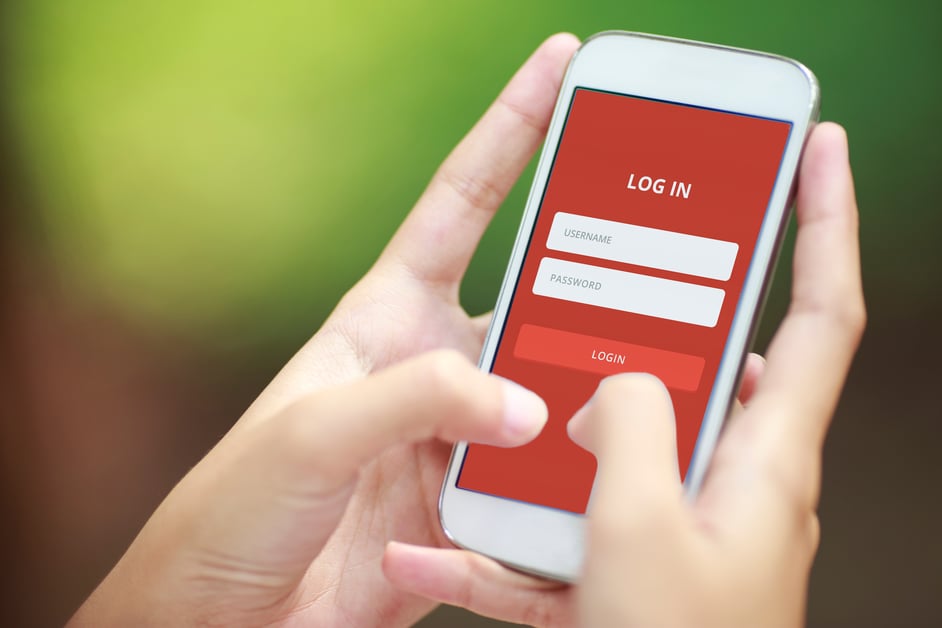
If you’re using your birthday, anniversary, kids’ birthdays or any information that can be found online – including your social media account – in your passwords, your account could easily be compromised.
Passwords have become a challenge now that most users have dozens upon dozens of different passwords and even 100 logins. It has gone well beyond logging into email or a network. Every time we shop, request a coupon or even visit some websites, we’re asked for our email or to create a login. 
A report released last summer by United Parcel Inc. and comSore Inc. revealed that for the first time, consumers reported buying more of their purchases online than in stores. On Thanksgiving and Black Friday, Internet sales significantly outpaced in-store sales, surpassing $3 billion for the first time on a Black Friday, according to data from analytics firm RetailNext. The National Retail Federation expects online sales this holiday season to rise 3.6 percent to $655.8 billion.
How many new logins will you create this holiday season? If the trend continues, many. Hackers are working behind the scenes with the help of sophisticated software to get their hands on them. You really do need a strong password that’s different across your accounts. (As I shared in my recent blogs on the Russian hacks and the Dark Web).
WHAT MAKES A "STRONG" PASSWORD?
A strong password needs to be complex and not include any personally identifiable information. That can make it tricky to remember them. I’ll share how you keep it all straight later in this blog.
Here are a few key rules to follow when creating (or changing) your password:
- Include at least 8 characters or more.
- Use a combination of three complexity factors, including uppercase and lowercase letters, numbers or special characters. Using special characters increases your security because they are the hardest code for hackers to crack.
- Eliminate any information that easily ties back to the account owner, including birth dates (yours and family members), anniversaries, names or nicknames.
- Avoid use of any dictionary words or common acronyms. (You could use numbers or symbols in place of some letters to create a word, like 1 in the place of i, or $ in the place of s).
- Change routinely to something different (typically every 90 days).
Often, users create a system and repeat passwords across accounts. Hackers have proven to be able to crack those systems so the more variety in your passwords, the better. Take extra precaution when establishing passwords related to financial information.
HOW DO YOU KEEP TRACK OF IT ALL?
How we store our passwords is as important as how we create them. Stored passwords should be encrypted and a history should be kept to prevent reuse. In some cases, organizations prompt a password change. But in most cases, they don’t and users should be changing their passwords often.
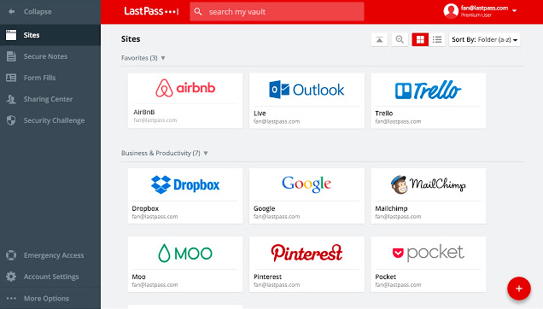
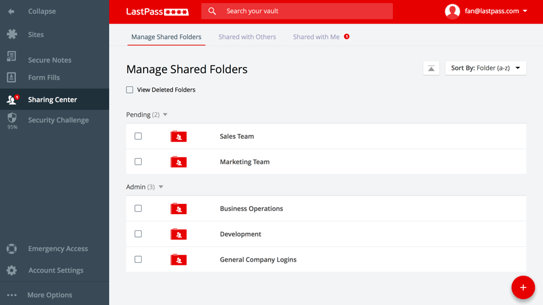
Managing it all manually has become near impossible. Thankfully, new technology makes it so you don’t have to. There are a variety of apps that you can use to manage your credentials. They create strong passwords for you, store them securely and keep them fresh to keep you protected.
Among the highest rated apps is LastPass. There is a free version, but in my experience, the monthly subscription is well worth the minimal investment.
WHAT ABOUT MY USERNAME?
It’s become increasingly common for consumers to share an email to get a coupon or shop. That puts users at increased risk. Consider establishing a separate email that is used for signups and even shopping to avoid hackers from having access to your main email. It’s alarming how quickly an email account can be compromised without you even knowing it.
For that reason, Marco is piloting a new service to provide end user training and real-time credential checks to determine if any of them have been compromised. In a recent scan of an organization’s emails, we found that about 30 percent of credentials had been compromised.
Could that be you? Take a moment today before you peruse the Internet or log on anywhere to take steps to increase the strength of your passwords and create a process to protect your credentials.